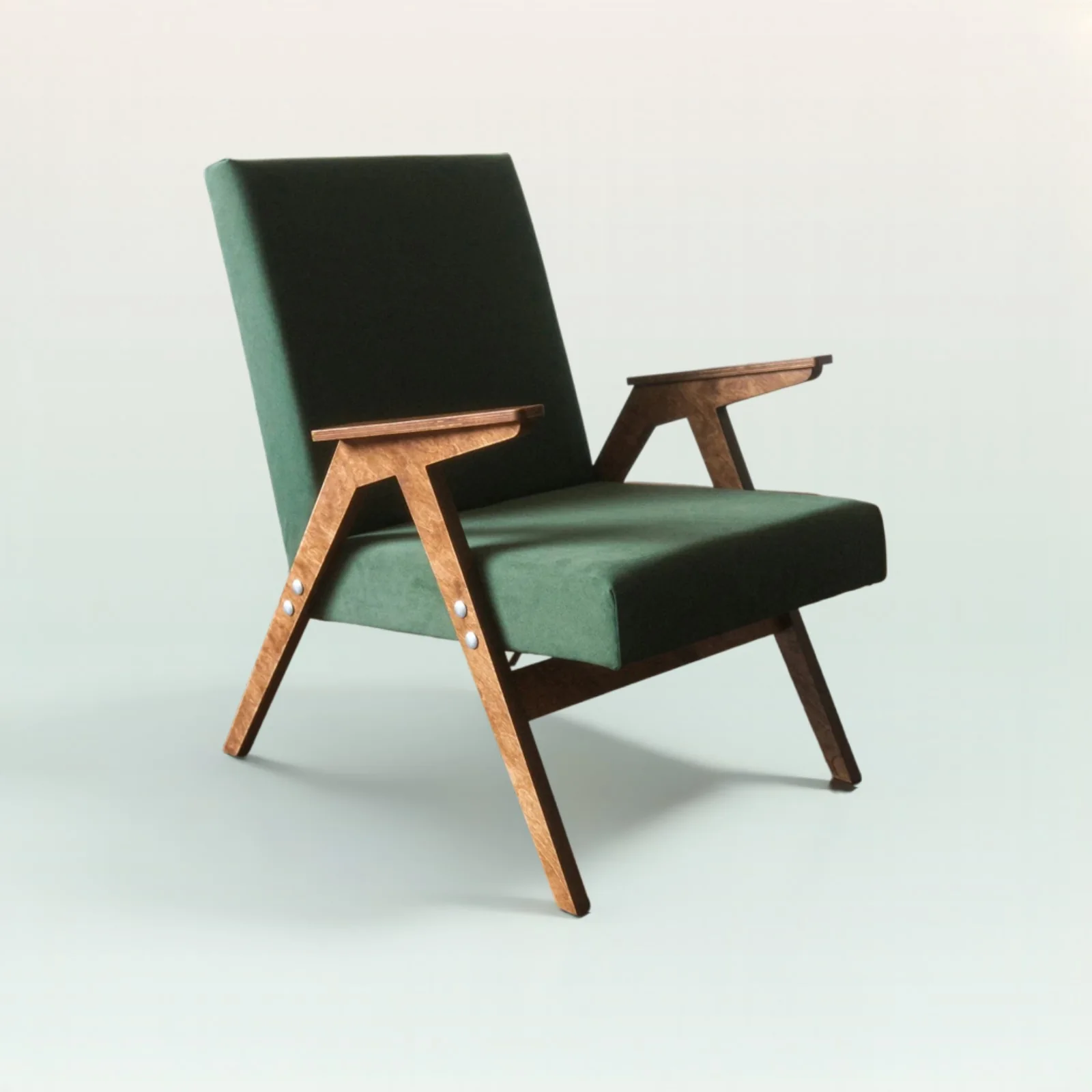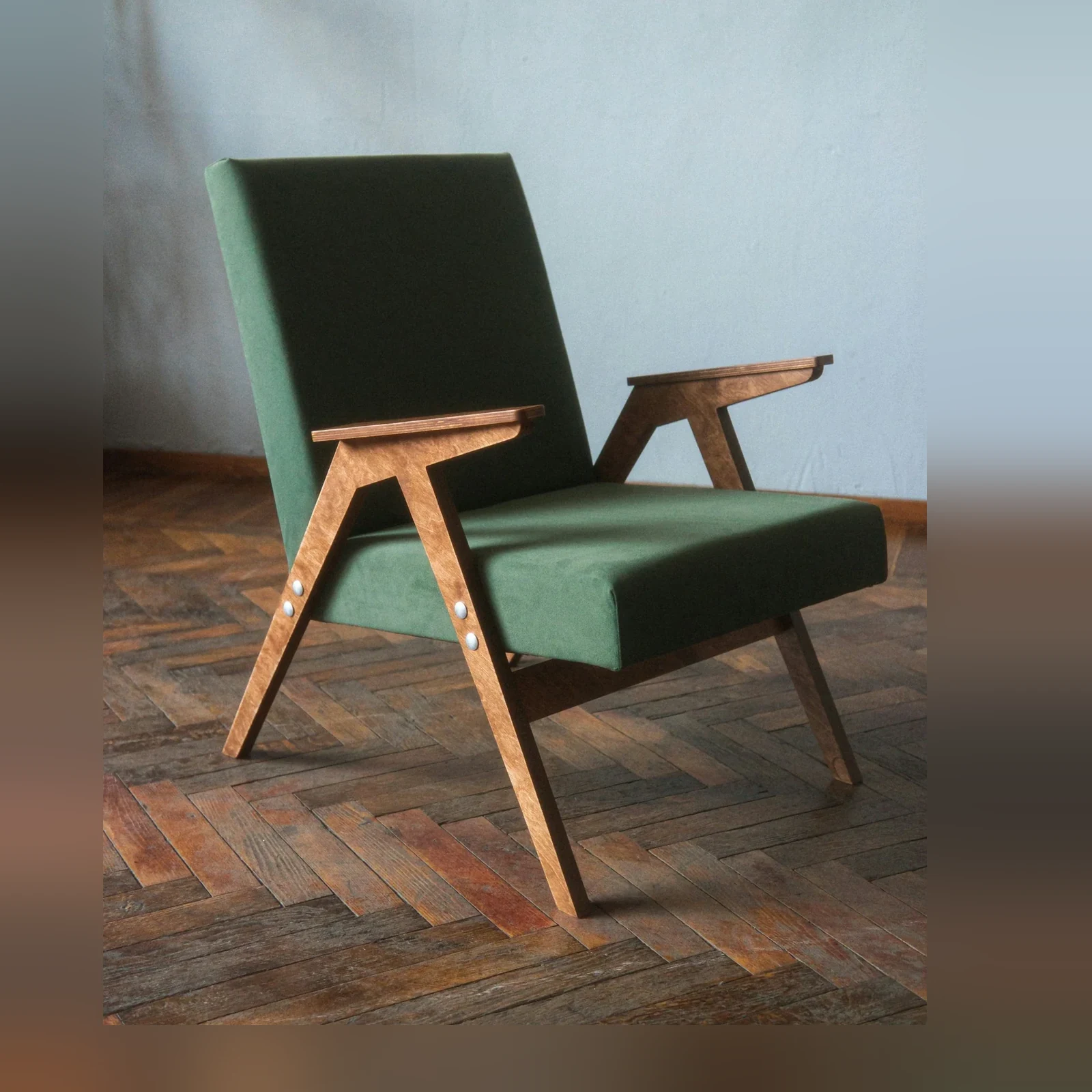
01
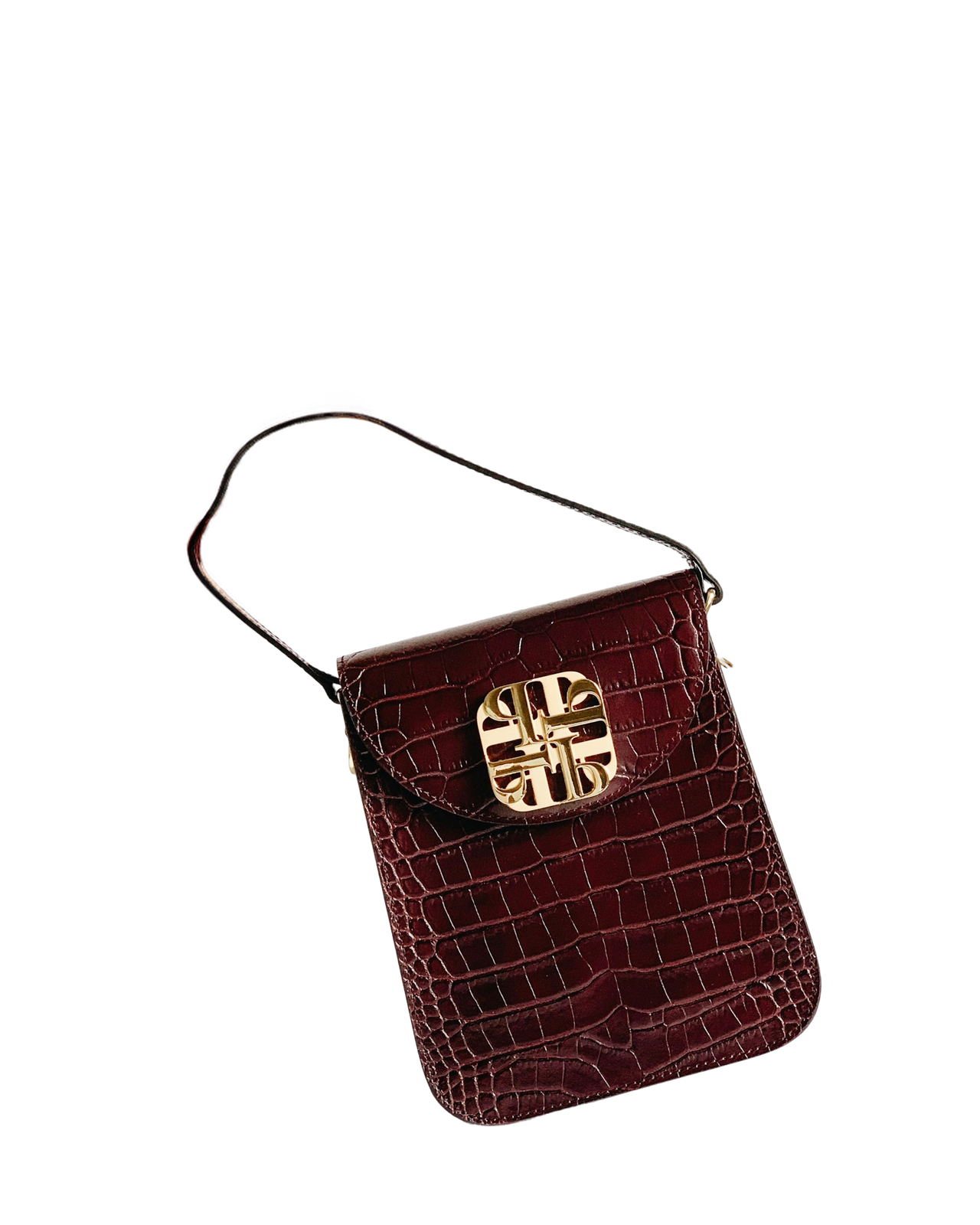
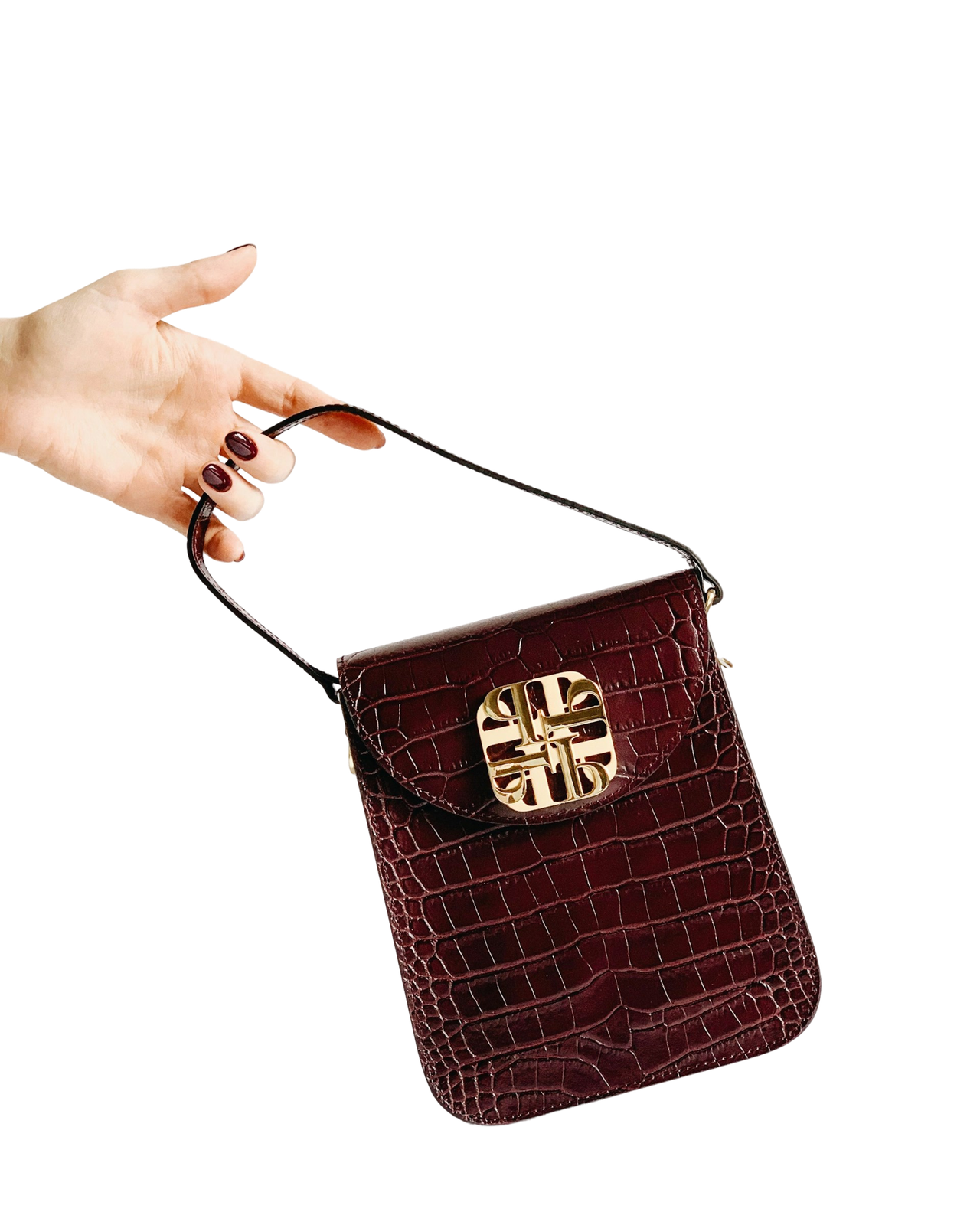
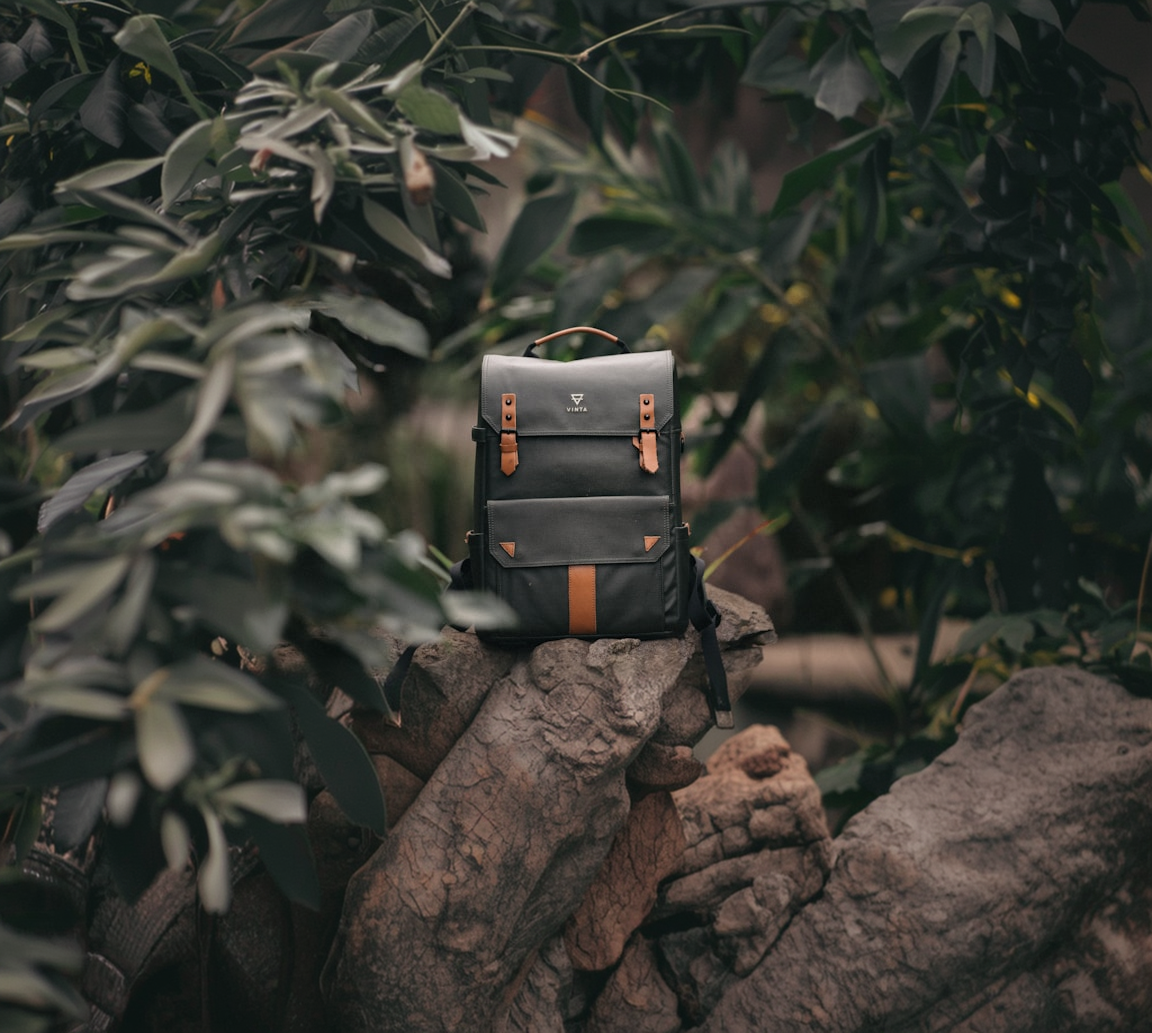
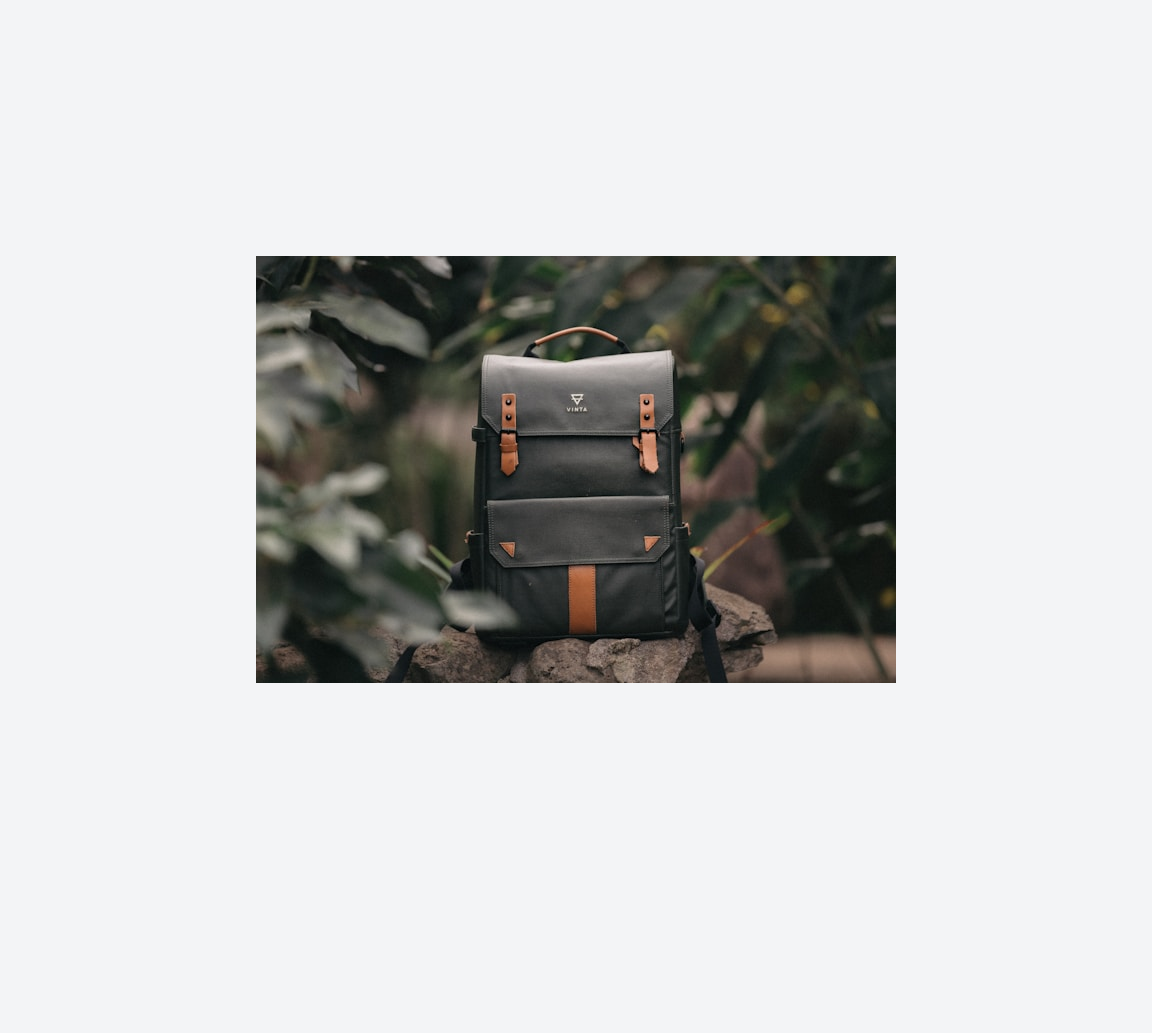
Rescue low-resolution catalog assets
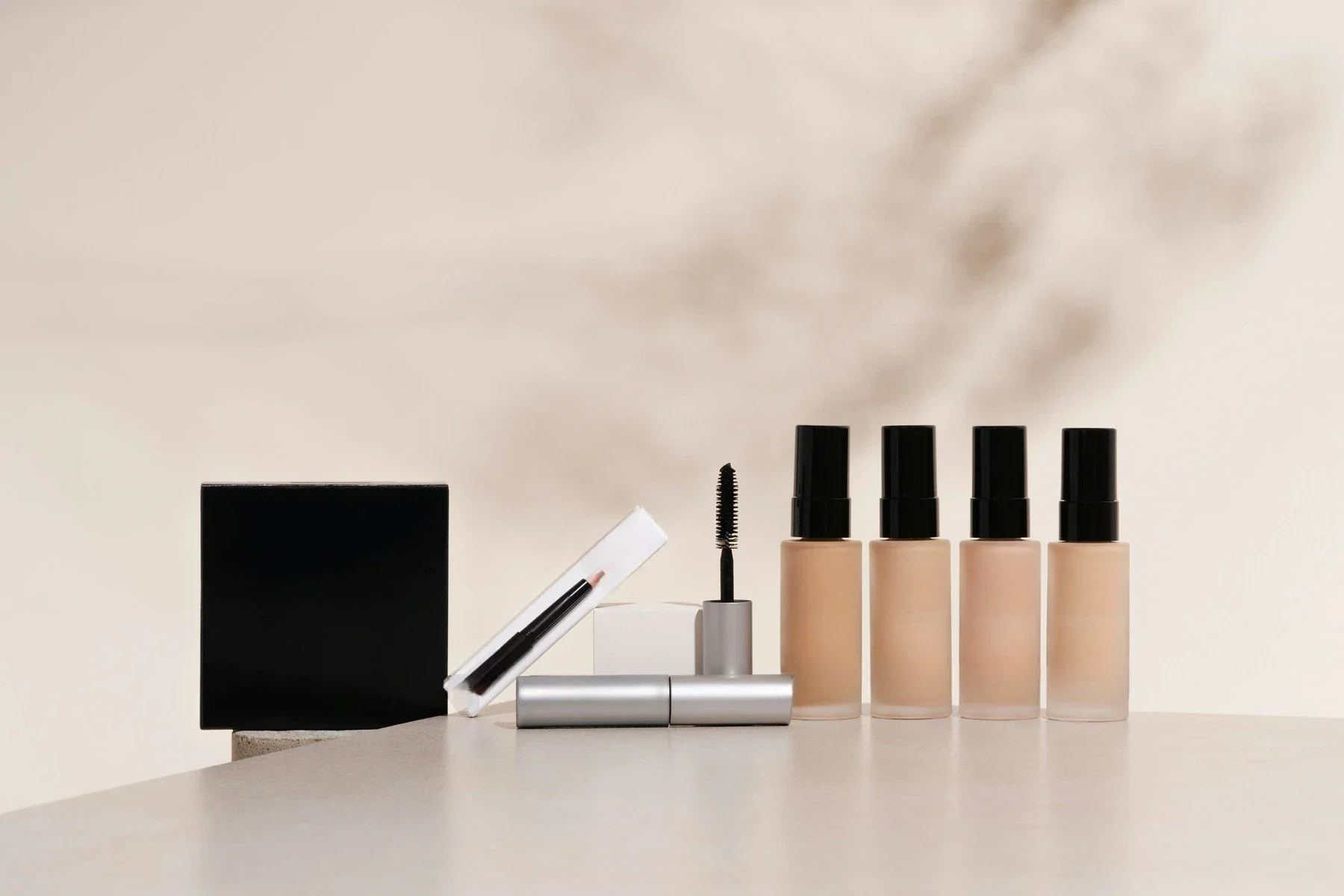
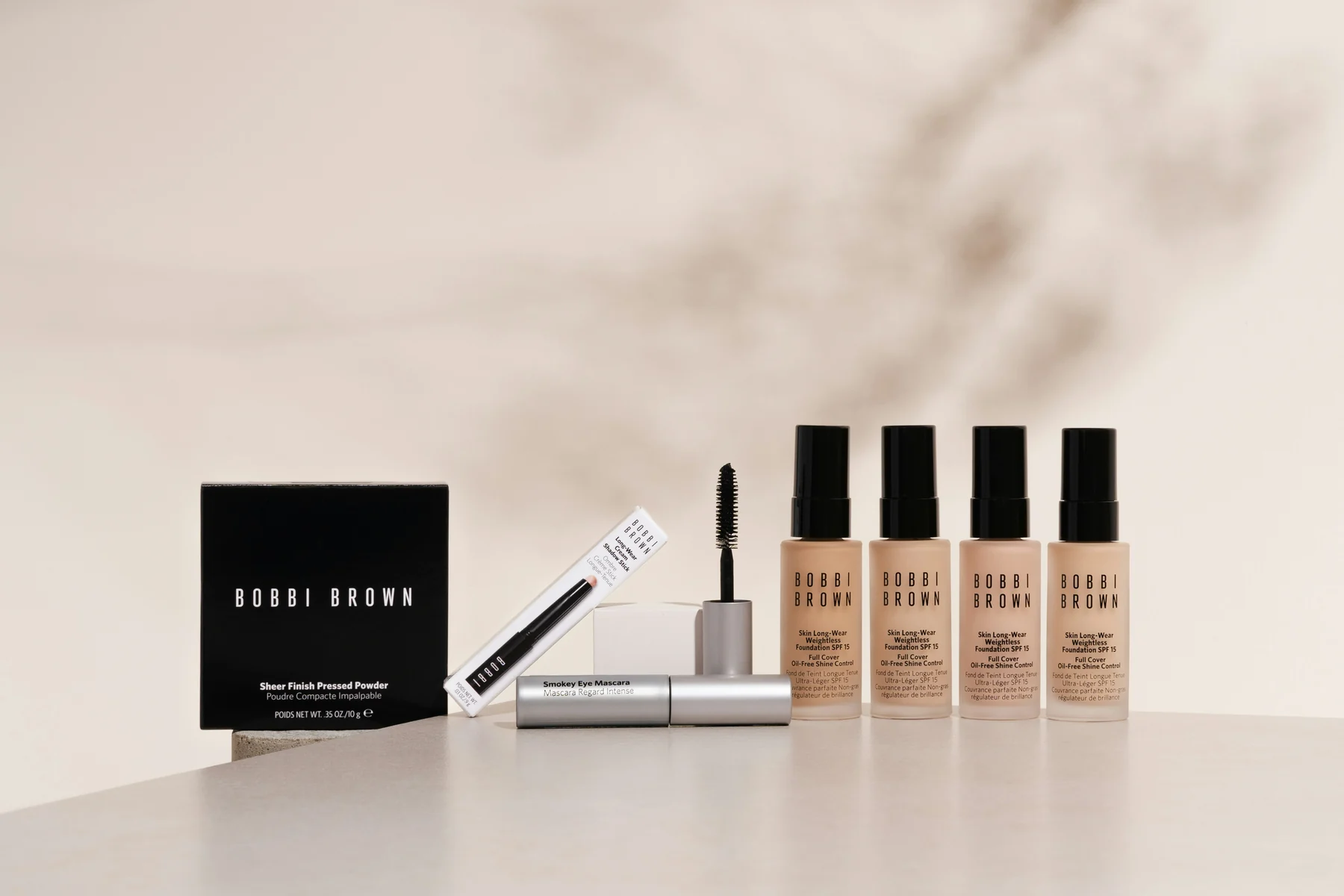
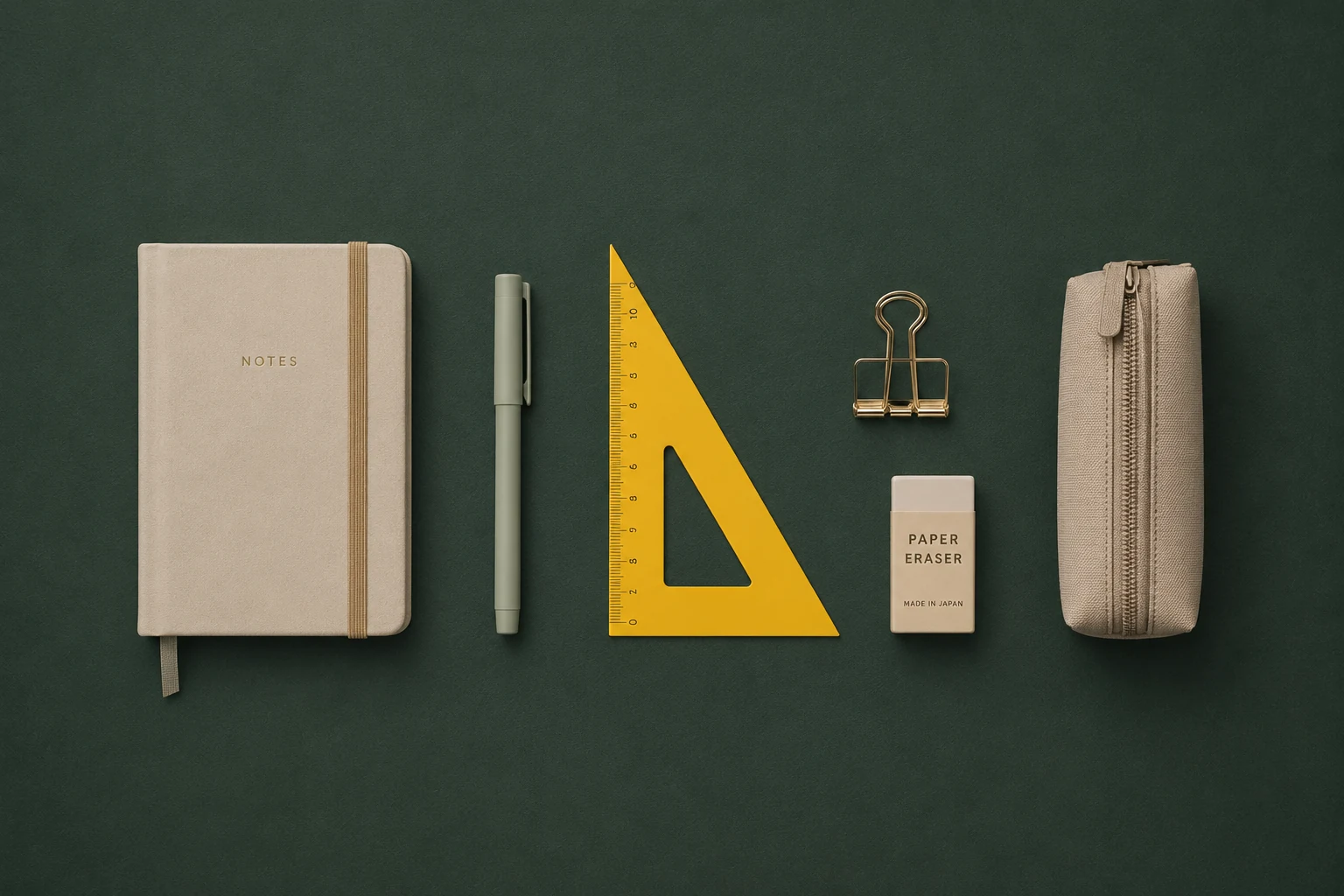
Turn supplier images, legacy catalog files, and small ecommerce assets into higher-resolution visuals for PDPs and feeds.
Useful when the image is valuable but too small for the channel.
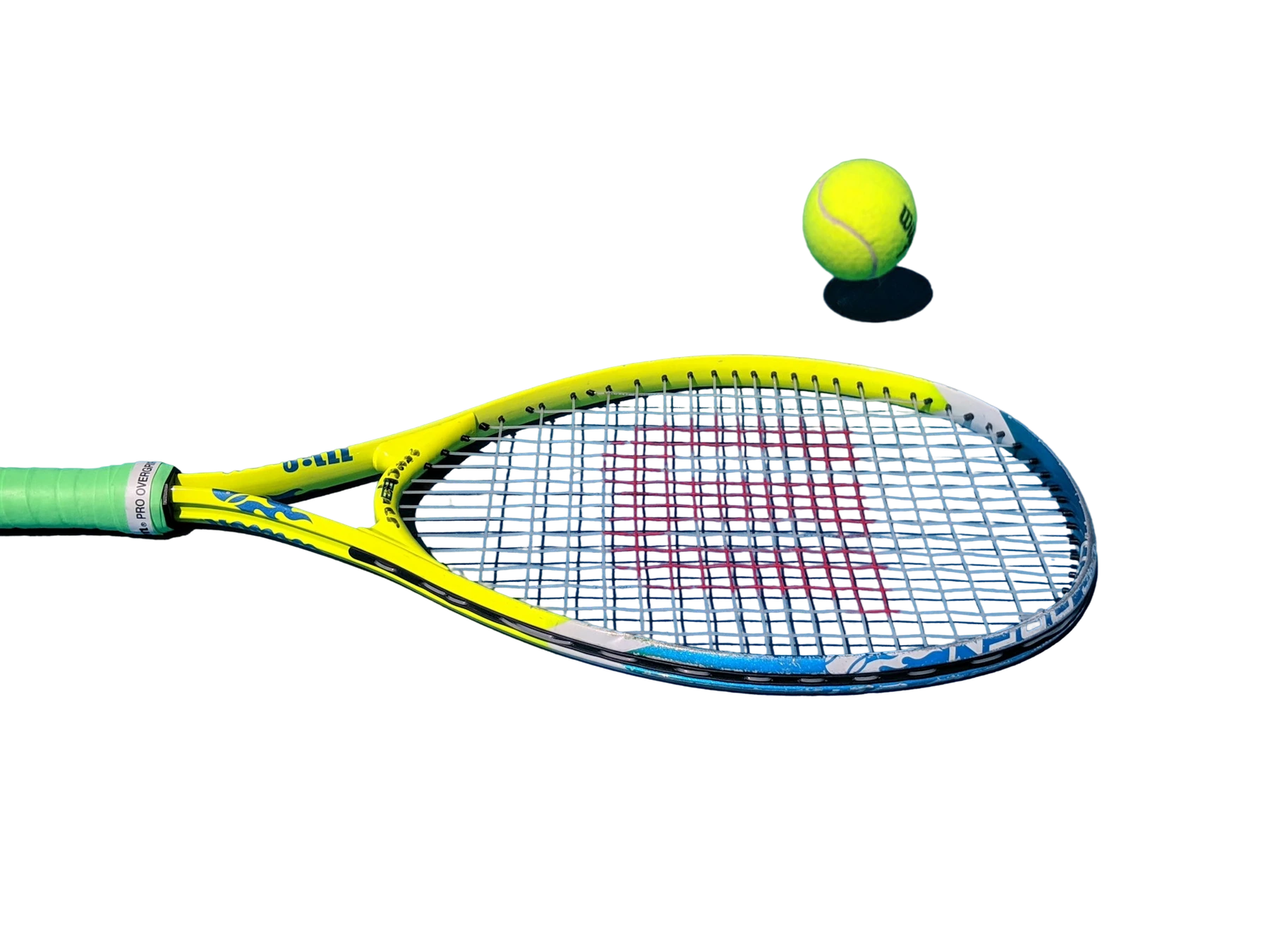
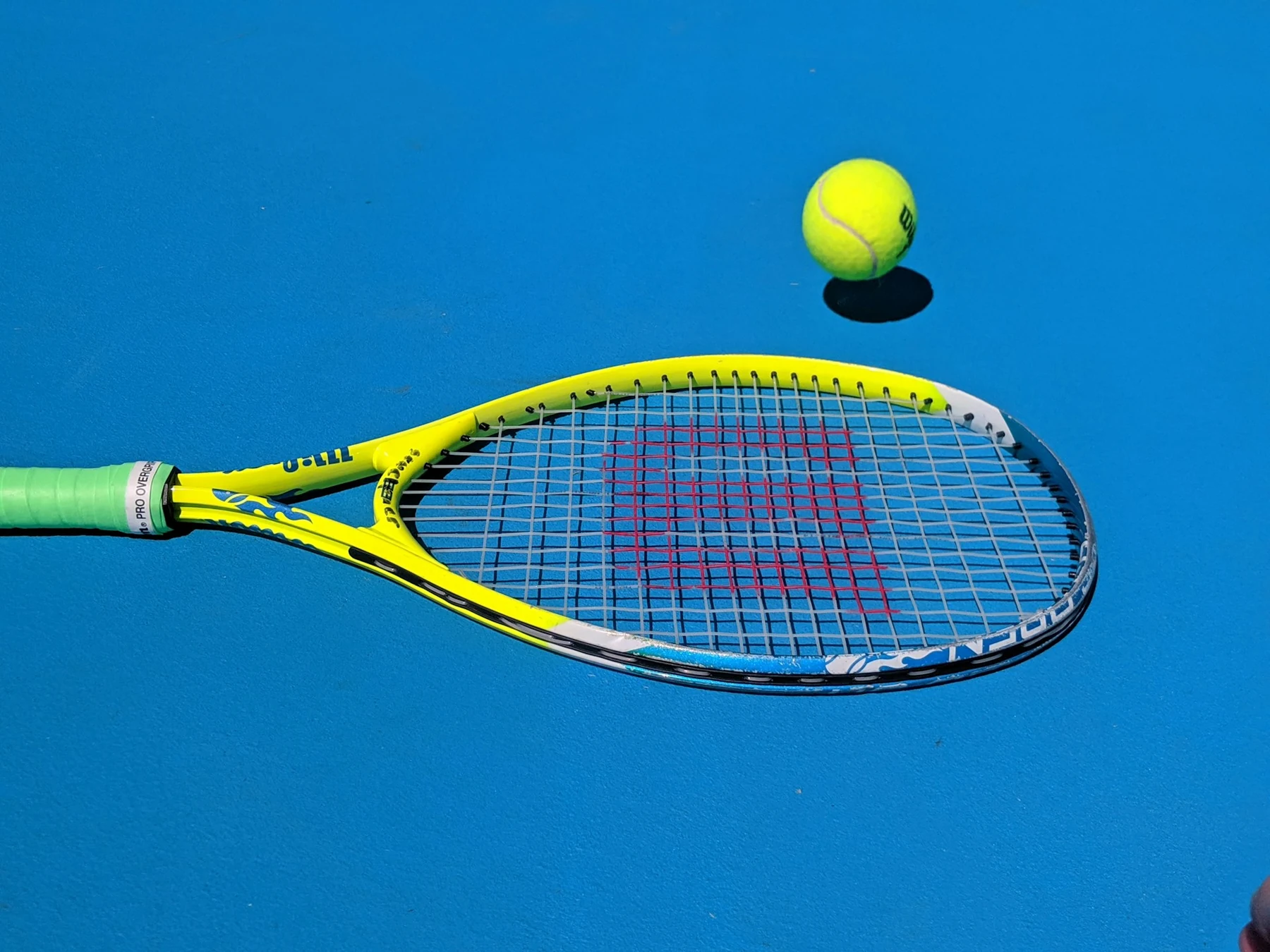
Increase image resolution for product, campaign, and user-uploaded assets while preserving the detail teams actually inspect at full size.
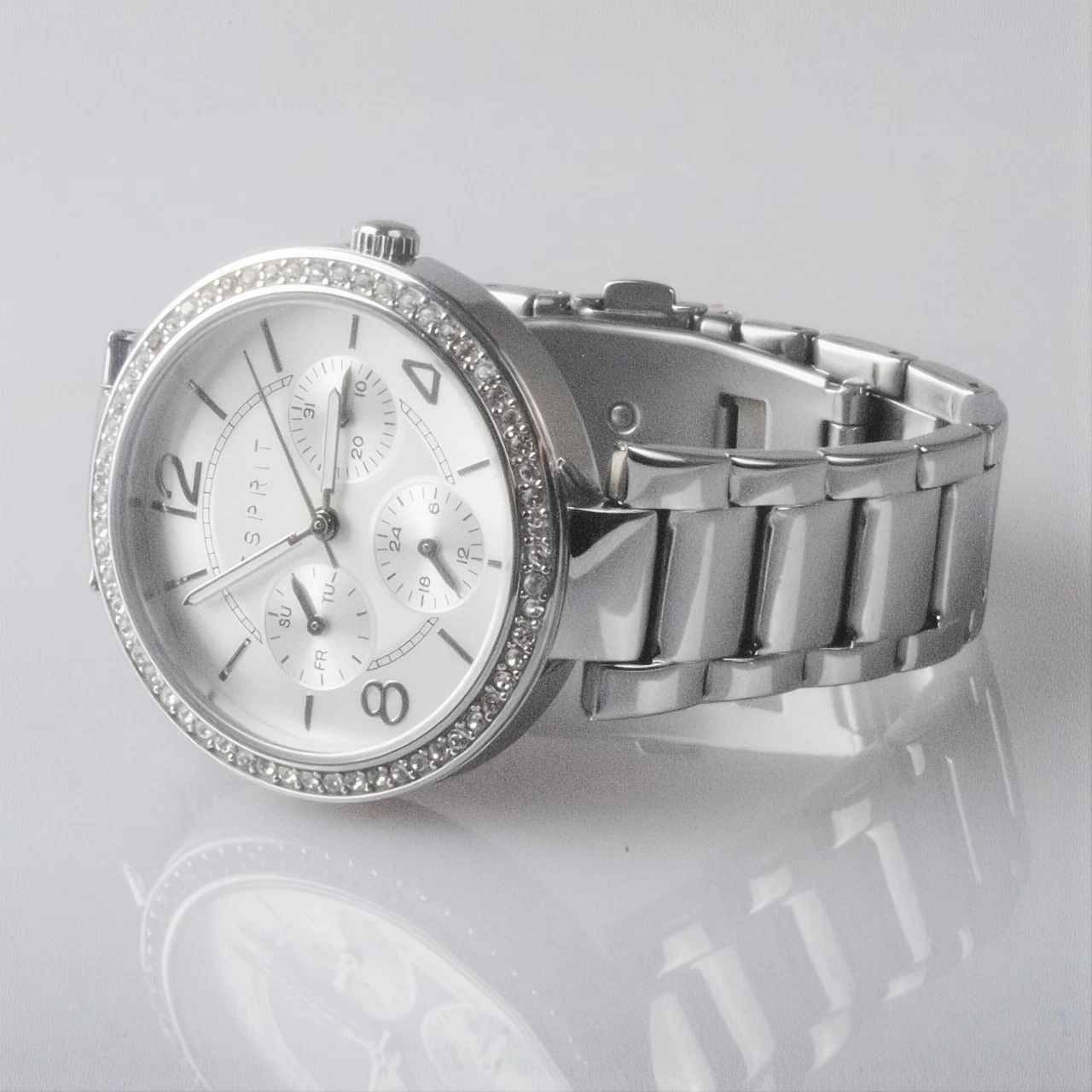
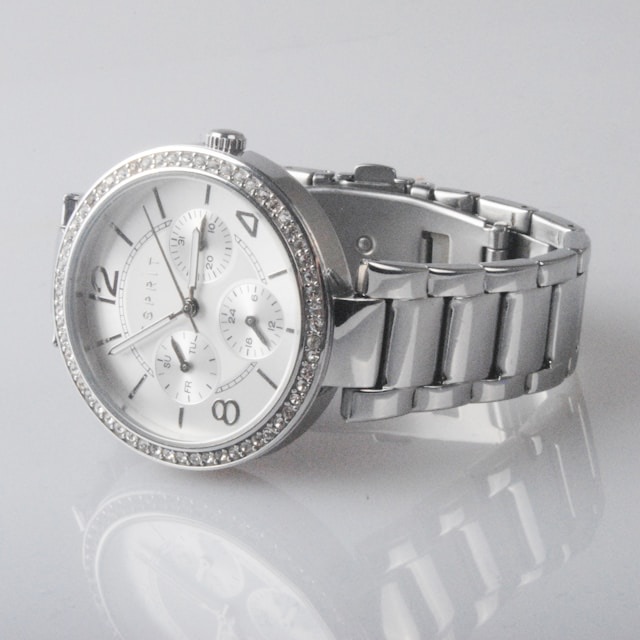
Drag to compare
Pick the workflow that looks most like your backlog, then use the same model through Jasper Image API, Jasper-managed image pipelines, or sales-led solution design.
A smaller set of proof examples, chosen to show the cases a buyer or technical evaluator is most likely to care about.


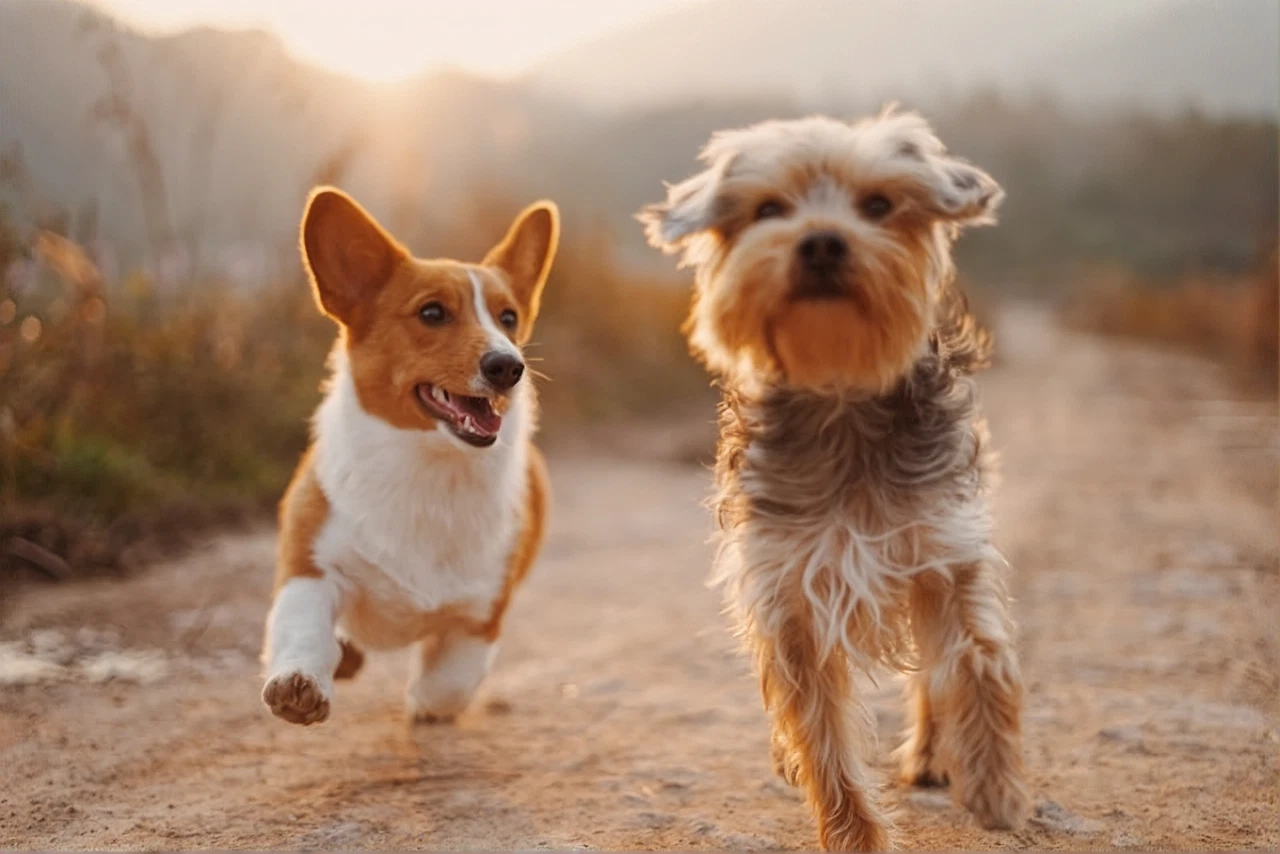
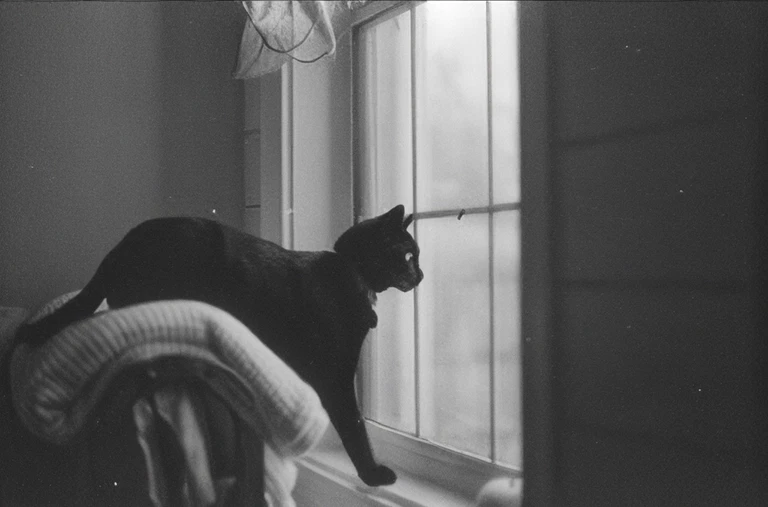
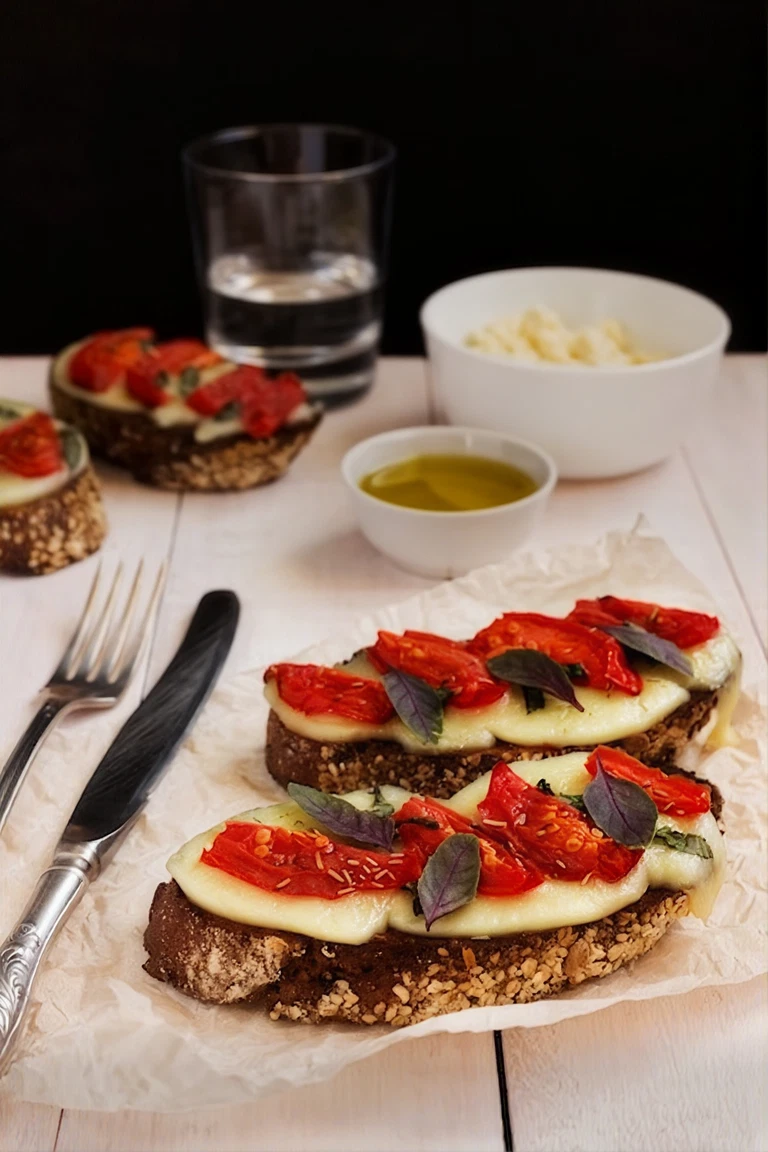


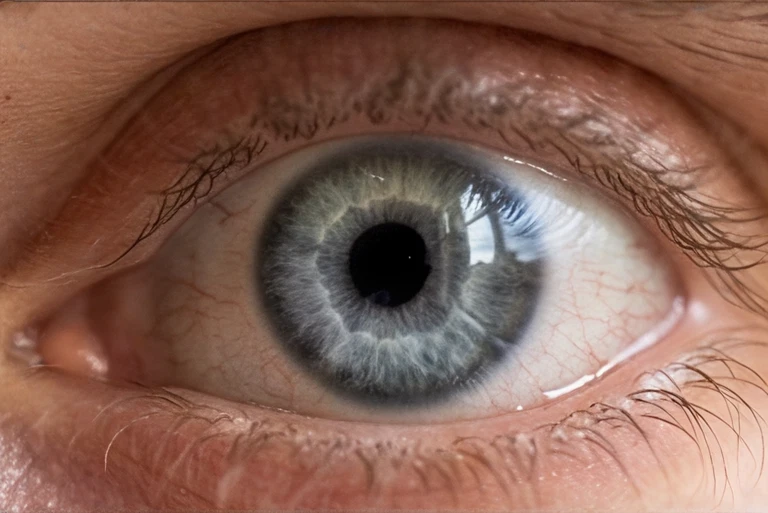
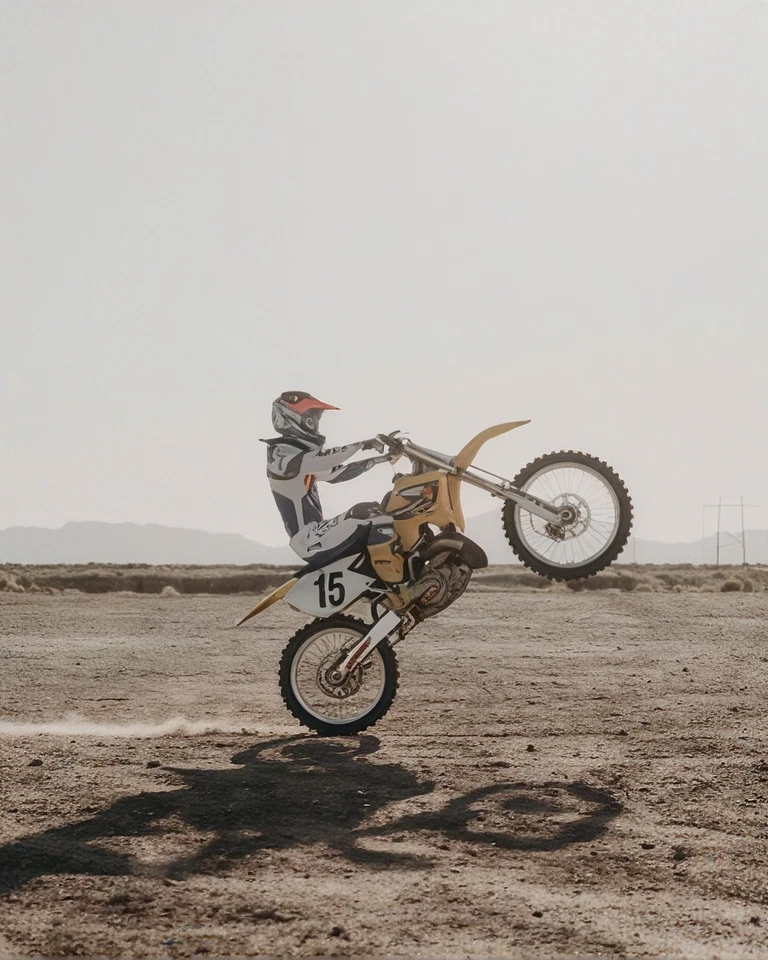
Enough technical detail to qualify the endpoint quickly, with the full reference one click away.
| Endpoint | POST /v1/image/upscale |
| image_file | Source image · 30MB / 16MP max. PNG, JPEG, or WebP |
| target_width | Output width (px) · Number · Default: Not specified |
| target_height | Output height (px) · Number · Default: Not specified |
| Accept (header) | Output format · PNG / WebP / JPEG · Default: Not specified |
Send the source image and the target dimensions. No mask is used.
curl -X POST https://api.jasper.ai/v1/image/upscale \
  -H "X-API-Key: $JASPER_API_KEY" \
  -H "Accept: image/png" \
  -F "[email protected]" \
  -F "target_width=2048" -F "target_height=2048" \
  -o upscaled.png
import os, requests
resp = requests.post(
"https://api.jasper.ai/v1/image/upscale",
headers={"X-API-Key": os.environ["JASPER_API_KEY"],
"Accept": "image/png"},
files={"image_file": open("input.png", "rb")},
data={"target_width": "2048", "target_height": "2048"},
timeout=120)
open("upscaled.png", "wb").write(resp.content)The full Upscale benchmark helps teams review detail reconstruction, artifact suppression, face behavior, product texture, and text legibility across real image categories.
Request access when you want to pressure-test output quality against your own image set or understand the right scale factors for production.
See visual cases, methodology, output notes, and the model behavior that matters for your category.
Access benchmarkAI image upscaling increases image resolution while generating plausible detail and reducing visible compression artifacts. Jasper Upscale creates higher-resolution assets for ecommerce, campaigns, high-DPI displays, print-adjacent work, and user-uploaded content.
Basic resizing stretches existing pixels and can make softness more visible. Jasper Upscale is tuned to reconstruct detail while preserving natural faces, realistic skin texture, product surfaces, and readable text, which are common failure points for AI upscaling models.
Jasper Upscale accepts source images up to 30MB and 16MP. Set target_width and target_height to request the output dimensions needed for your workflow.
Send image_file, target_width, and target_height to POST /v1/image/upscale. Jasper returns the upscaled image as a binary image response that can be saved directly into your asset pipeline.
Yes. Jasper Upscale preserves the source image's aspect ratio by default. You can also set target_width and target_height to choose the output dimensions.
AI image upscaling can distort faces, skin texture, and small text. Jasper Upscale is built to minimize these artifacts, preserving natural-looking facial features, realistic skin texture, and readable text as it increases image resolution. For the most faithful results with identity-critical faces or very small lettering, use moderate upscale factors.
Jasper Upscale can improve the perceived sharpness of many soft or compressed images, but no AI model can recover every detail that was lost in the source. Severe motion blur, tiny text, and identity-critical faces should still be reviewed.
Jasper Upscale V5 is tuned for greater fidelity to the source, with more natural faces, less oversharpening, better texture preservation, and stronger 2x results across common image categories. V5 remains in preview while V4 is the generally available production model.
Jasper evaluates AI upscaling on detail reconstruction, artifact suppression, face fidelity, product texture, and text legibility. The page includes anonymized, same-source comparisons so teams can inspect Jasper results beside alternative upscalers and request the full benchmark for deeper evaluation.
Jasper Upscale always returns a binary image. Use the Accept header to request PNG, JPEG, or WebP based on the needs of your downstream workflow.
Bring your image set, production constraints, or benchmark questions. Jasper can help map the right API, app, agent, or pipeline path.