Jasper Image

Studio-grade cutouts, automatically.

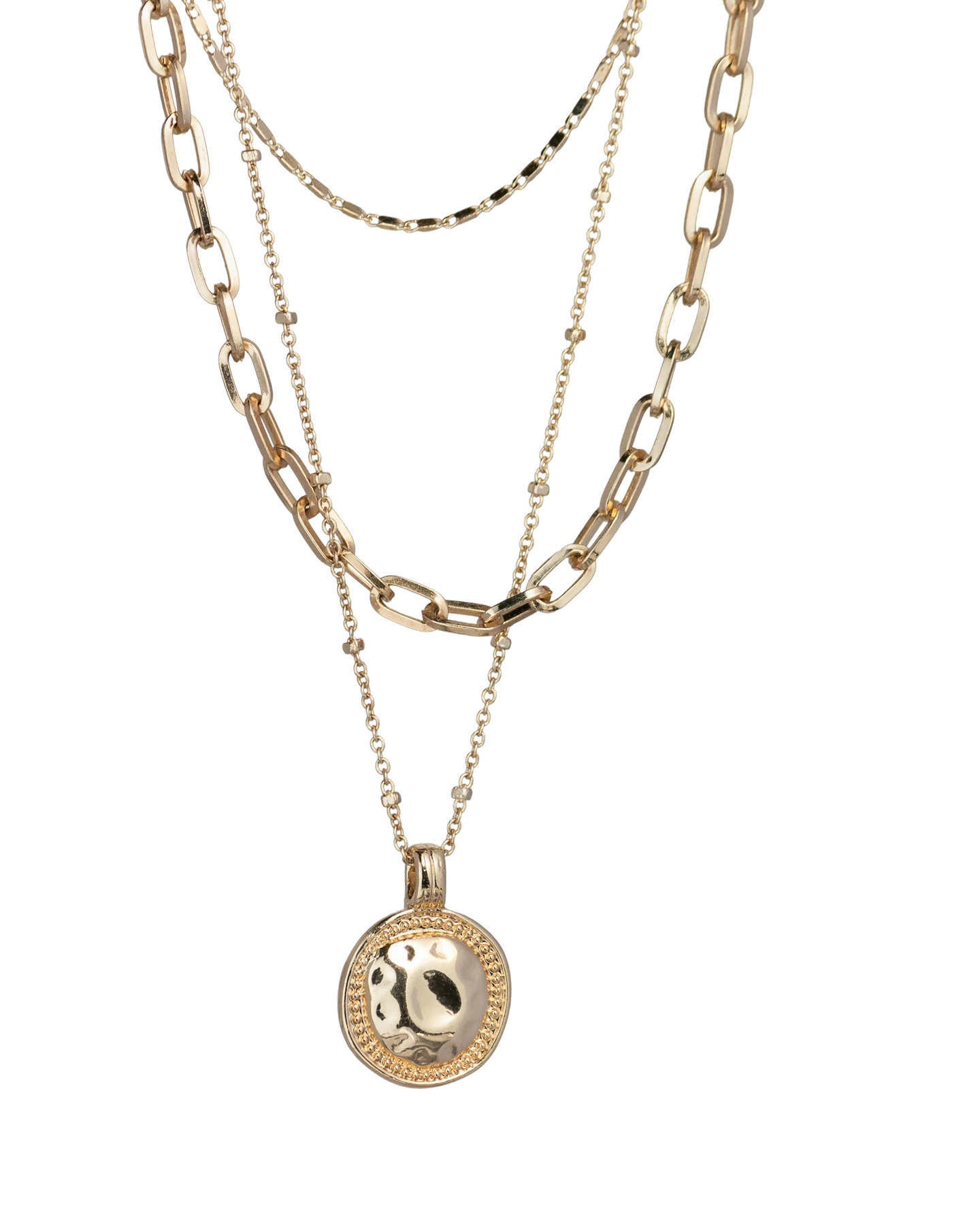
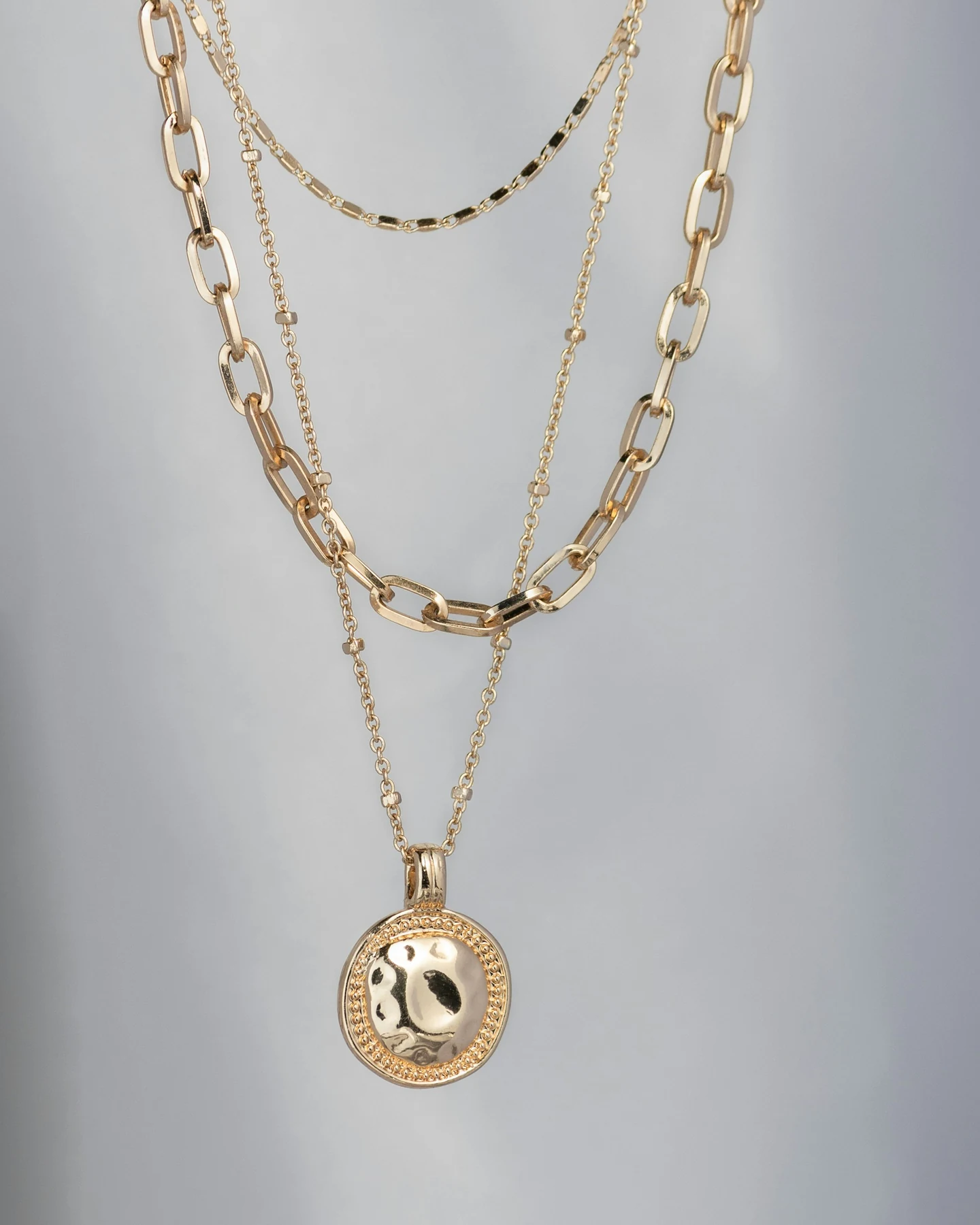
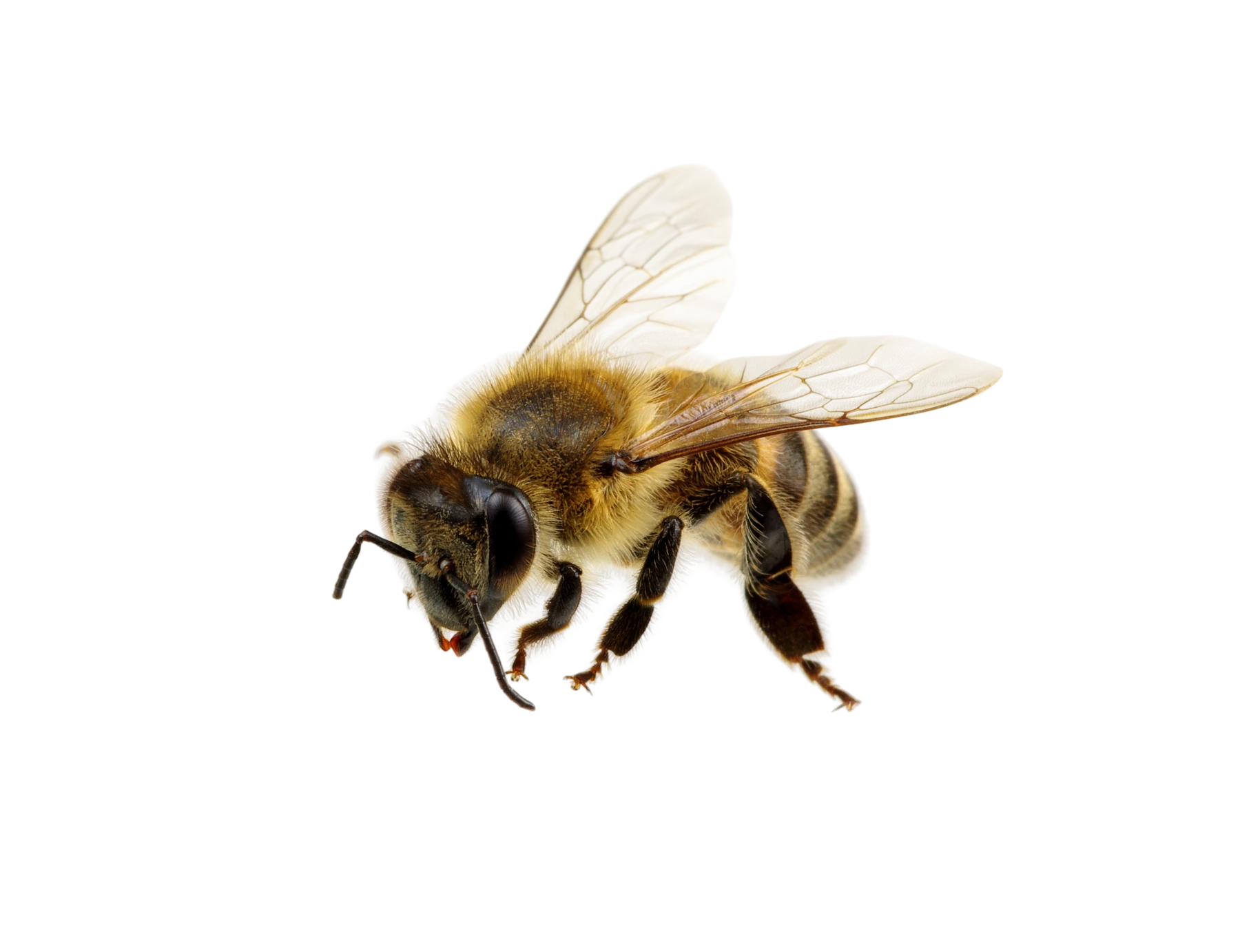
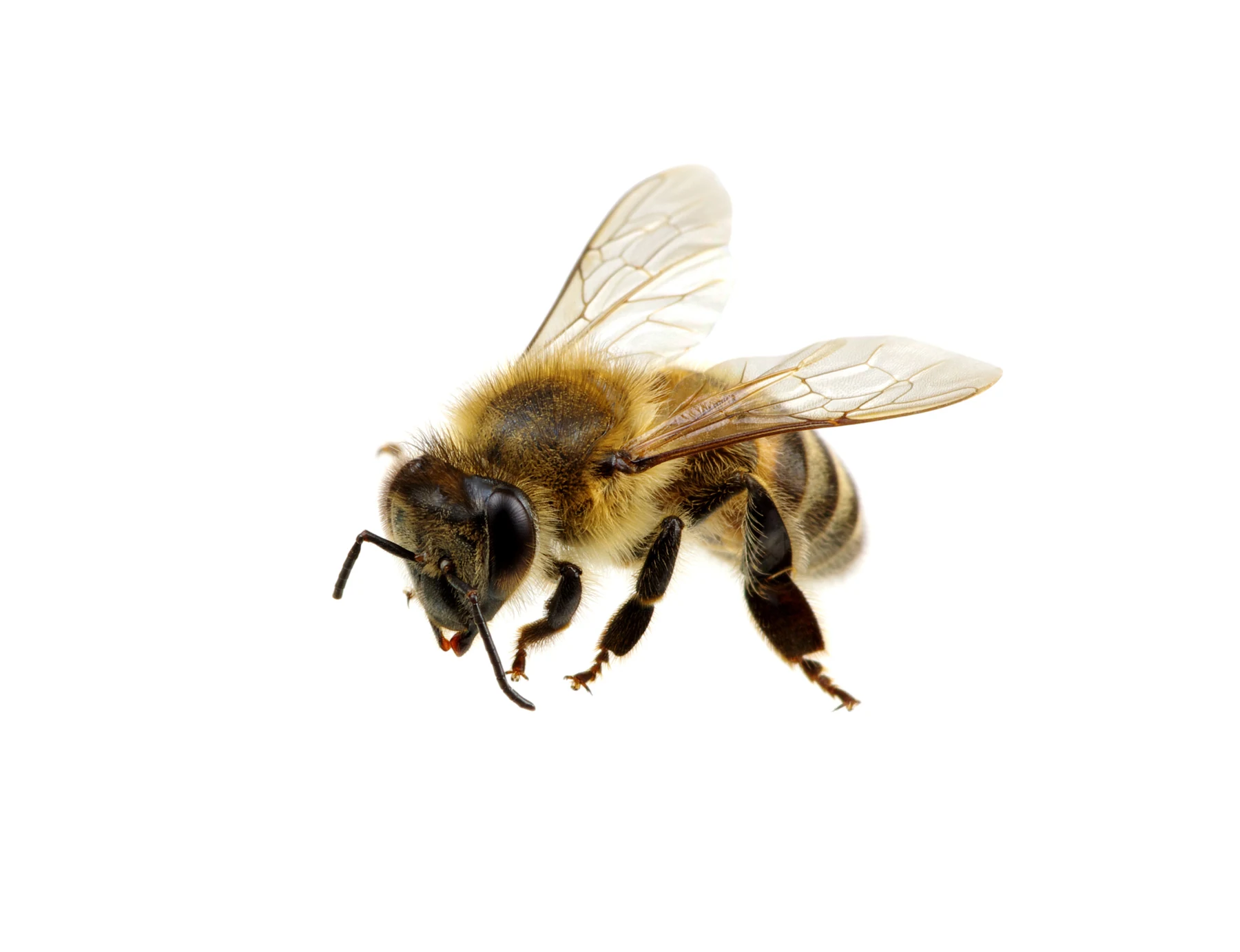
Isolate products, people, and objects with clean transparent backgrounds. No mask, no manual cleanup, and enough edge fidelity for production creative workflows.

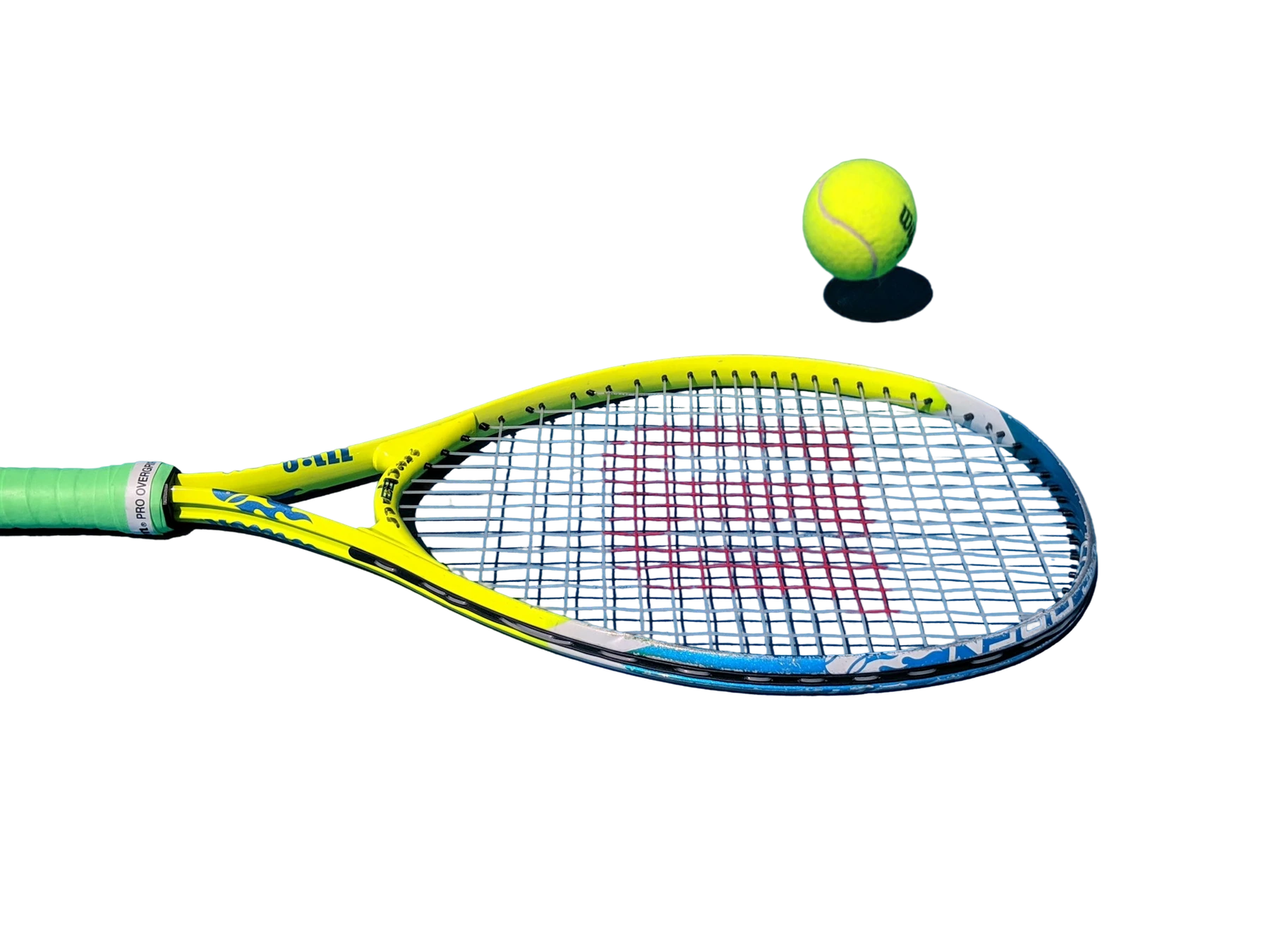
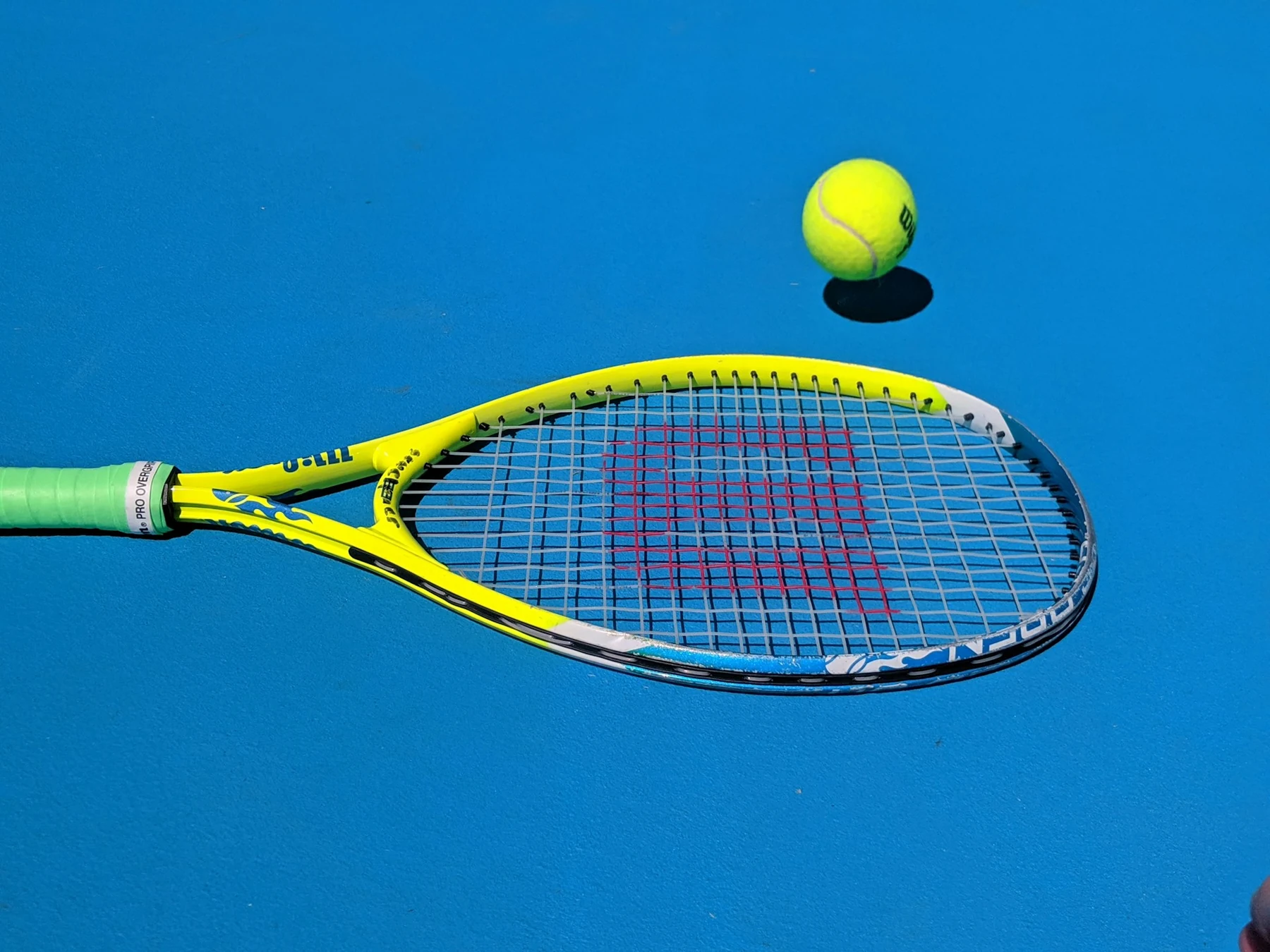
Jasper Remove Background result preserving transparent racket strings
Original tennis racket benchmark source with transparent strings
OriginalJasper

Drag to compare

Where Remove Background pays off

Pick the workflow that looks most like your backlog, then use the same model through Jasper Image API, Jasper-managed image pipelines, or sales-led solution design.

Swipe to explore
01

Turn supplier shots into usable SKU assets

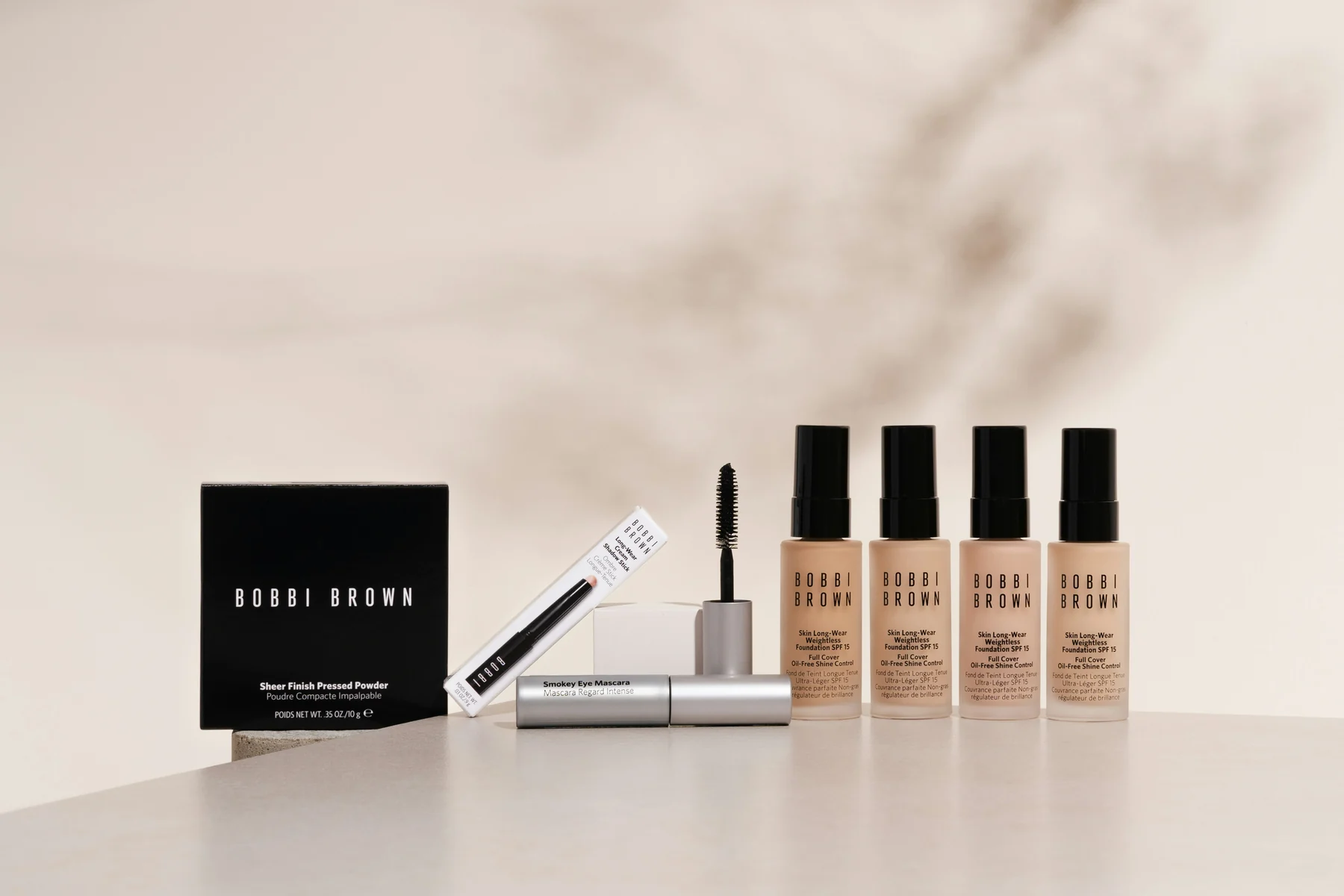
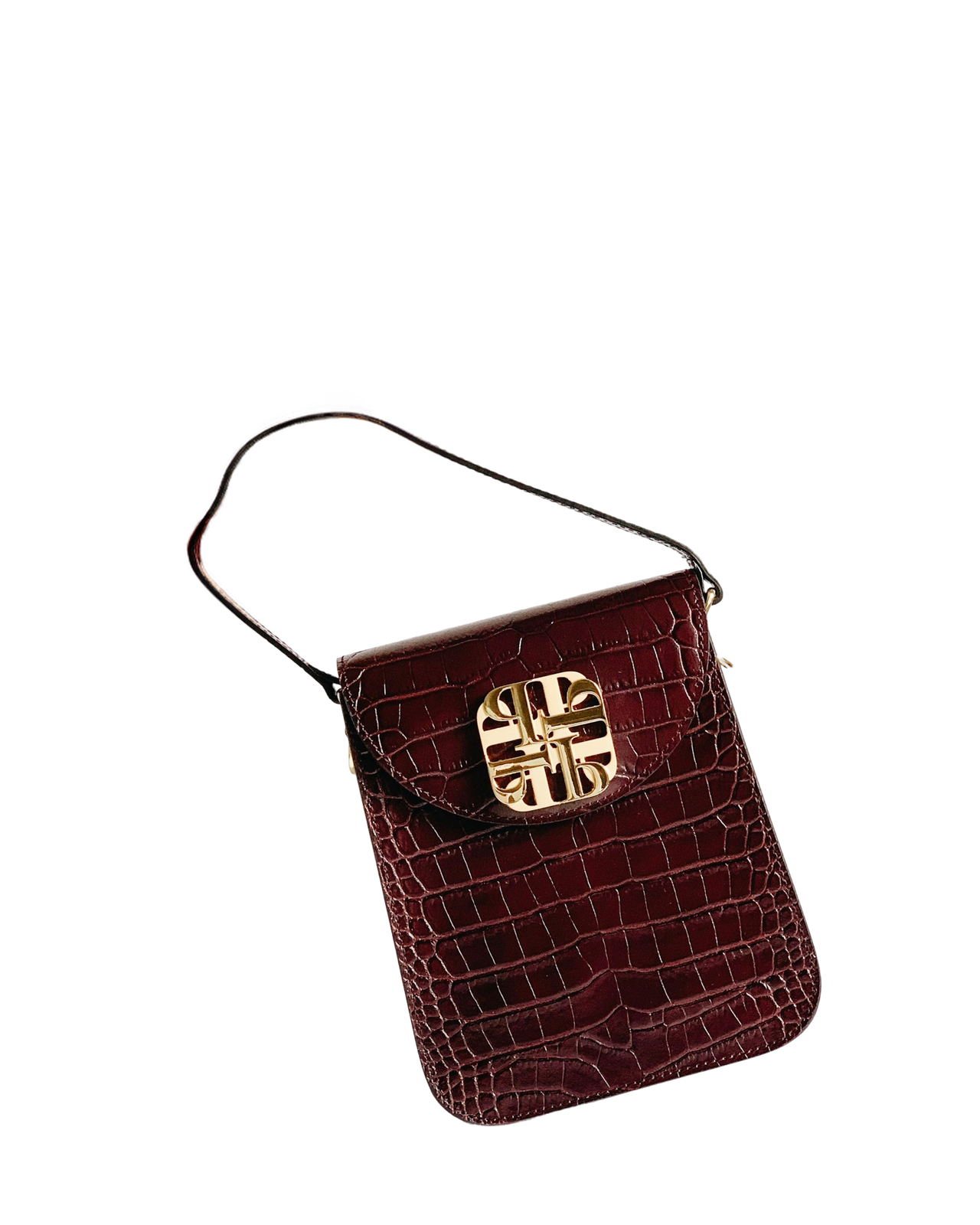
Clean product cutouts give ecommerce teams consistent PDP, marketplace, and feed-ready assets without asking designers to hand-mask every SKU.

Use transparent PNG outputs as the first step in catalog, packshot, and marketplace pipelines.

02

Prep reusable campaign assets faster

Extract talent, apparel, props, and product elements so teams can recompose layouts across social, display, email, and retail placements.

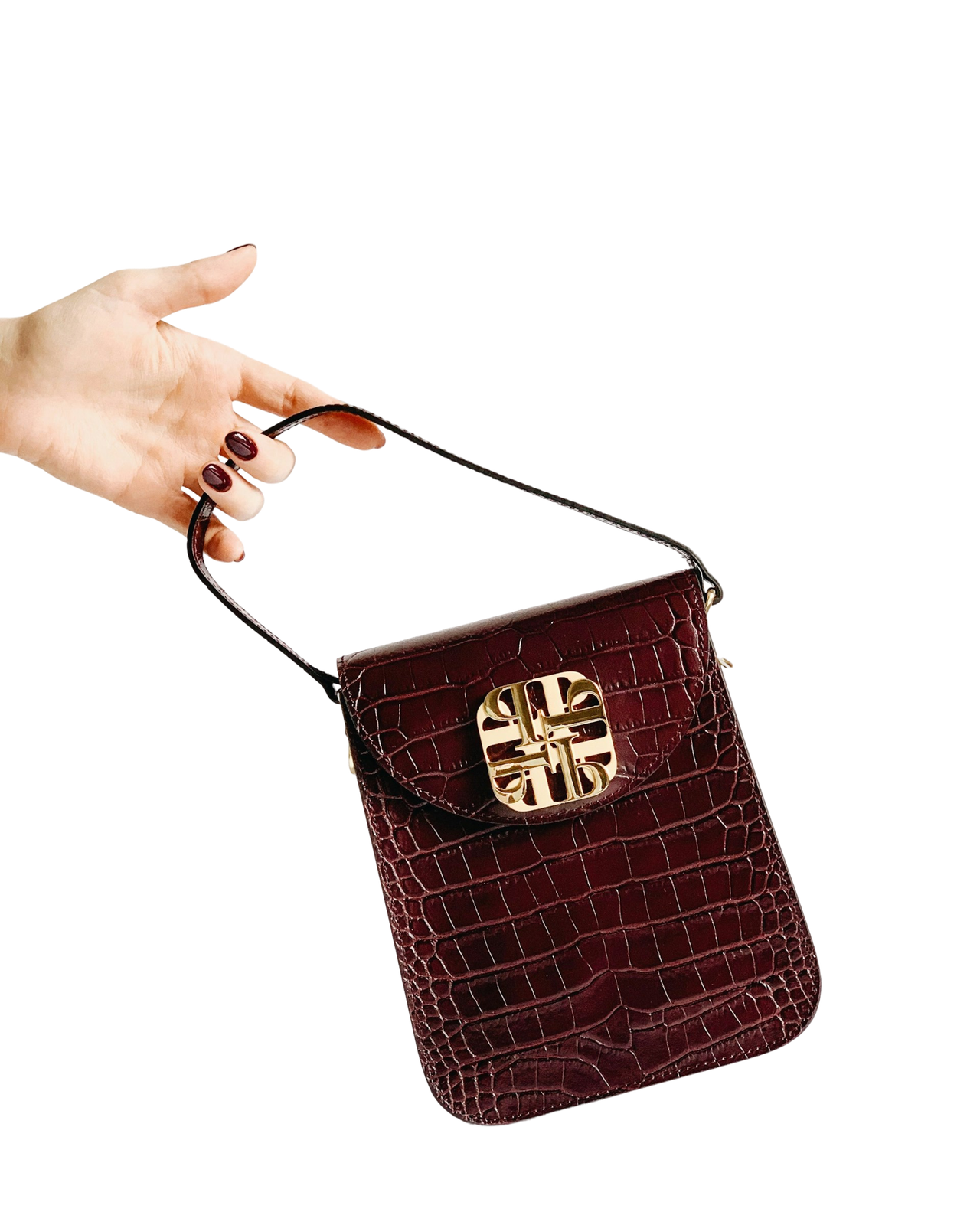
Preserve soft edges like hair, fabric, fur, glass, and thin product details.

03

Add automatic cutouts to your own workflow

Give users a one-call background removal experience inside design, ecommerce, marketplace, or DAM products.

POST one image and receive a composable transparent result through the Jasper Image API.

04

Start downstream edits with a clean alpha

Use subject isolation before Packshot Compositing, Cleanup, resizing, localization, or automated creative generation.

Useful when scale, consistency, and downstream composability matter more than a one-off edit.

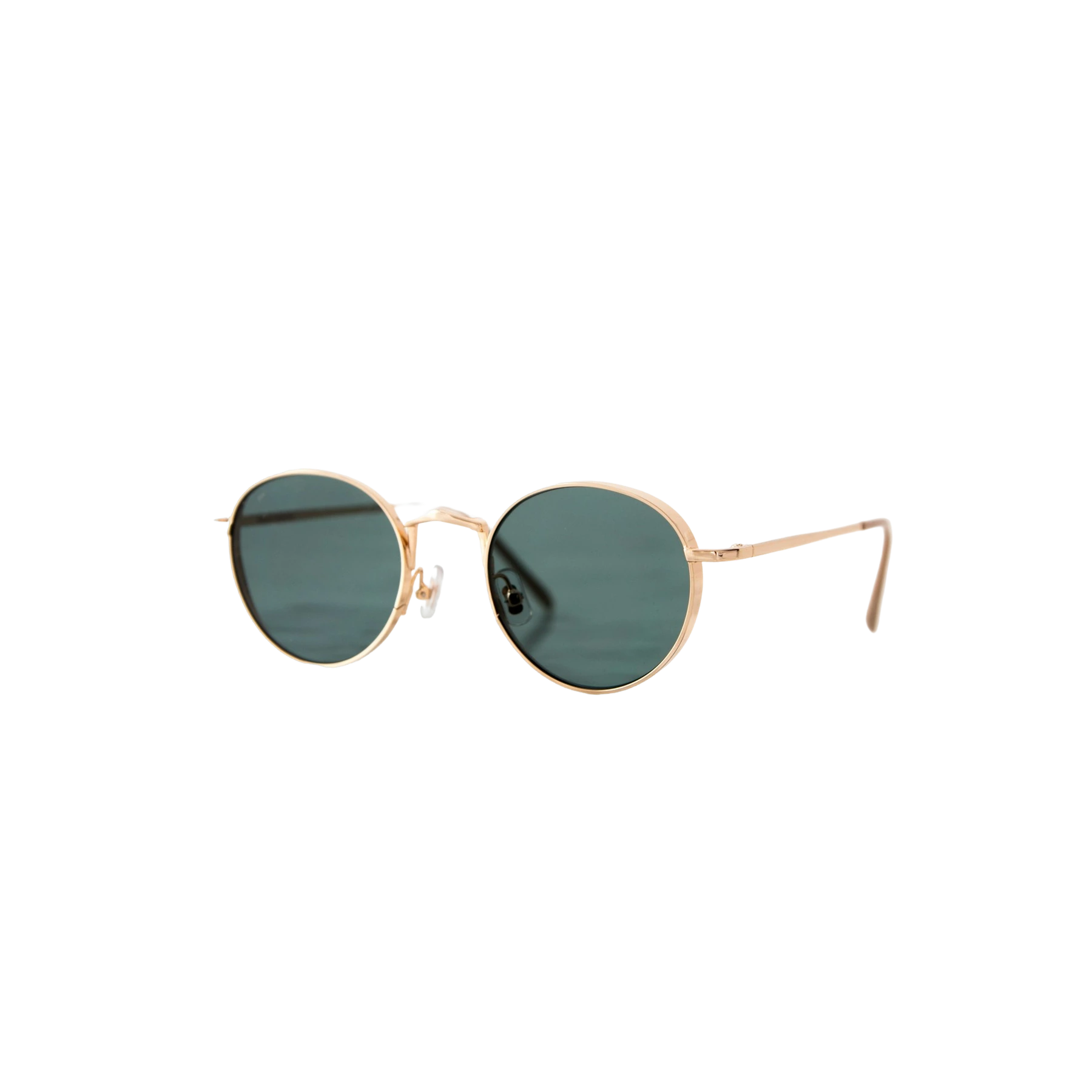
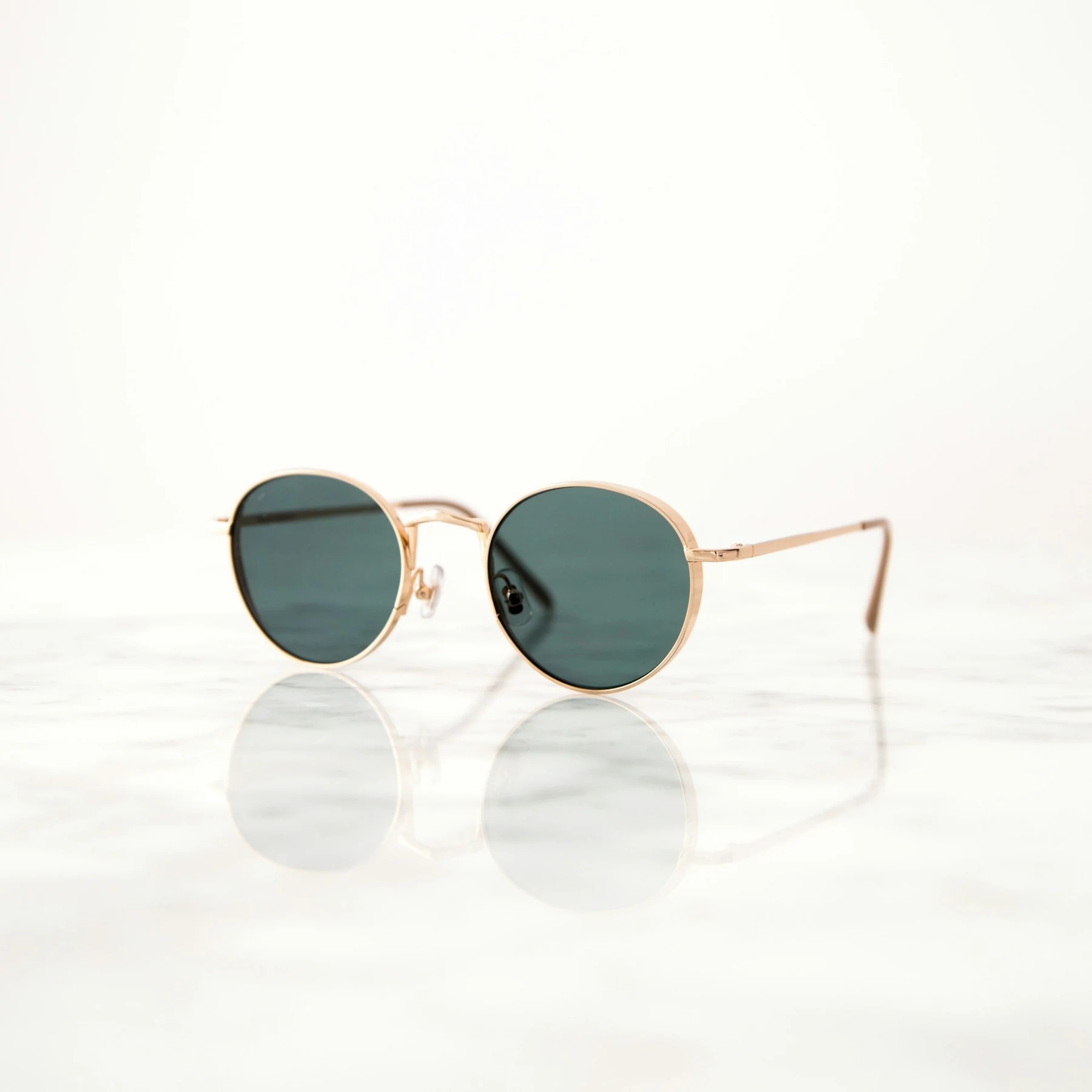
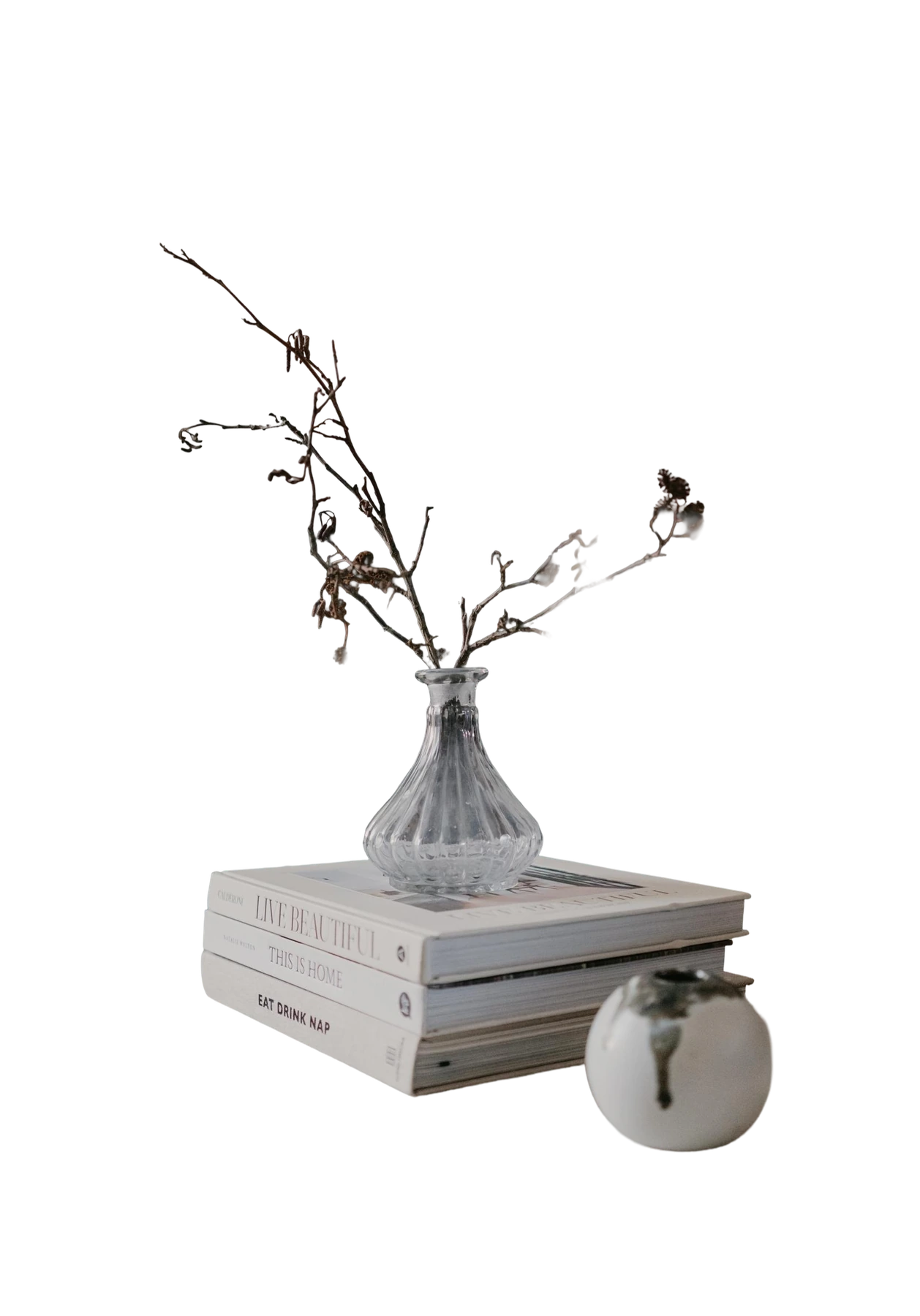
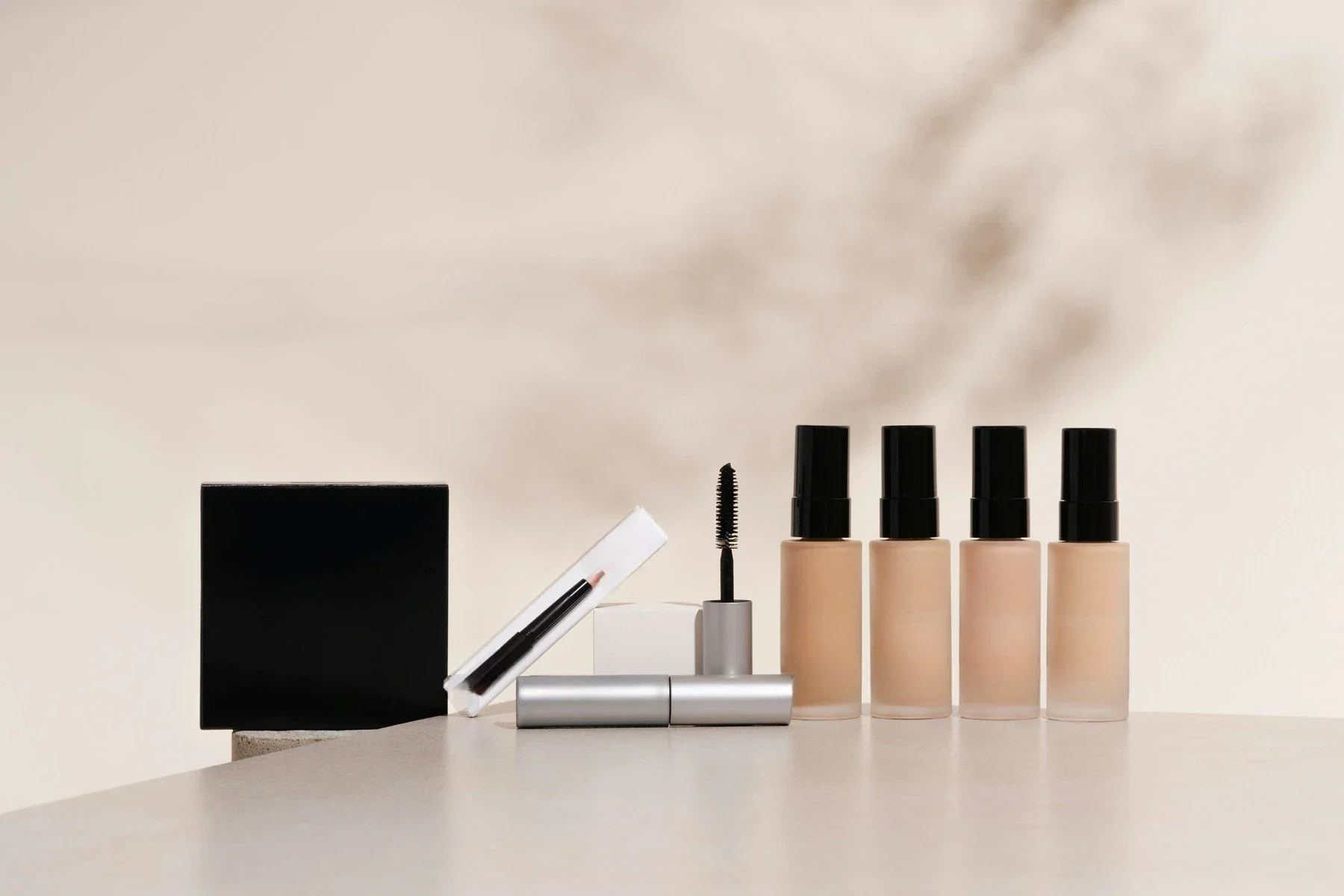
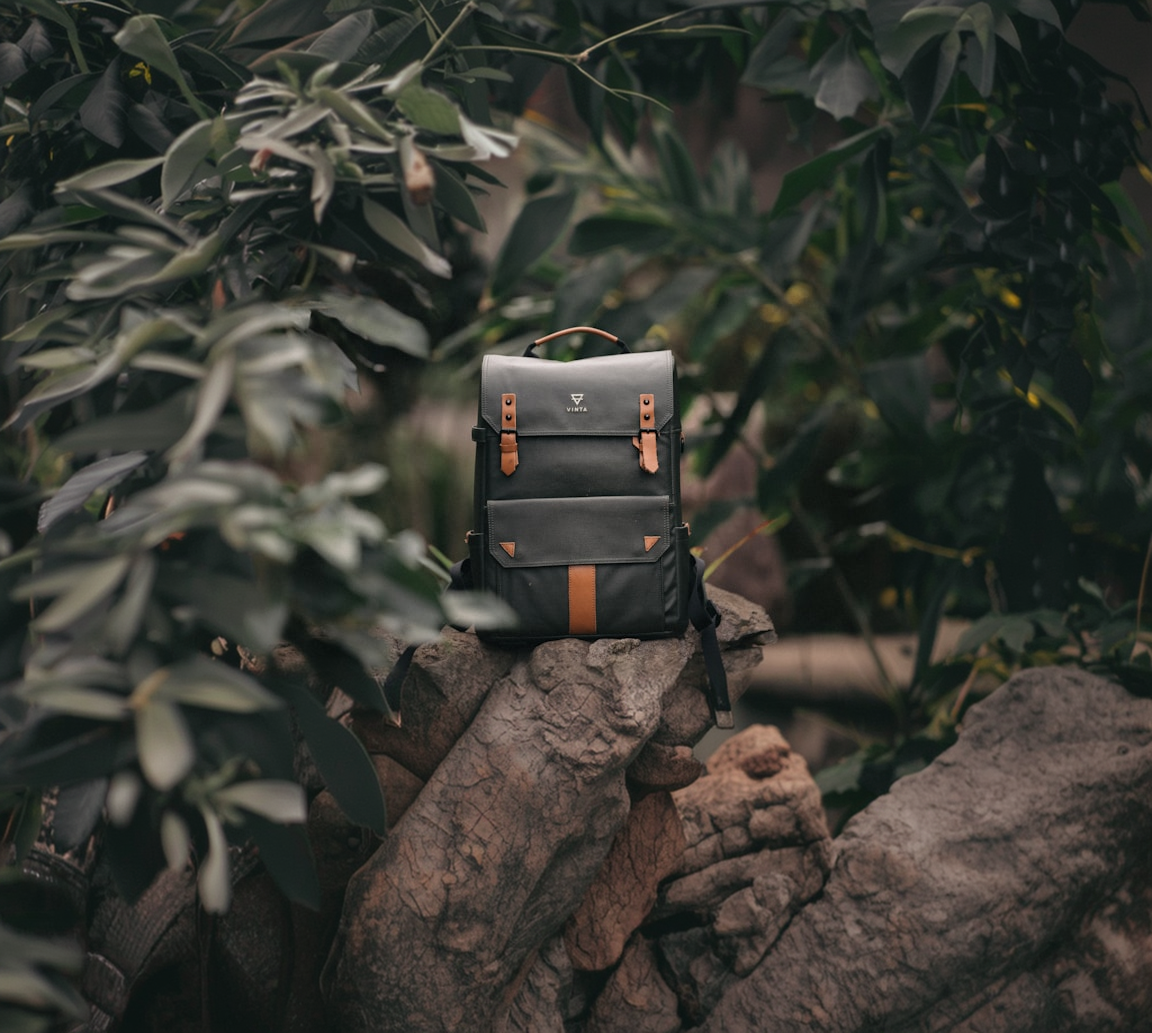
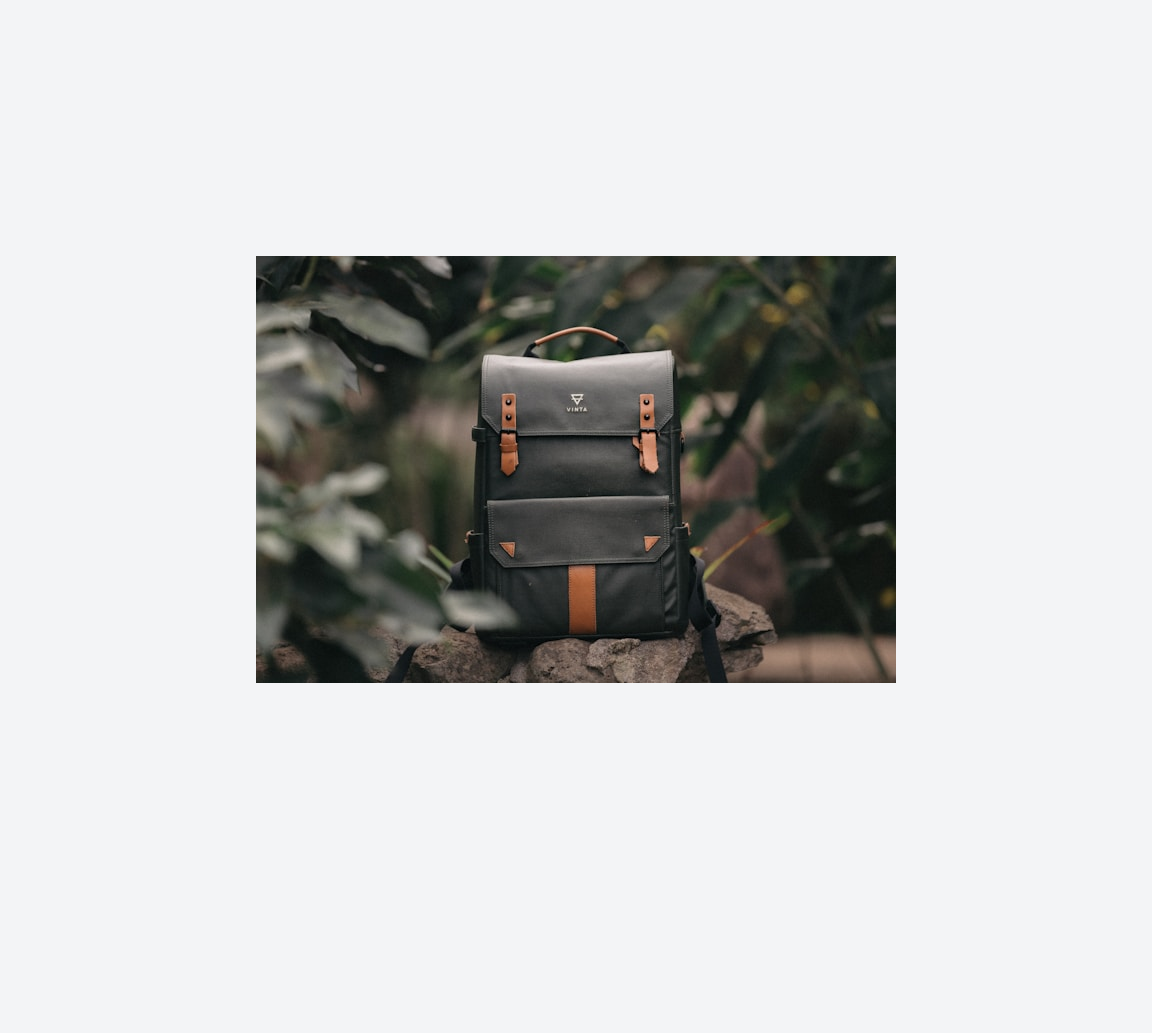
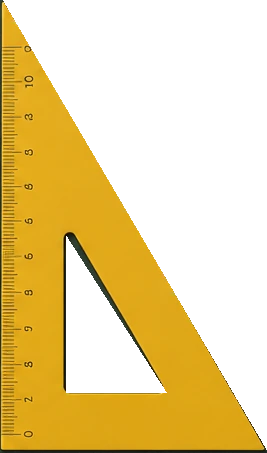
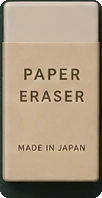
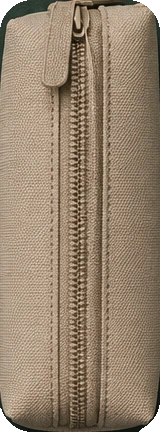
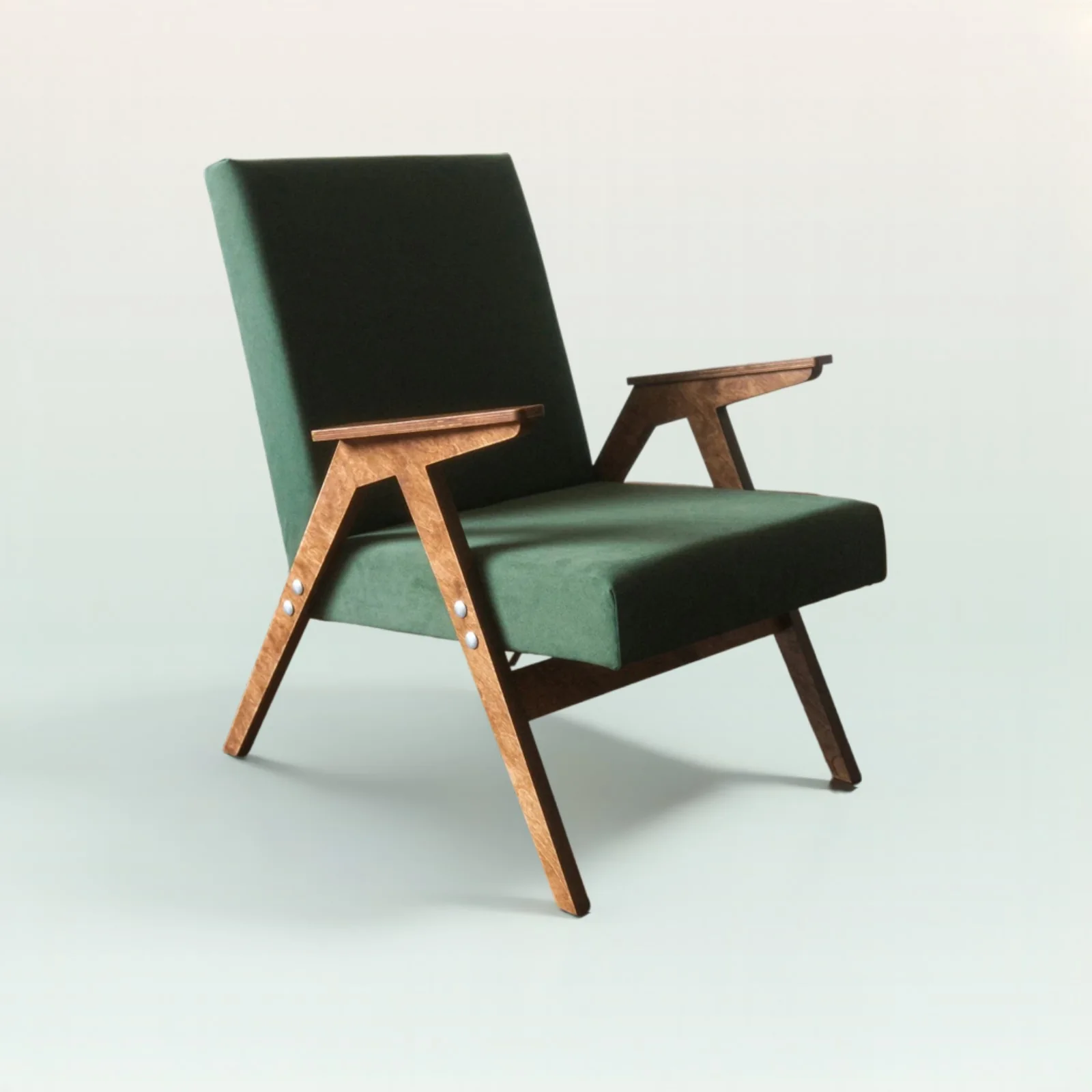
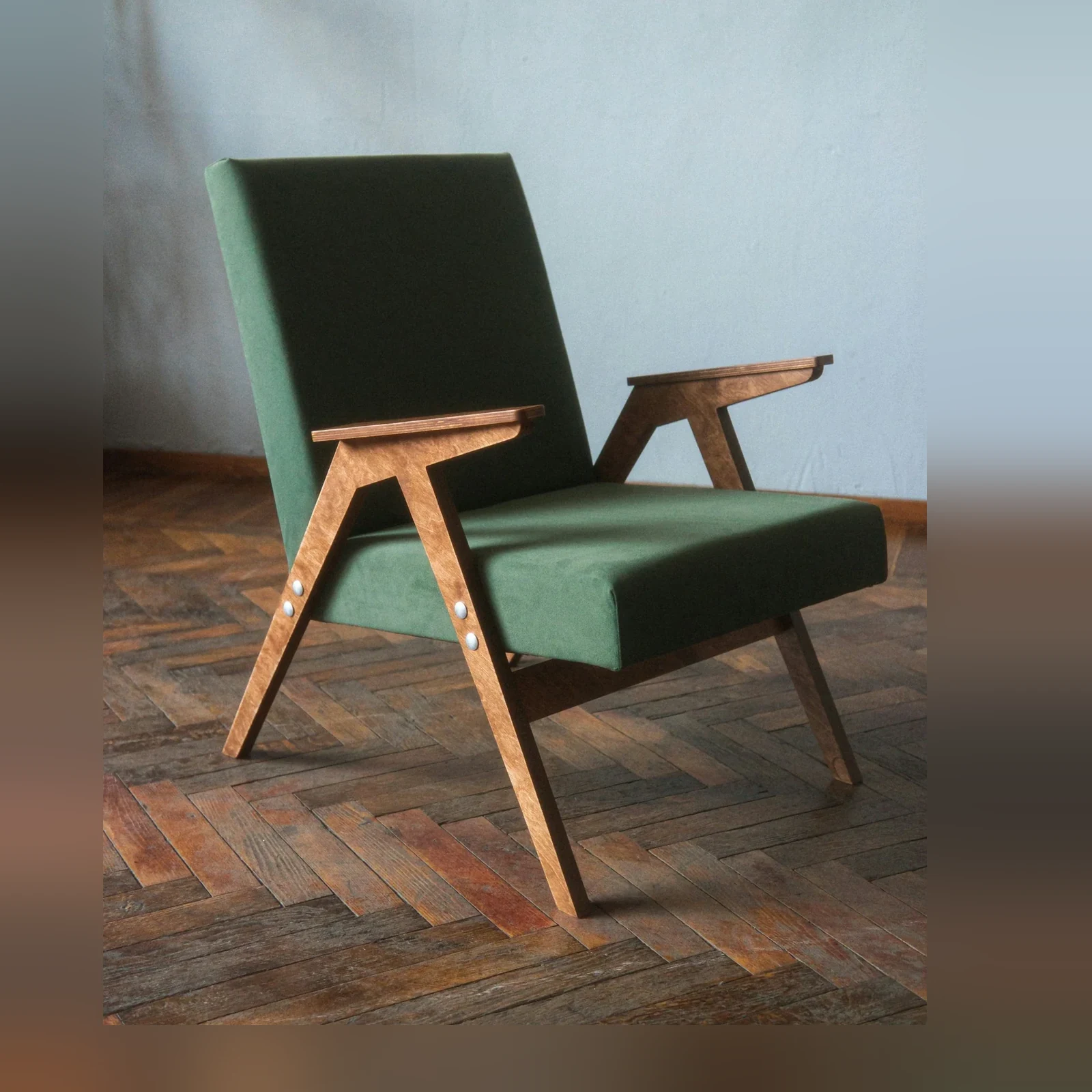
Cutout proof across products, people, and hard edges

A smaller set of proof examples, chosen to show the cases a buyer or technical evaluator is most likely to care about.

Swipe to explore

Quickstart: clean transparent cutouts

Enough technical detail to qualify the endpoint quickly, with the full reference one click away.

API facts

EndpointPOST /v1/image/remove-background
image_fileSource image · 30MB / 25MP max. PNG, JPEG, or WebP
Accept (header)Preferred output type · image/webp, image/png, or image/jpeg · Default: Not specified
# Remove background → transparent PNG
curl -X POST https://api.jasper.ai/v1/image/remove-background \
  -H "X-API-Key: $JASPER_API_KEY" \
  -H "Accept: image/png" \
  -F "[email protected]" \
  -o output.png

Benchmark access for serious cutout evaluation

The full cutout benchmark helps teams evaluate edge fidelity, transparency, low-contrast scenes, and production behavior across hard matting cases.

Request access when you want to review the benchmark set, compare outputs against your own category, or pressure-test Remove Background before API adoption.

Preview the full benchmark

See visual cases, methodology, output notes, and the model behavior that matters for your category.

Access benchmark

FAQ

AI background removal automatically separates the main subject from an image. Jasper Remove Background returns a clean, transparent cutout that is ready for product listings, campaigns, design tools, and automated image pipelines.

Basic background removers can clip hair, glass, fabric, and other fine or semi-transparent edges. Jasper Remove Background V4 is built for production-quality edge fidelity and alpha transparency, helping teams create more natural cutouts with less manual cleanup.

Jasper Remove Background accepts PNG, JPEG, and WebP images up to 30MB and 25MP. It returns a transparent cutout, and PNG is the best output choice when you need a full alpha channel.

No. Jasper detects the foreground automatically, including semi-transparent regions, so users do not need to draw a mask or trace the subject by hand.

Jasper Remove Background V4 was specifically improved for flyaway hair, glass, soft transitions, thin product details, and other difficult edges. These are common failure points for image cutout models and a core focus of Jasper's quality evaluation.

Yes. Jasper Remove Background is designed for production cutout cases including ecommerce products, portraits, apparel, drawings, hair, glass, and other detailed subjects.

Yes. Call POST /v1/image/remove-background with an image file to add automatic cutouts to a DAM, marketplace, ecommerce workflow, creative tool, or image pipeline.

Yes. Request benchmark access to evaluate edge fidelity, transparency, low-contrast scenes, hair, glass, and other hard cases. Jasper's team can also help pressure-test the model on your own image categories before adoption.

Add production-grade cutouts to your image workflow

Bring your image set, production constraints, or benchmark questions. Jasper can help map the right API, app, agent, or pipeline path.