01
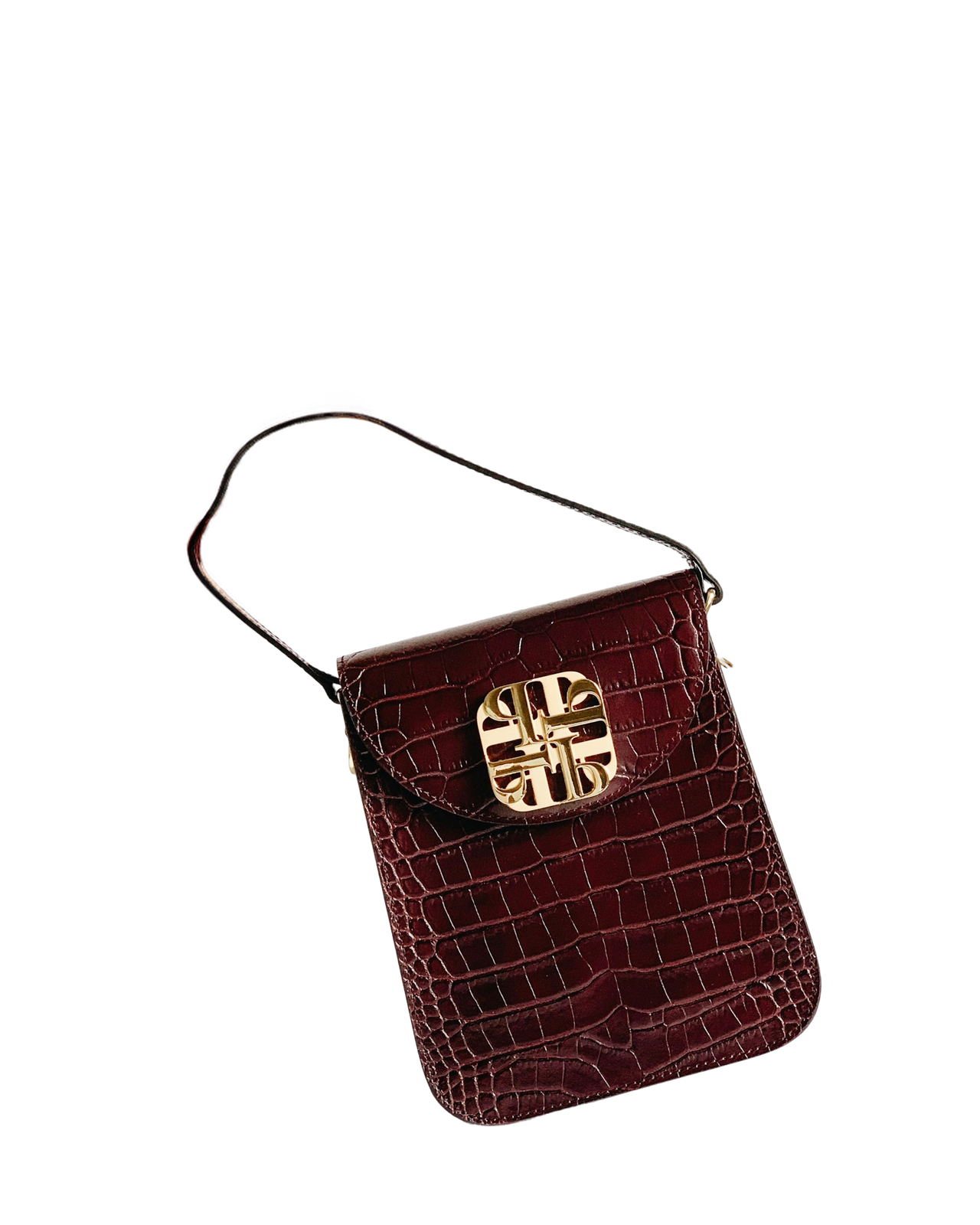
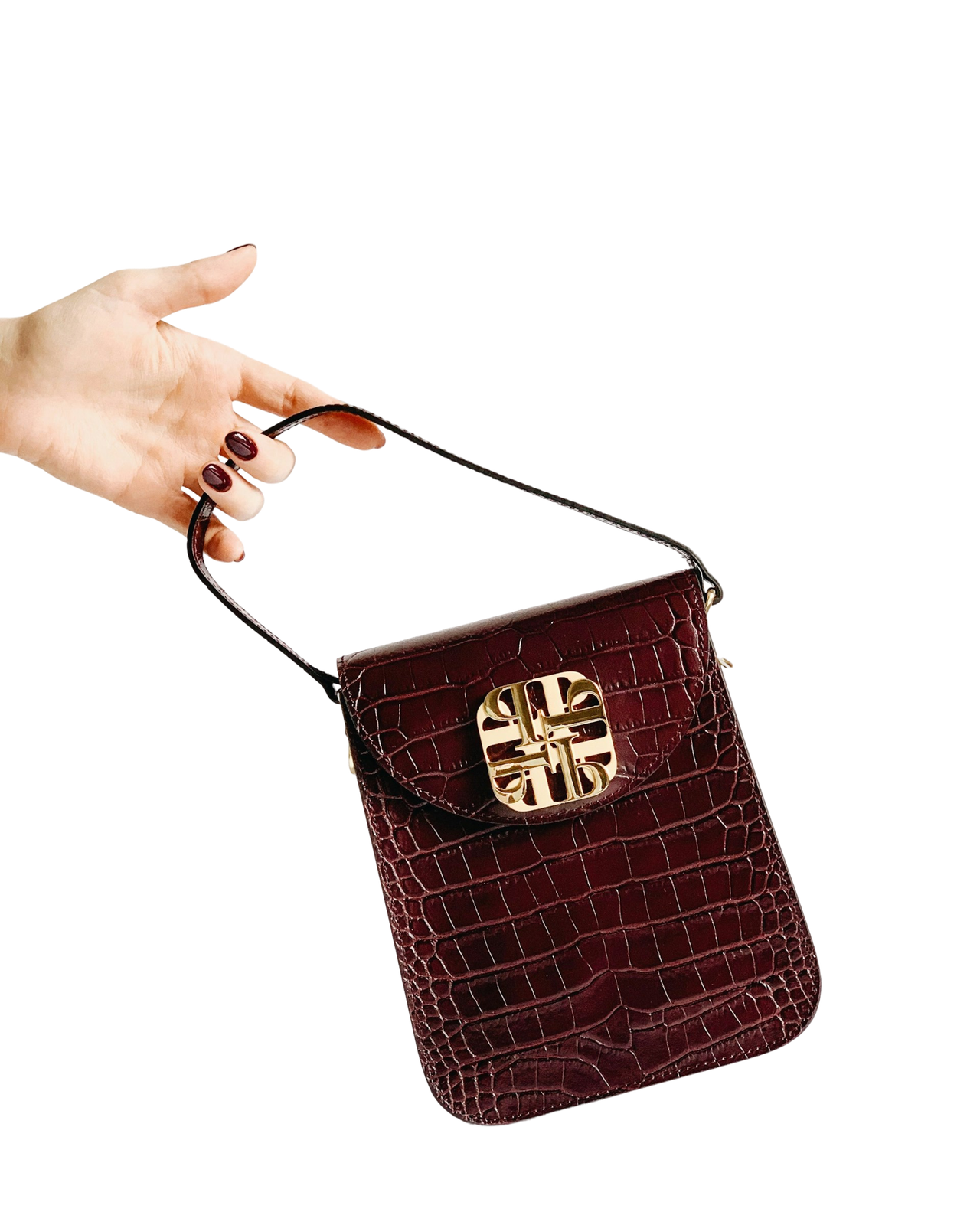
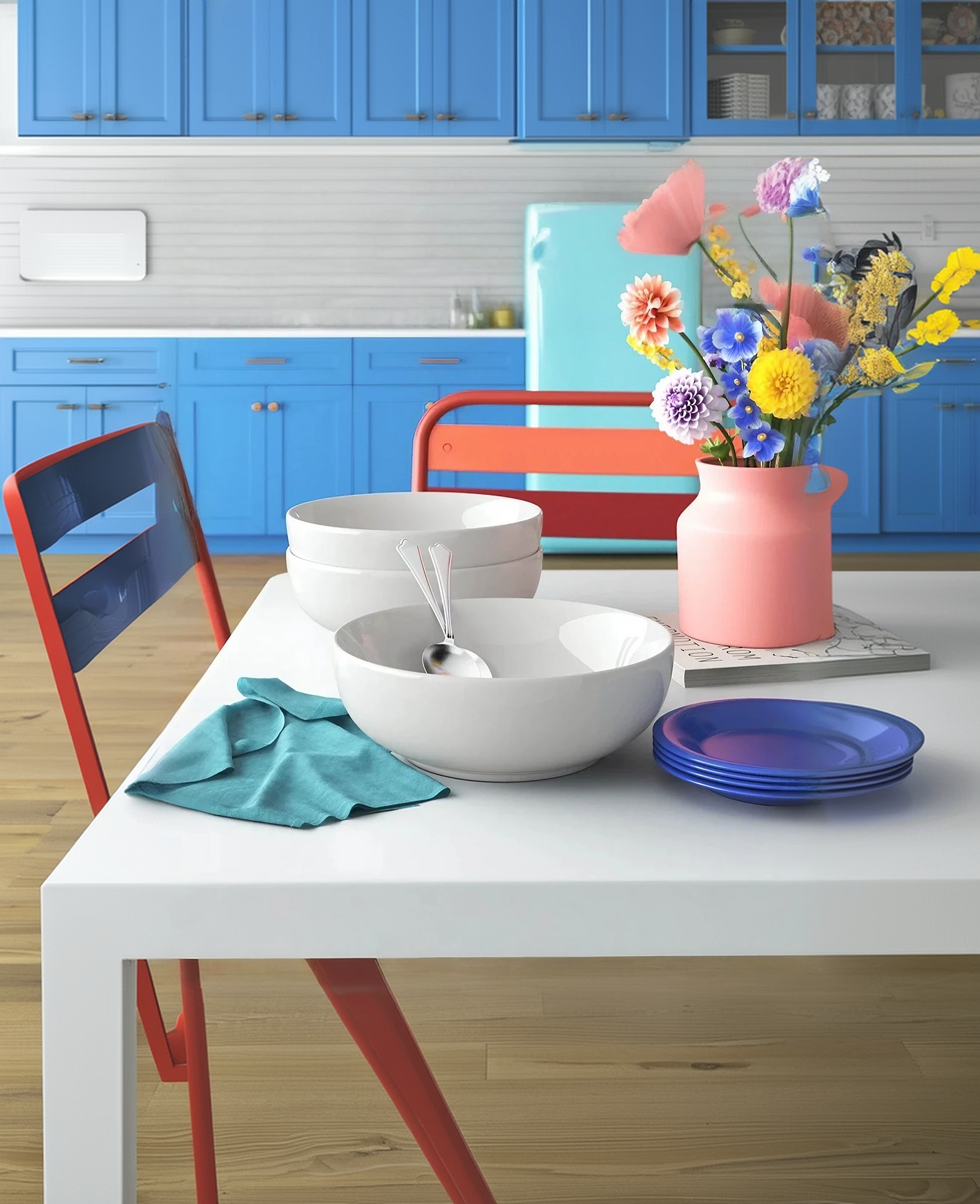
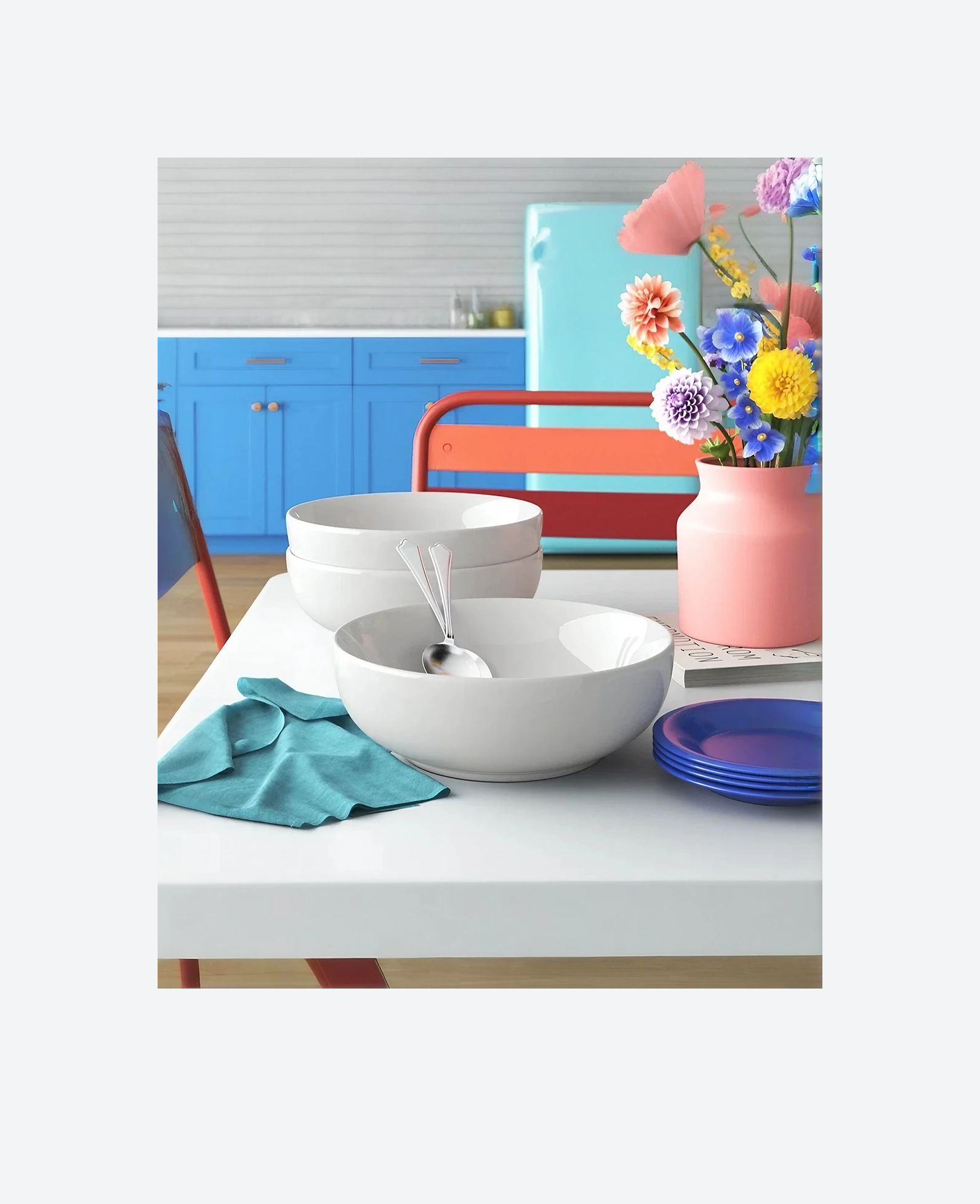
Adapt one image to many placements
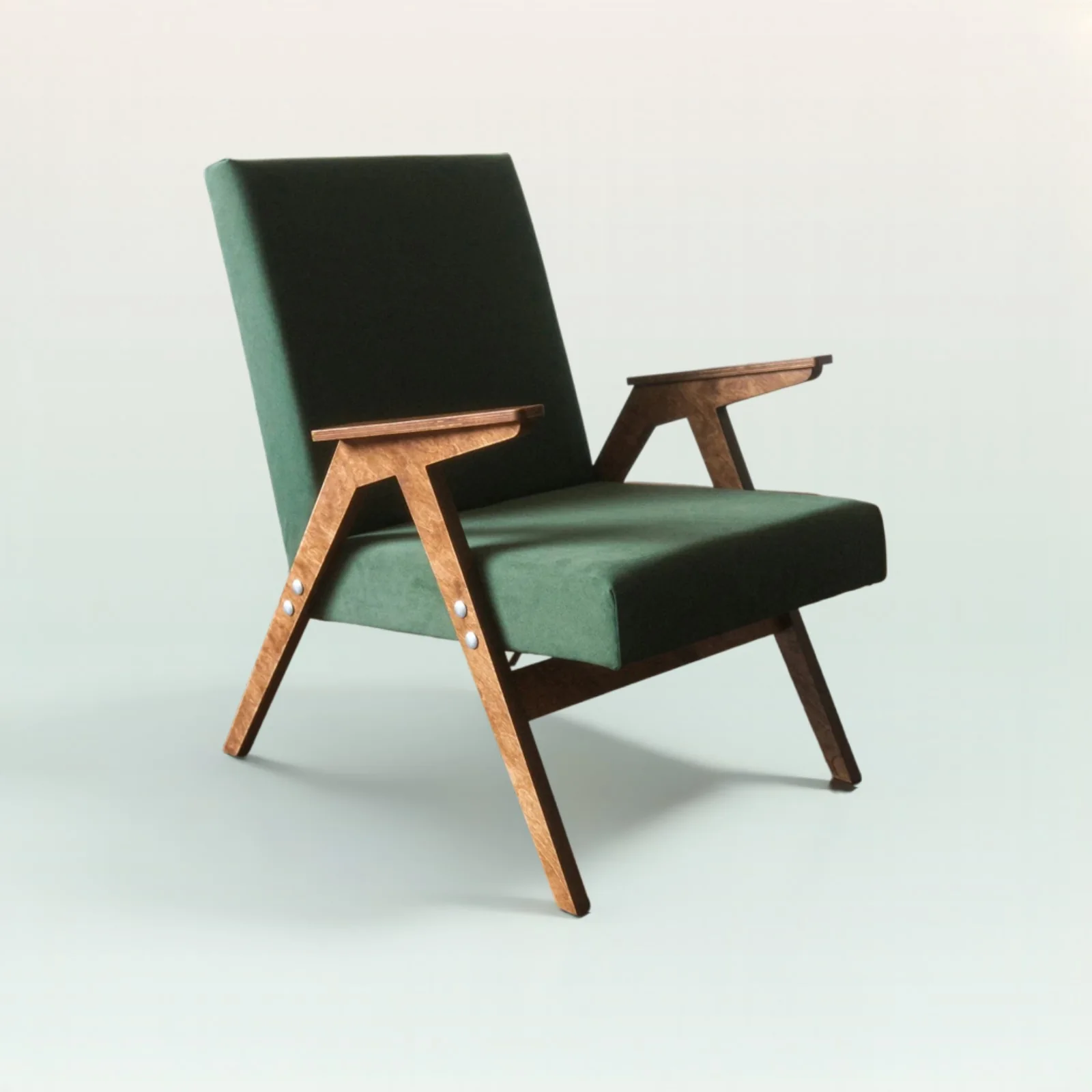
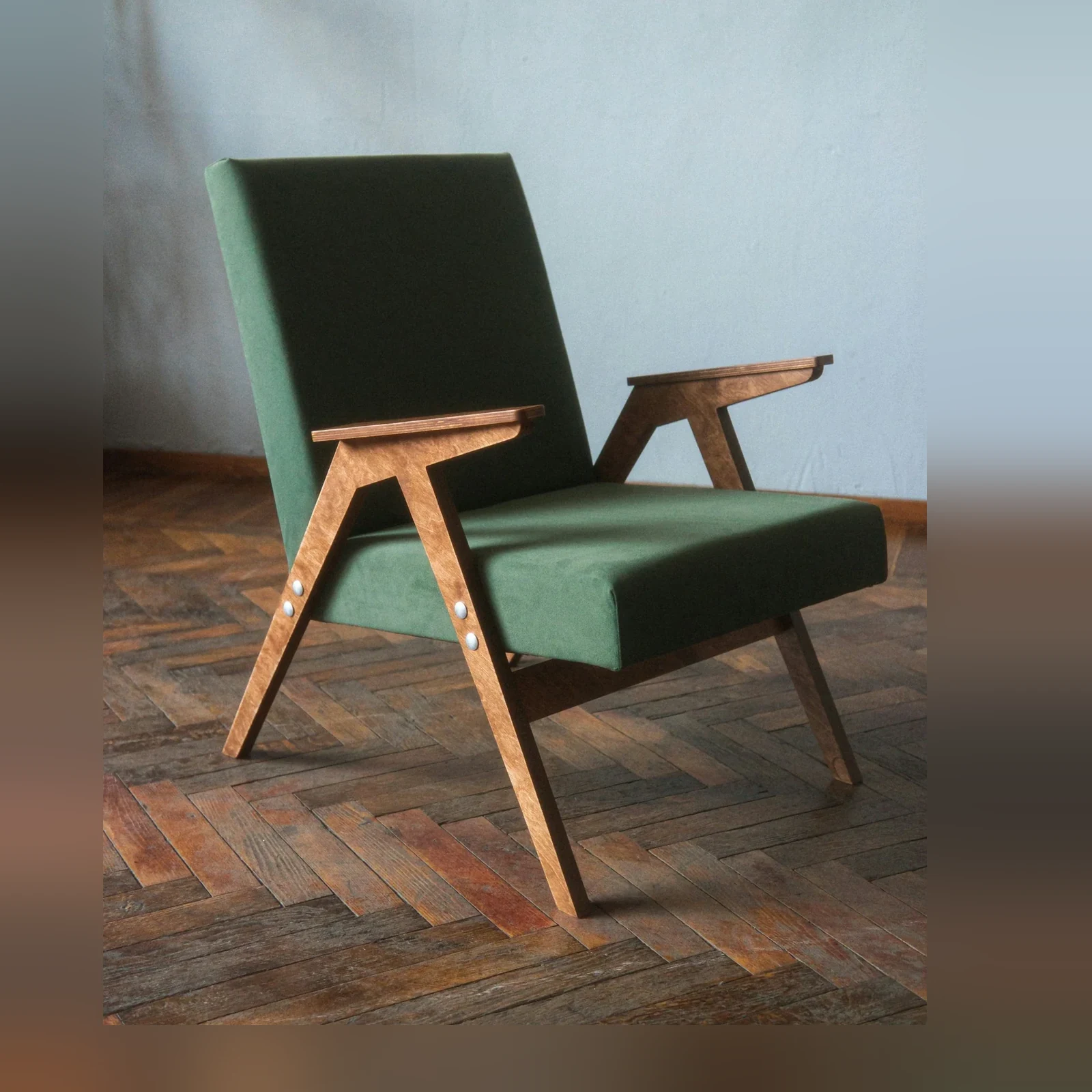
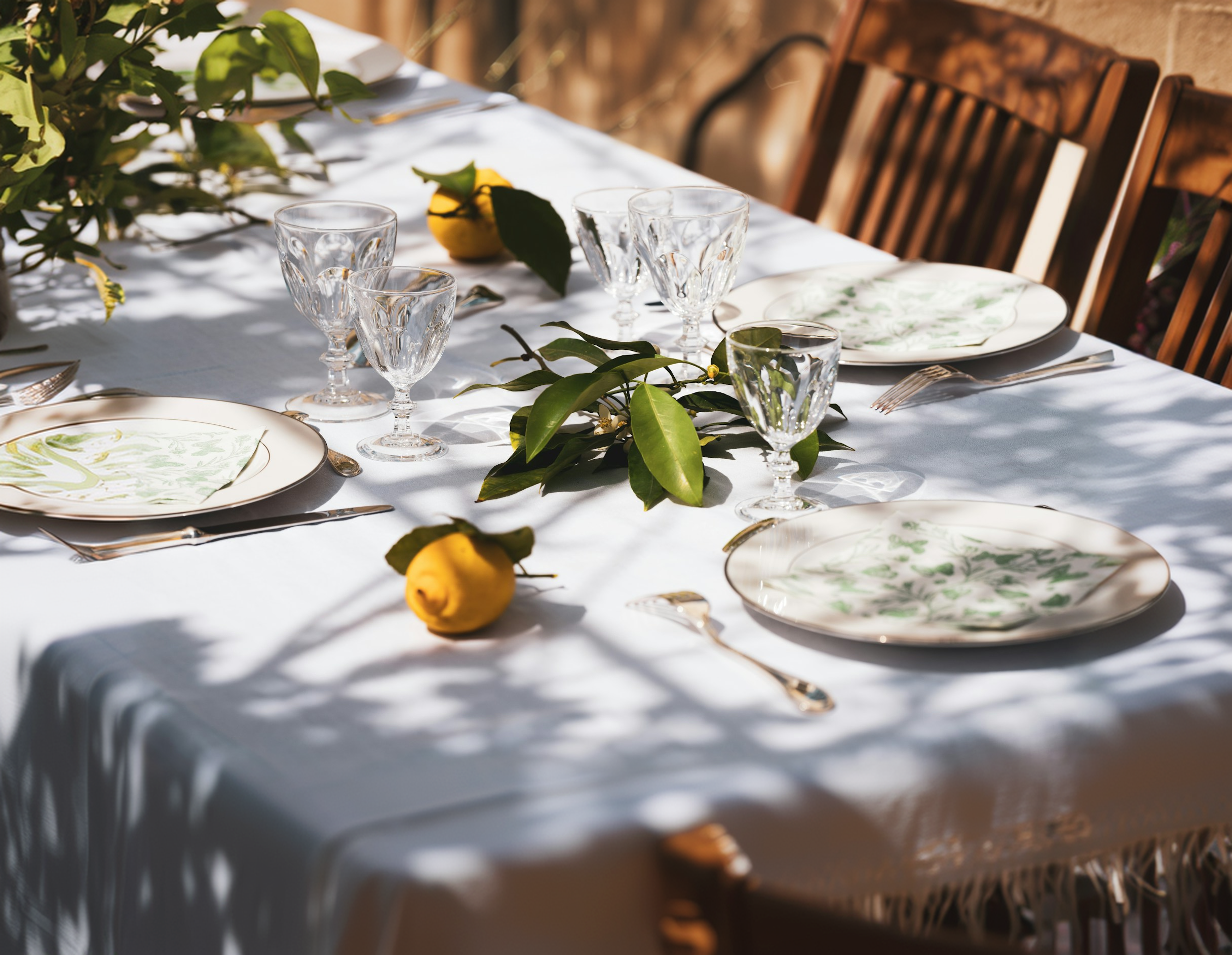
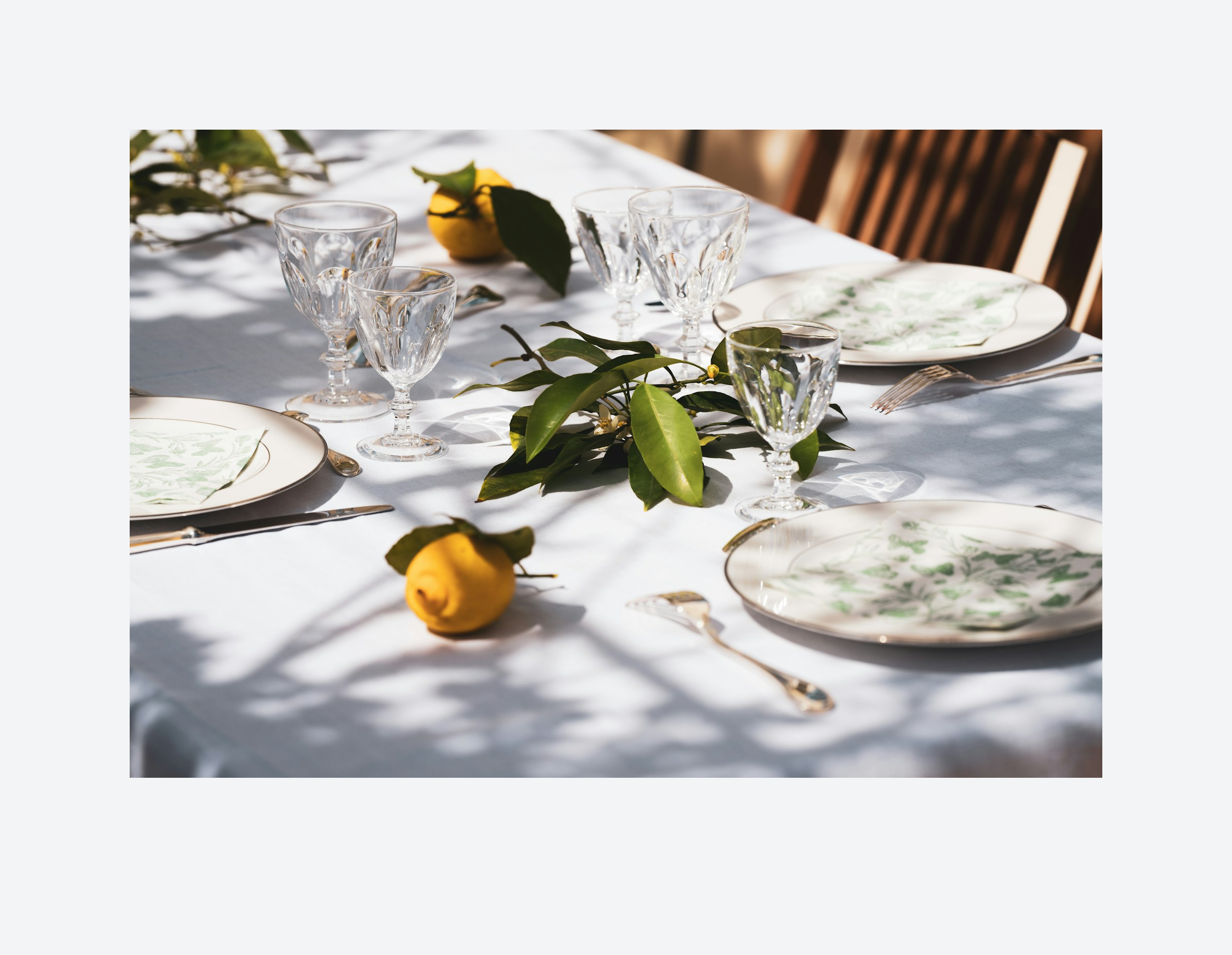
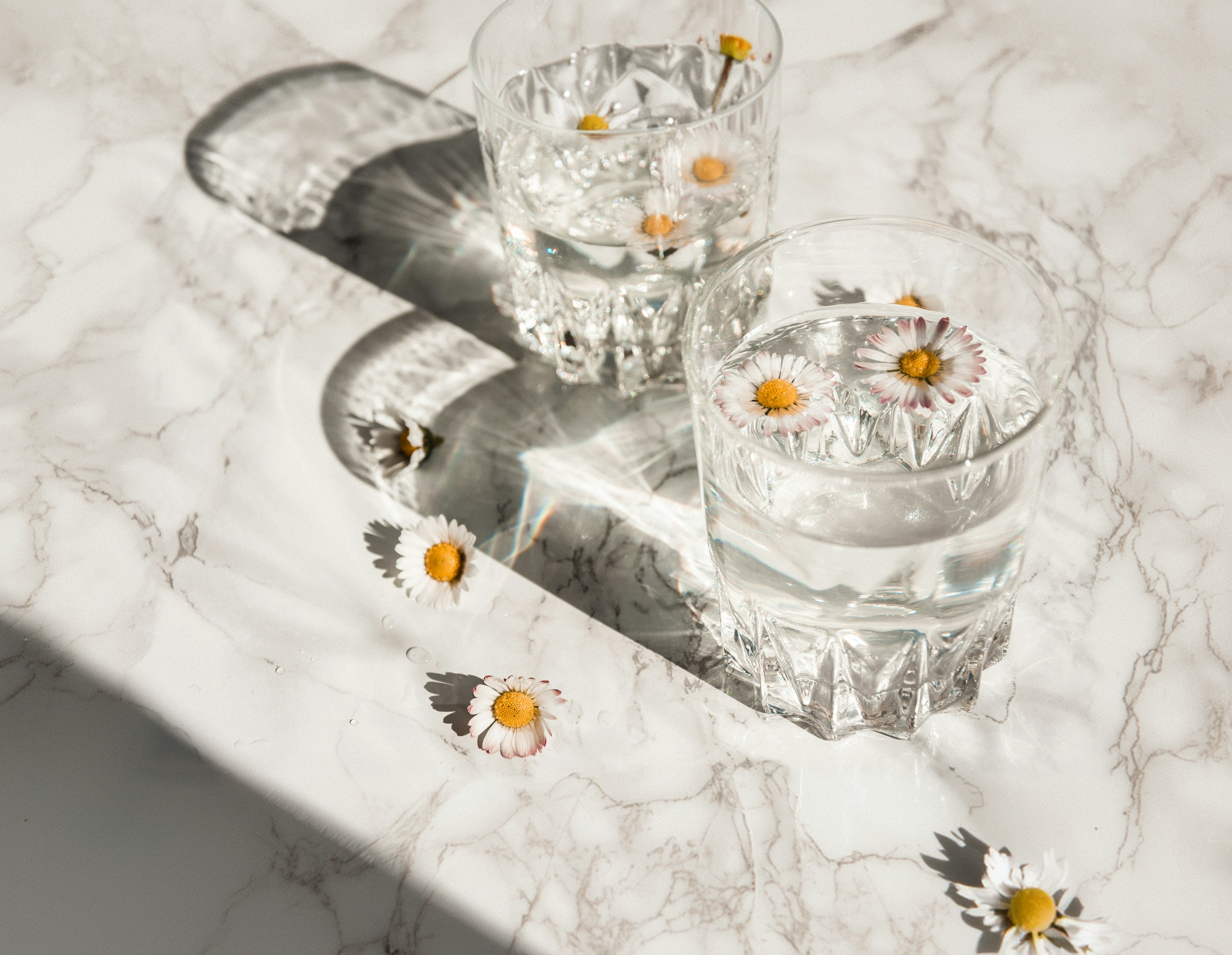
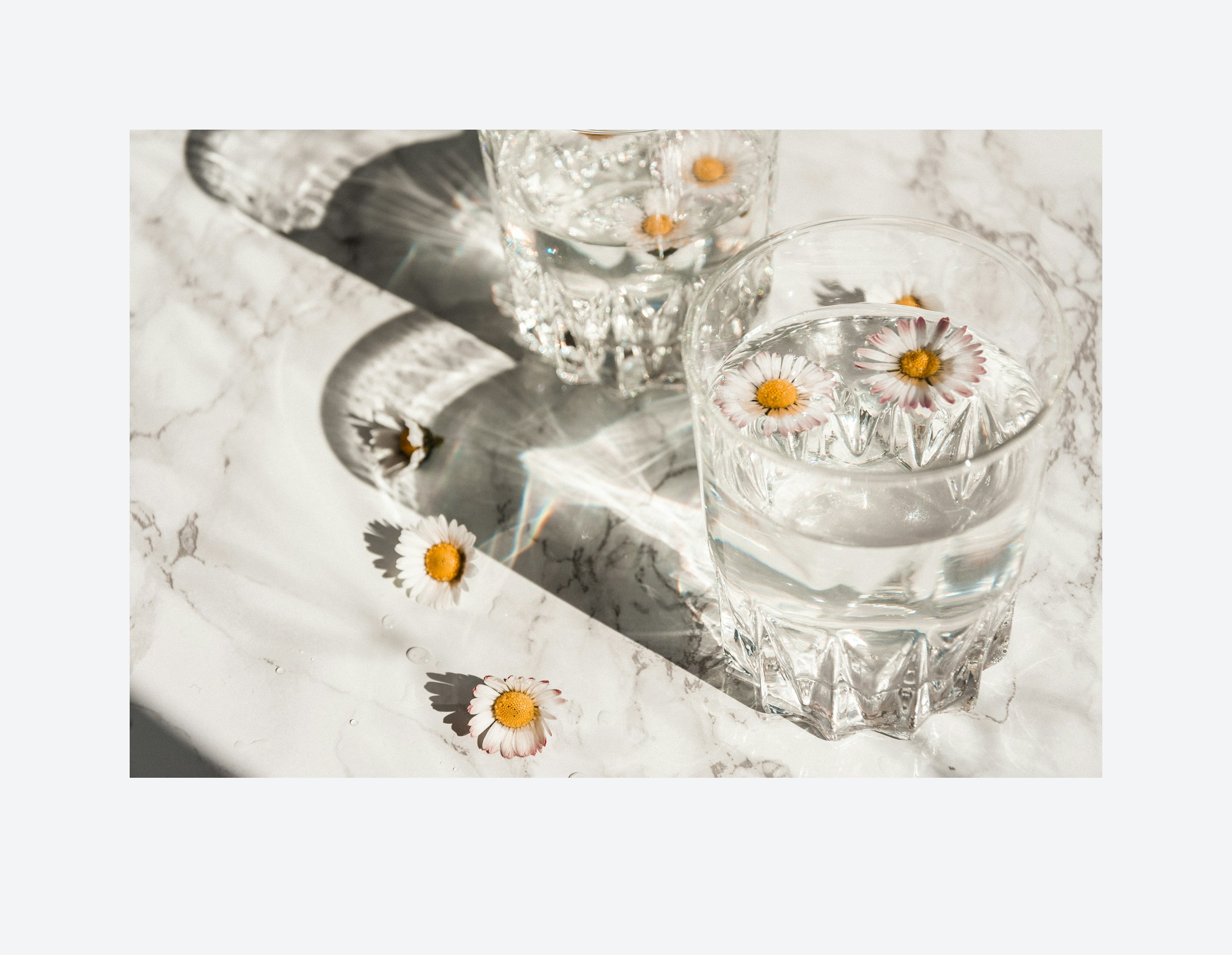
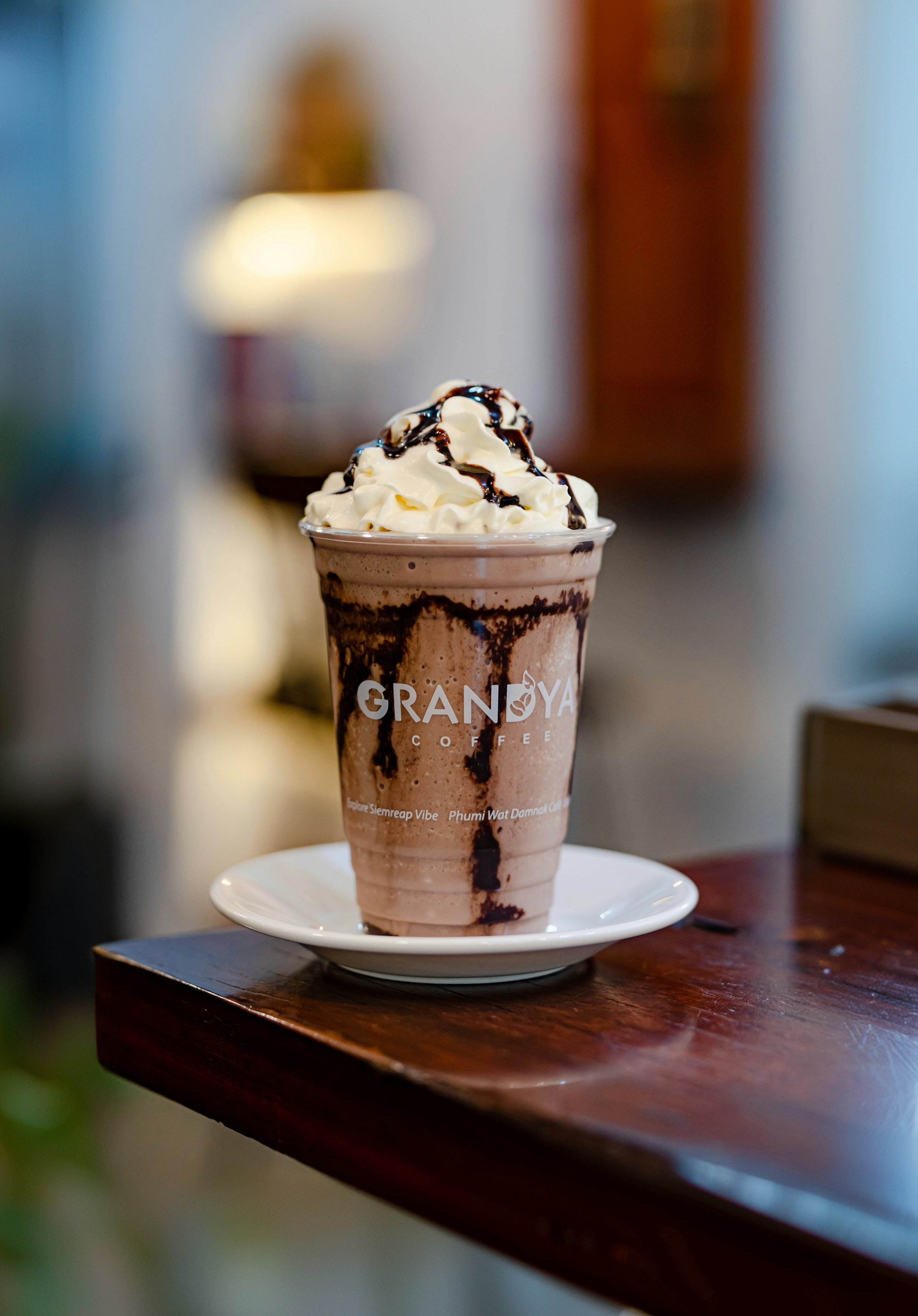
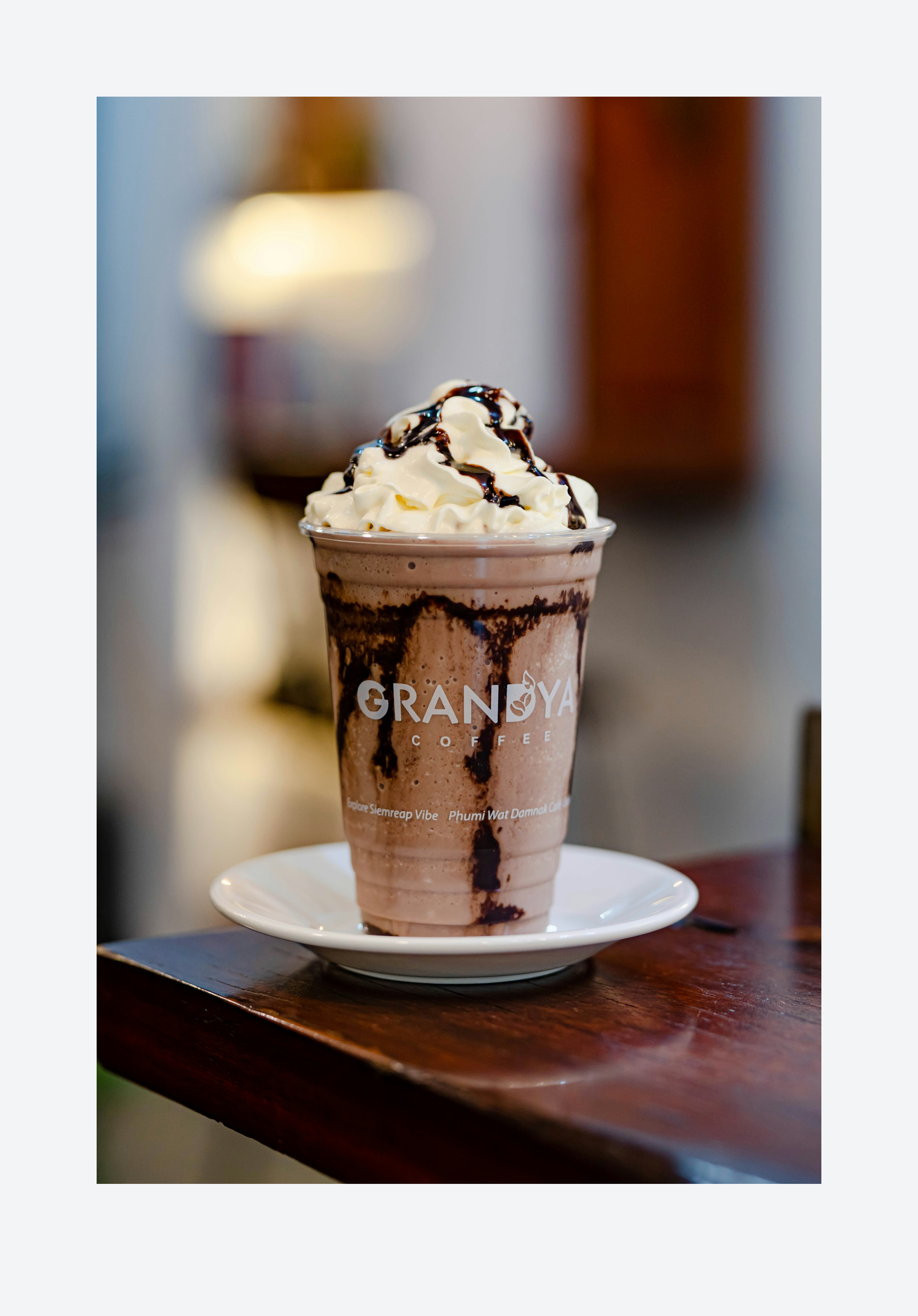
Expand a source image into banners, social formats, email modules, retail media slots, or wider campaign layouts.
Useful when the concept works but the crop does not.
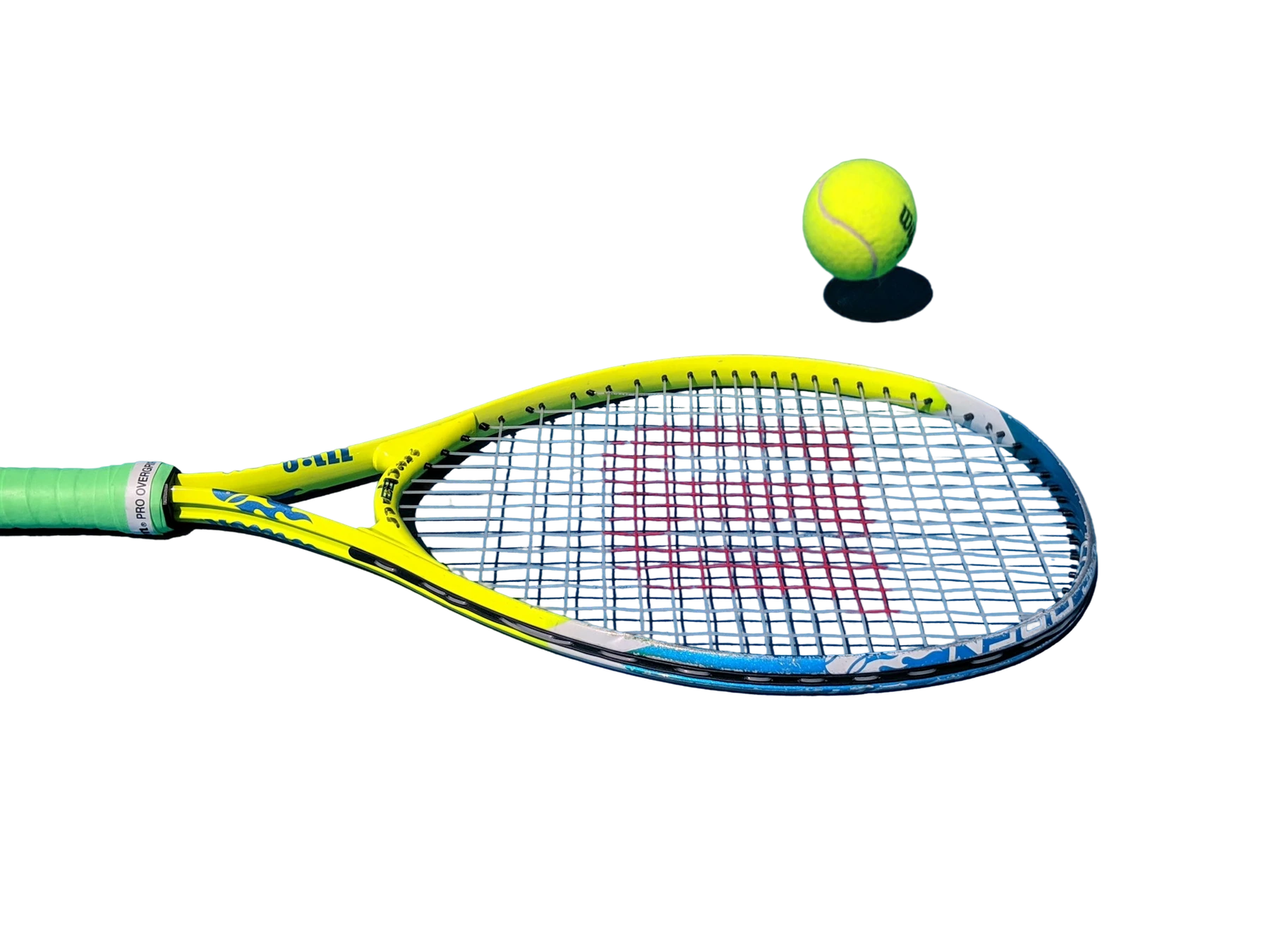
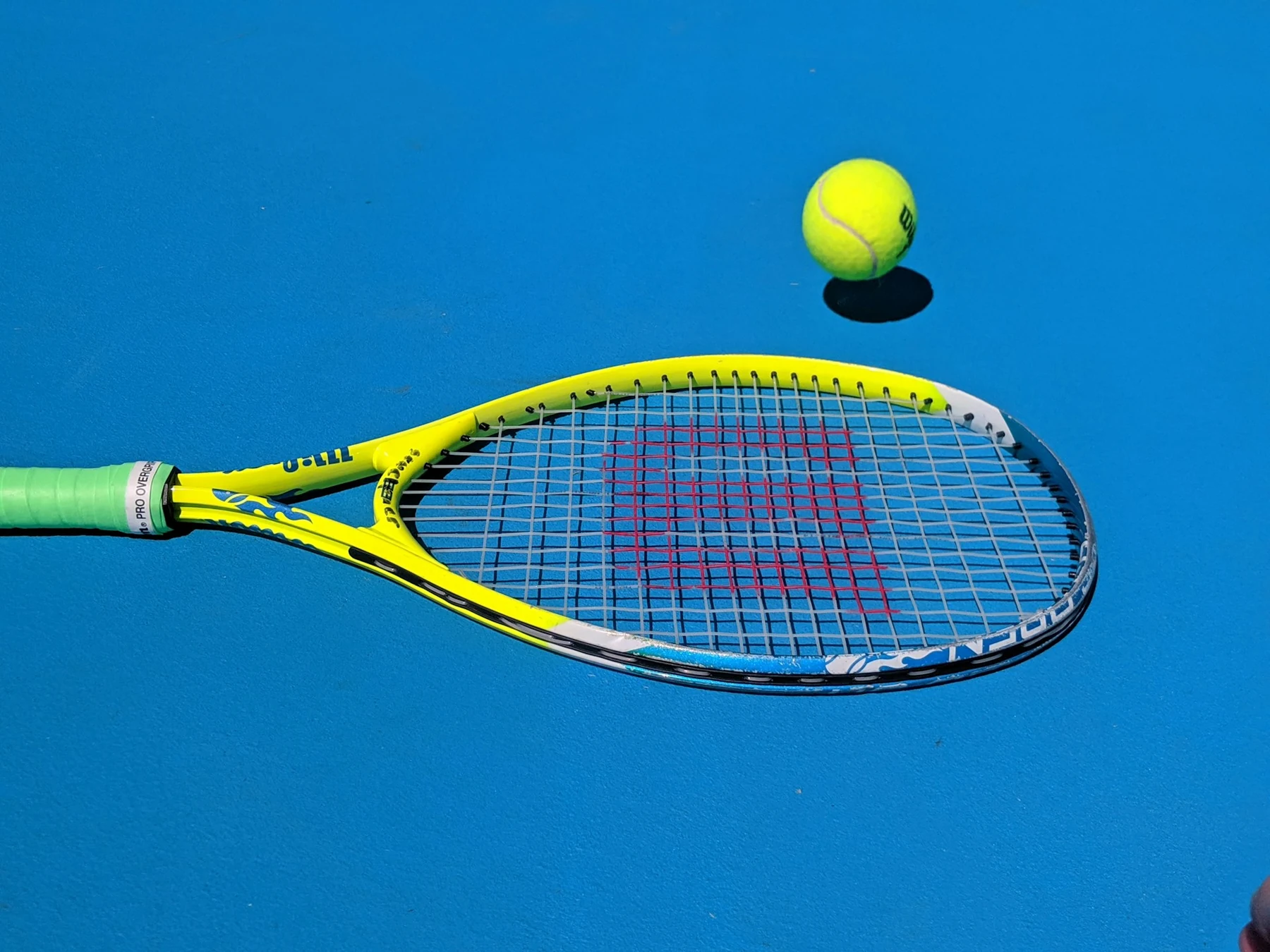
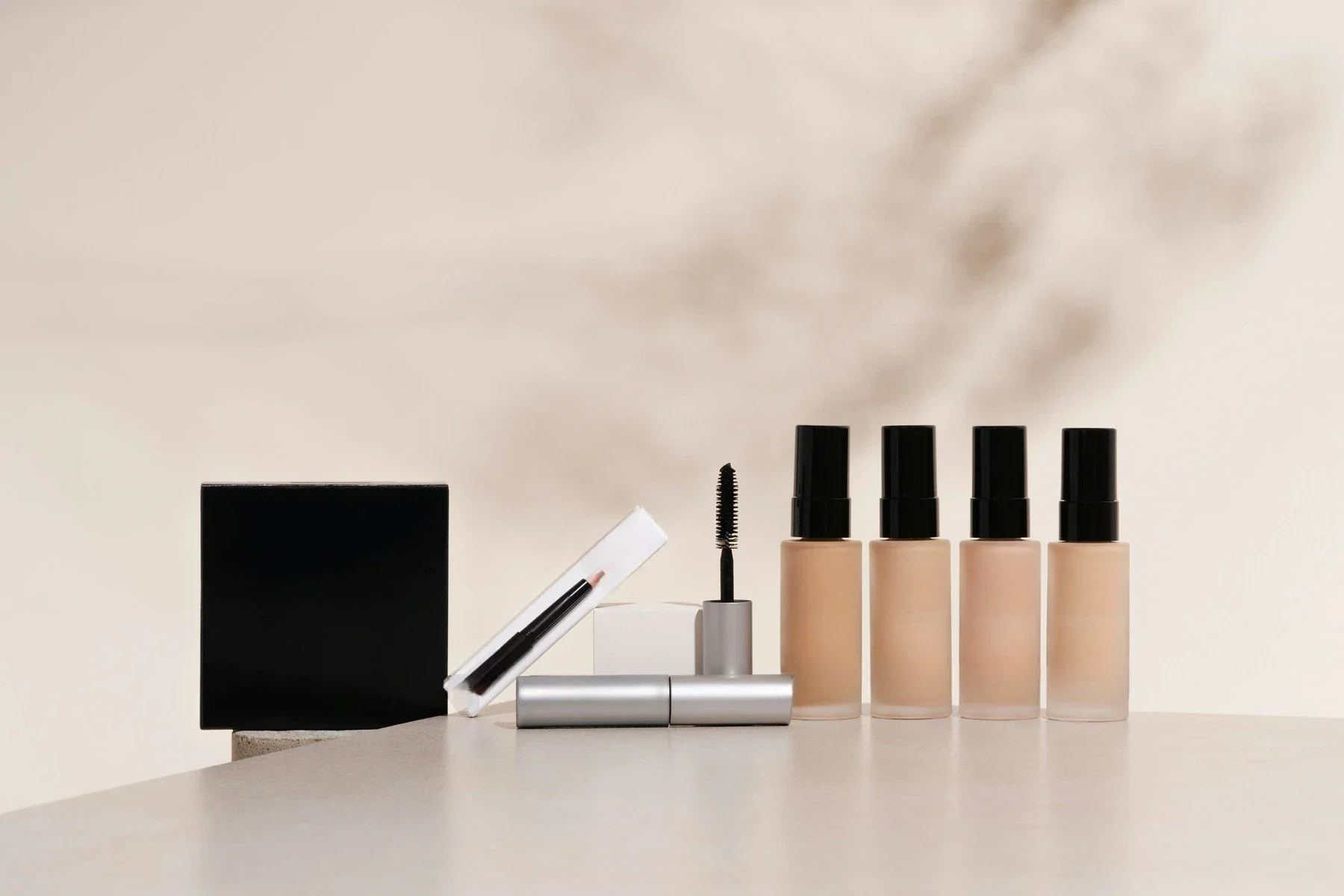
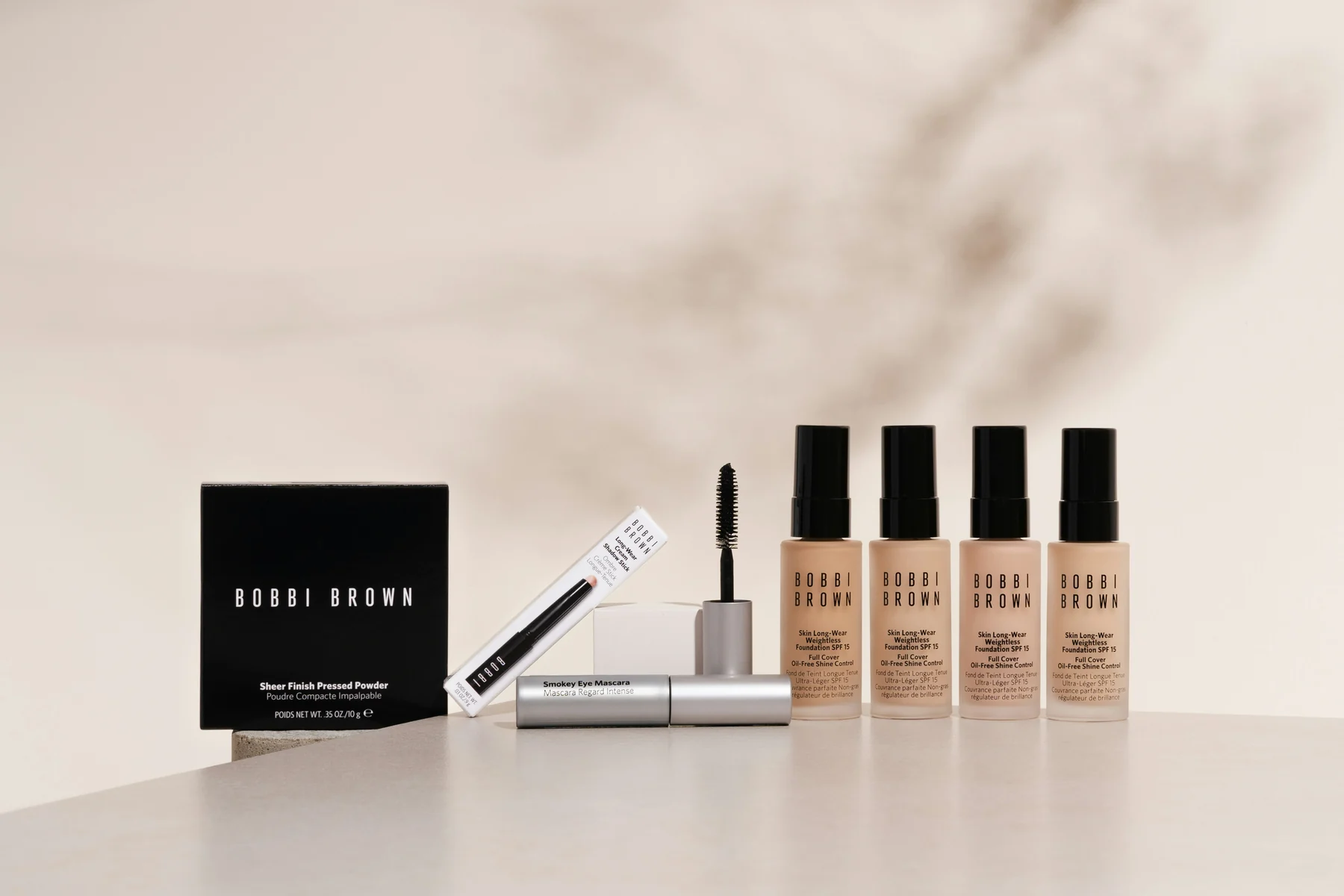
Extend an image left, right, up, or down so teams can adapt tight crops to new channels, layouts, and aspect ratios without starting over.
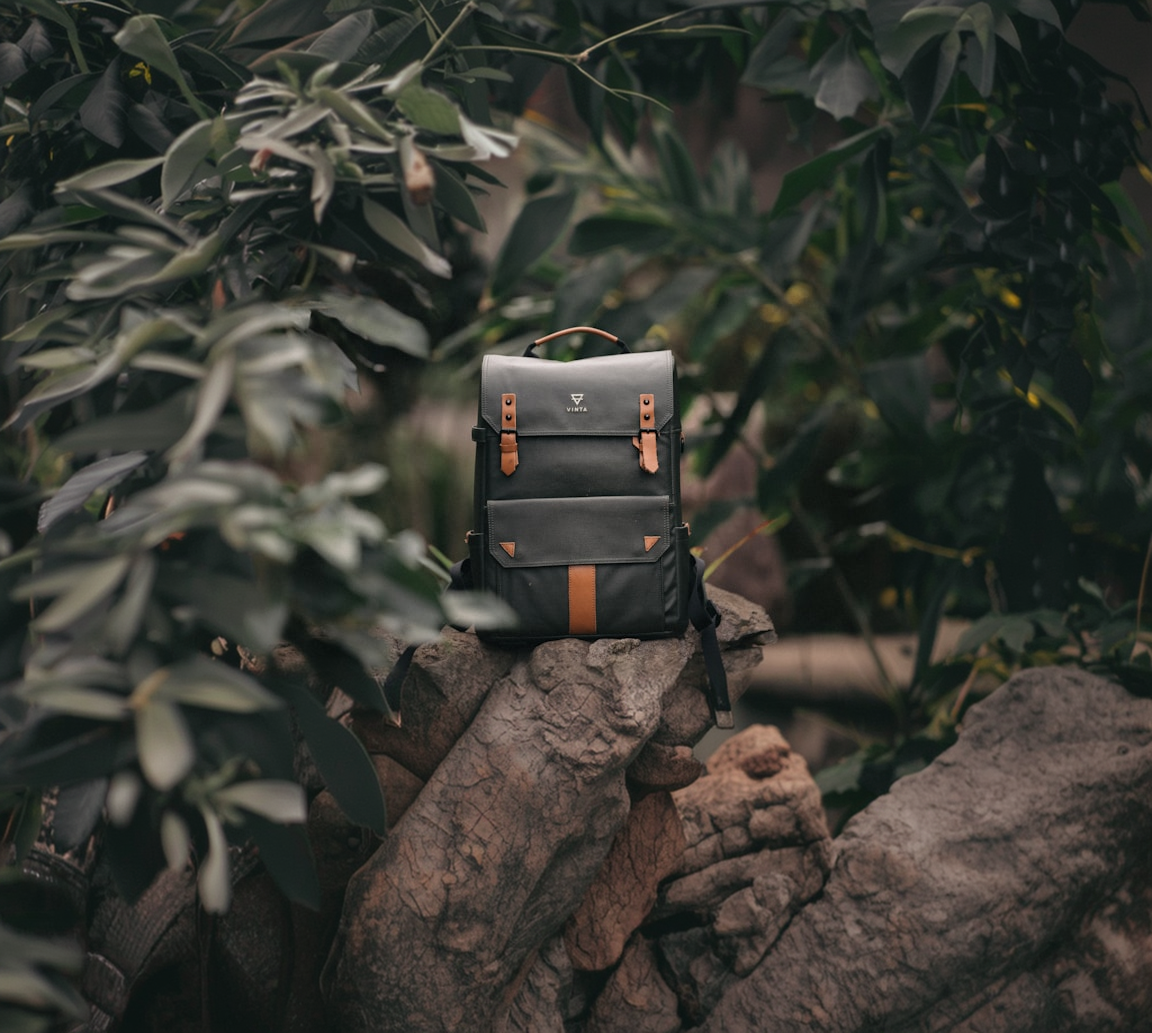
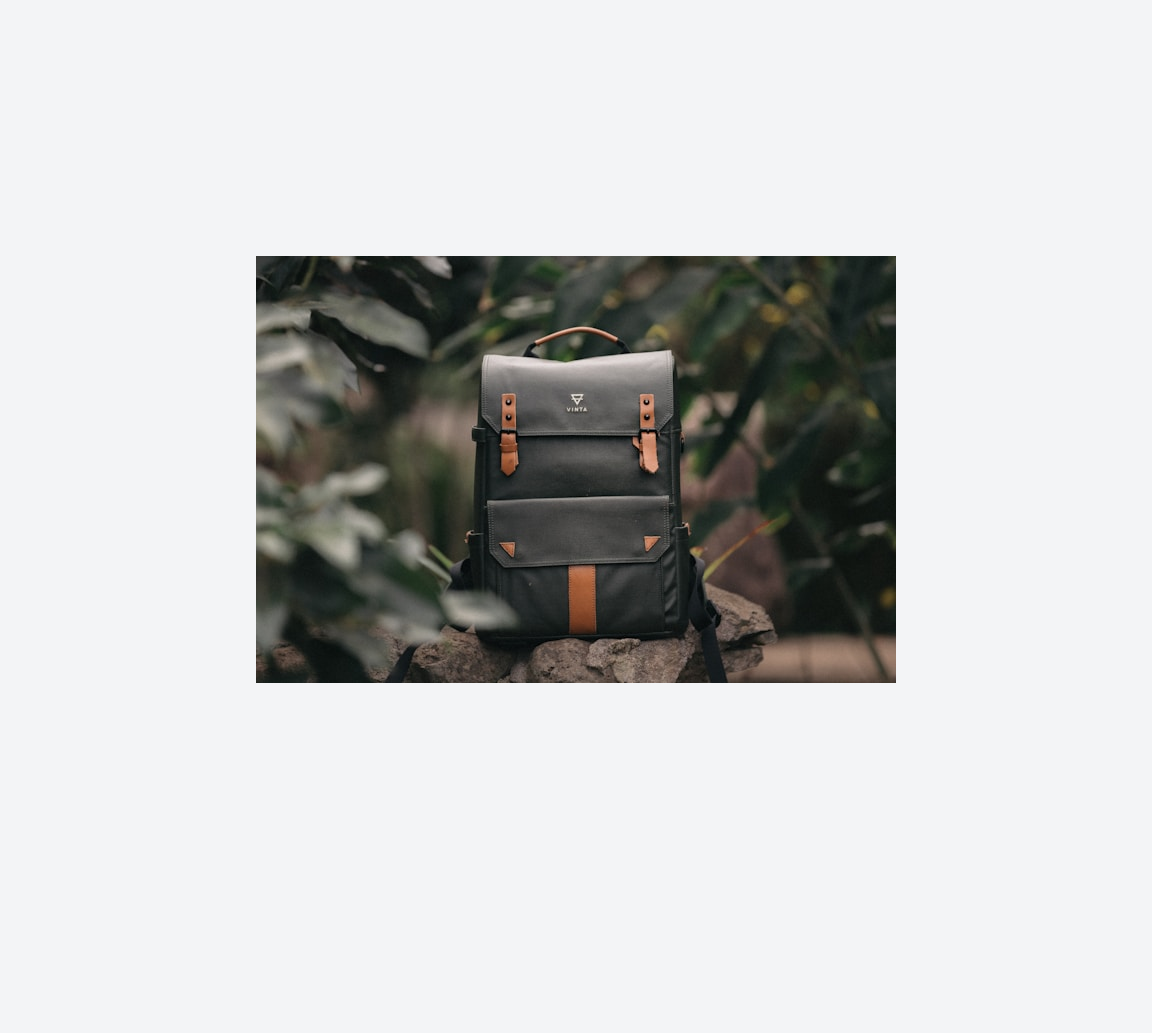
Drag to compare
Pick the workflow that looks most like your backlog, then use the same model through Jasper Image API, Jasper-managed image pipelines, or sales-led solution design.
A smaller set of proof examples, chosen to show the cases a buyer or technical evaluator is most likely to care about.
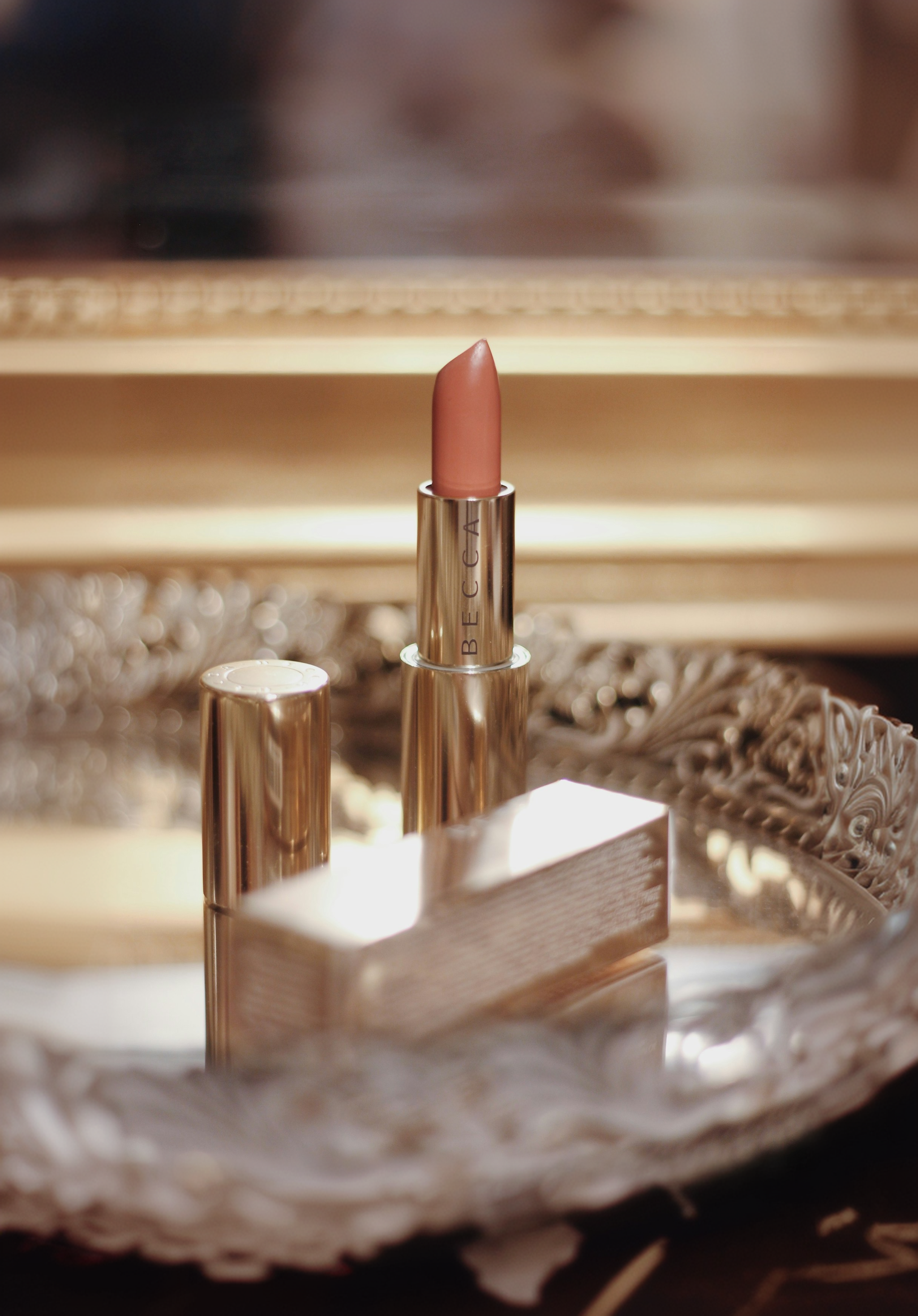
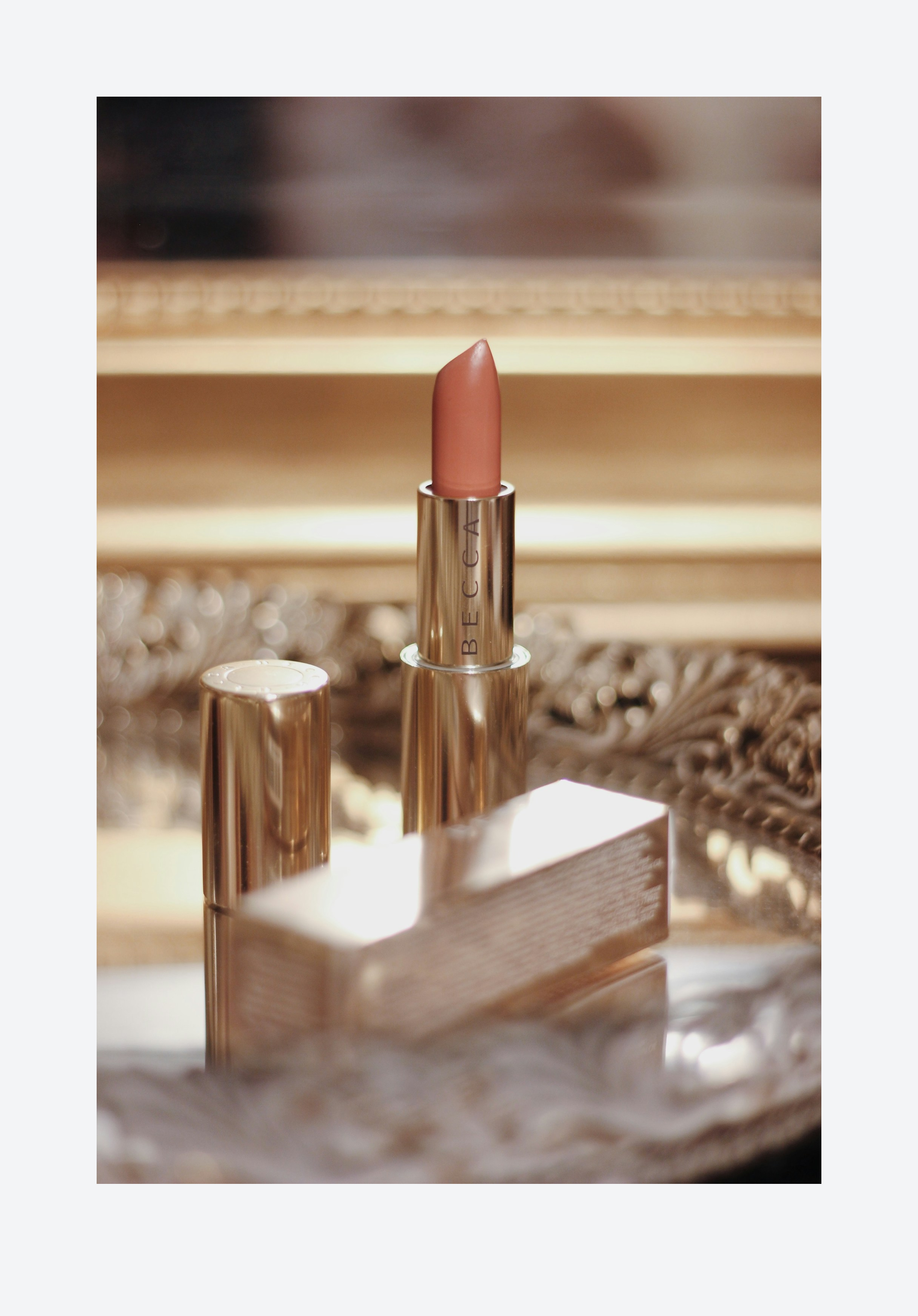
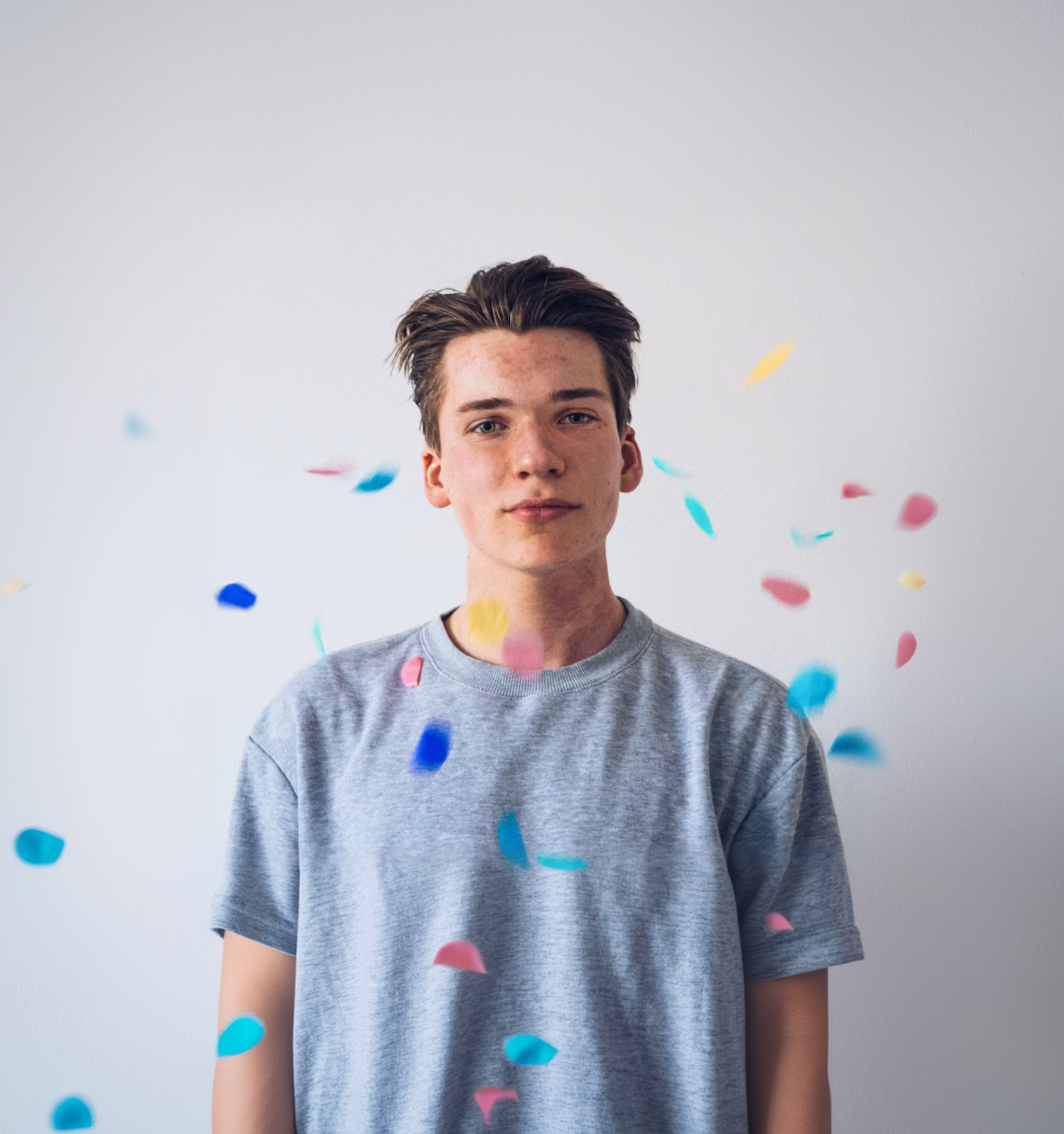
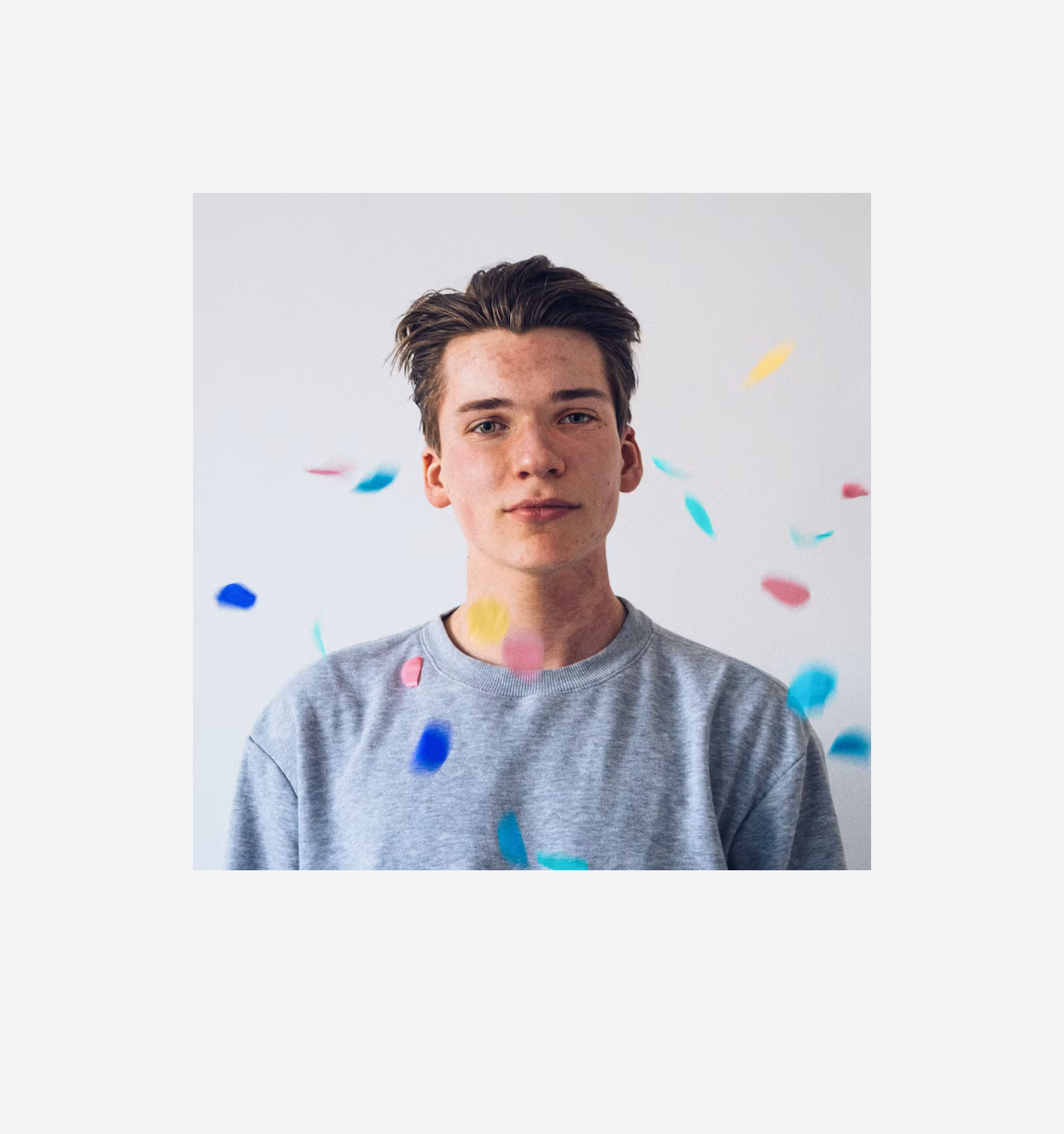
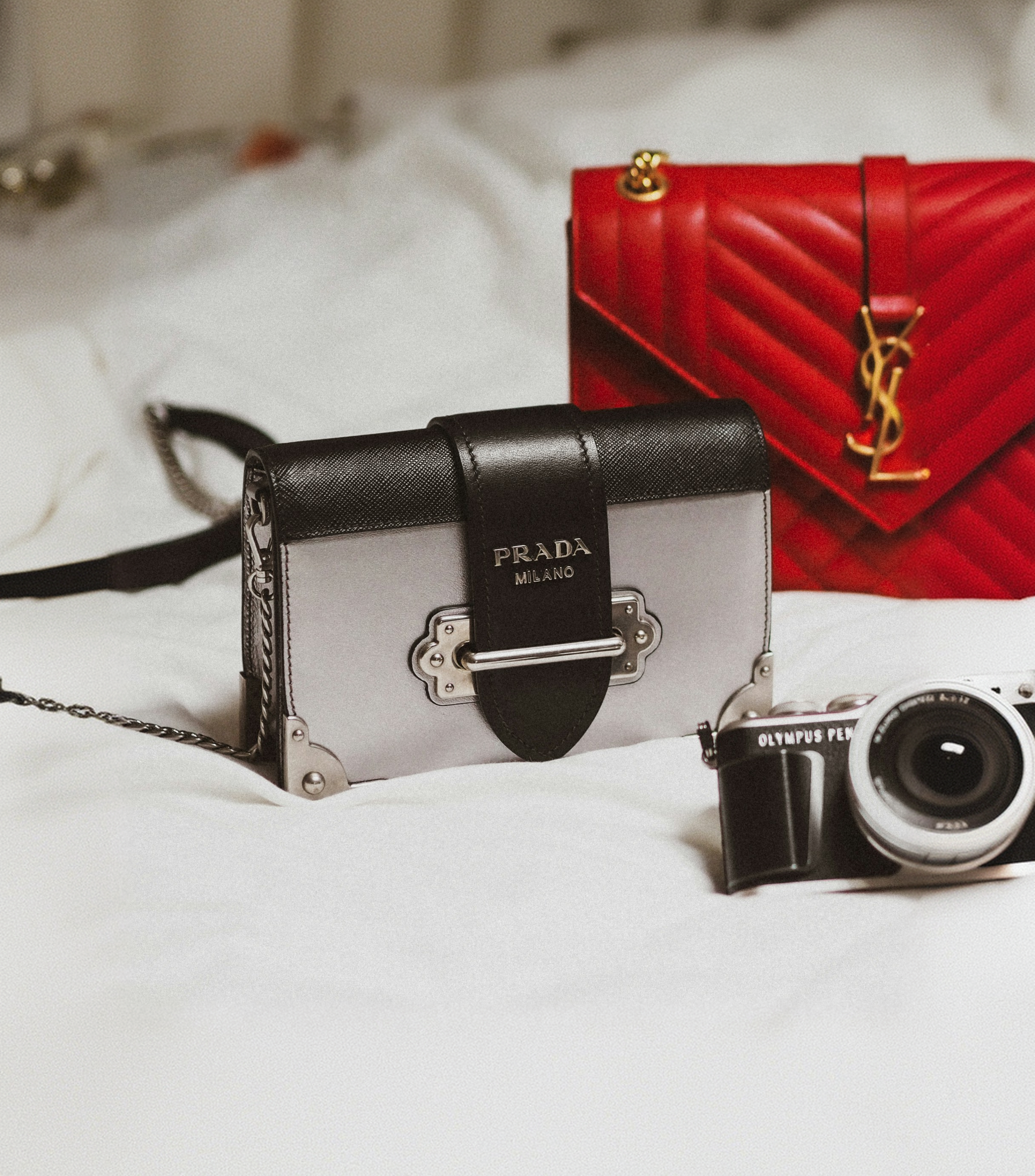
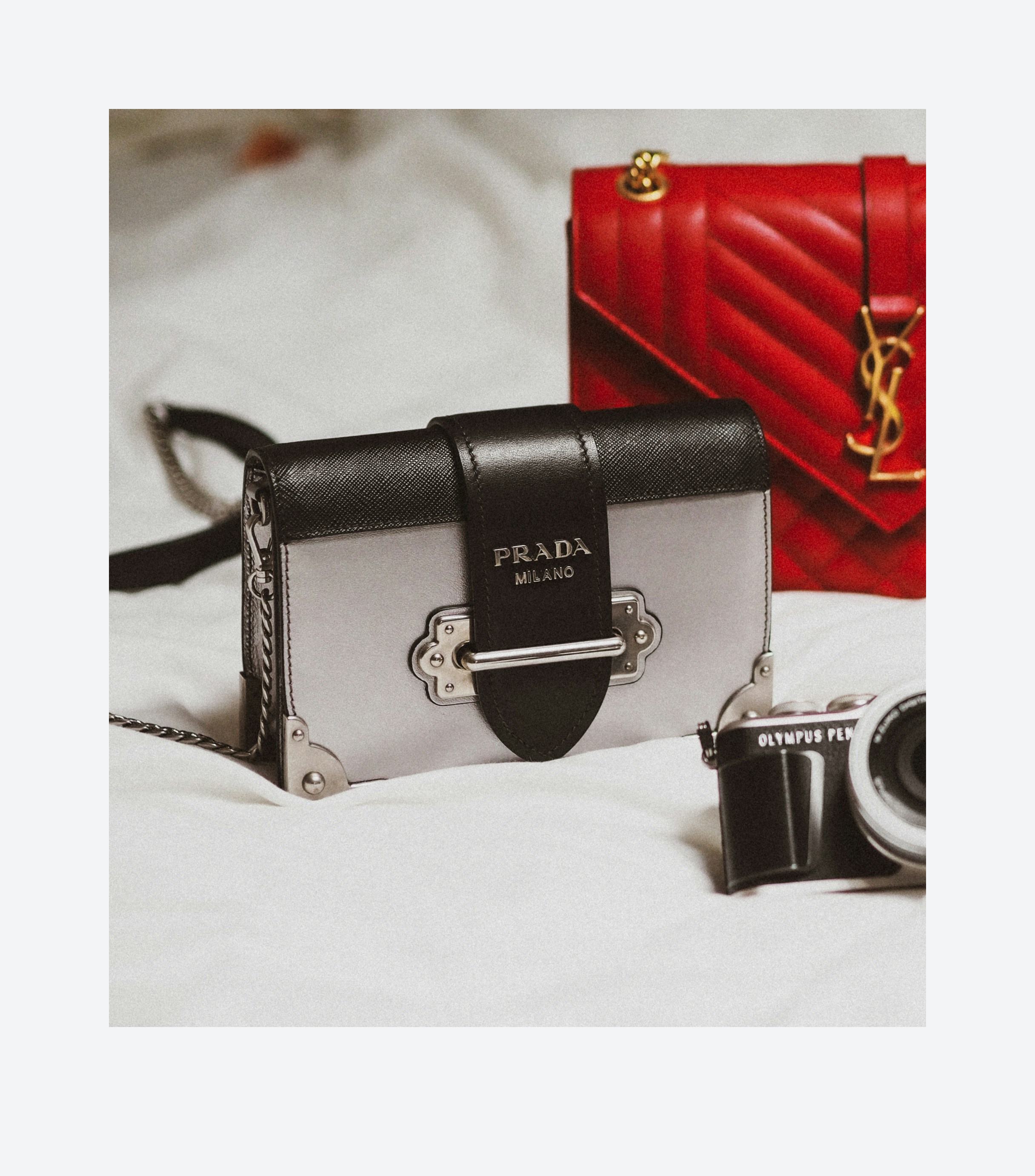
Enough technical detail to qualify the endpoint quickly, with the full reference one click away.
| Endpoint | POST /v1/image/uncrop |
| image_file | Source image · 30MB / 10MP max. PNG, JPEG, or WebP |
| extend_left | Pixels added left · Up to 2000 · Default: Not specified |
| extend_right | Pixels added right · Up to 2000 · Default: Not specified |
| extend_up | Pixels added top · Up to 2000 · Default: Not specified |
| extend_down | Pixels added bottom · Up to 2000 · Default: Not specified |
curl -X POST https://api.jasper.ai/v1/image/uncrop \
  -H "X-API-Key: $JASPER_API_KEY" \
  -H "Accept: image/png" \
  -F "[email protected]" \
  -F "extend_left=200" -F "extend_right=200" \
  -F "extend_up=100" -F "extend_down=100" \
  -o uncropped.png
import os, requests
resp = requests.post(
"https://api.jasper.ai/v1/image/uncrop",
headers={"X-API-Key": os.environ["JASPER_API_KEY"],
"Accept": "image/png"},
files={"image_file": open("photo.png", "rb")},
data={"extend_left": "200", "extend_right": "200",
"extend_up": "100", "extend_down": "100"},
timeout=120)
open("uncropped.png", "wb").write(resp.content)The full Uncrop benchmark helps teams review generated edge quality, texture continuity, color match, and how different extension sizes affect reliability.
Request access when you want to evaluate aspect-ratio adaptation for your channels or review hard cases before building Uncrop into a workflow.
See visual cases, methodology, output notes, and the model behavior that matters for your category.
Access benchmarkAI image uncropping, also called outpainting, expands an image beyond its original frame and generates realistic new content around the edges. Jasper Uncrop helps teams reframe approved assets for new aspect ratios, channels, and layouts.
Jasper Uncrop combines generated edge expansion with explicit pixel controls for the left, right, top, and bottom of the image. Teams can create predictable channel variants through an API instead of manually rebuilding every crop.
Marketing teams use Jasper Uncrop to adapt one approved image for social formats, ads, websites, marketplaces, print crops, and layouts that need additional copy space.
Jasper Uncrop can extend each side independently by up to 2,000 pixels. Smaller, balanced extensions usually produce the most predictable and visually consistent results.
Any AI outpainting model can create a seam when the extension is very large or the source has a flat, uniform background. Jasper is designed to blend generated pixels into the source, and modest extensions reduce the risk of visible boundaries or color shifts.
No. The current Jasper Uncrop API uses the source image and pixel extension values for each side. A text prompt is not required to generate the expanded image.
Yes. Convert the target aspect ratio into pixel extensions for the sides you want to grow, then send those values to Jasper Uncrop. This makes it possible to create landscape, portrait, square, and copy-space variants from one source.
Jasper's V2.2 research track adds color-correction and seam-consistency work to better match generated pixels with the source image. The improvement is still in progress, and difficult flat backgrounds can require review.
Very large extensions, compressed sources, subjects touching the image edge, flat backgrounds, and scenes that invite new text or objects are the hardest cases. Jasper performs most predictably with clean sources and moderate extensions.
Jasper Uncrop accepts PNG, JPEG, and WebP source images up to 30MB and 10MP. At least one side must have an extension greater than zero.
Yes. Jasper Uncrop generates new pixels beyond the original frame, so the extended areas are AI-generated. Outputs are moderated and should be reviewed before production use.
Bring your image set, production constraints, or benchmark questions. Jasper can help map the right API, app, agent, or pipeline path.