

Jasper Image

Remove embedded text. Keep the image usable.

Automatically clear baked-in labels, captions, storefront copy, and promotional text so teams can localize, update, and repurpose image assets without manual masking.

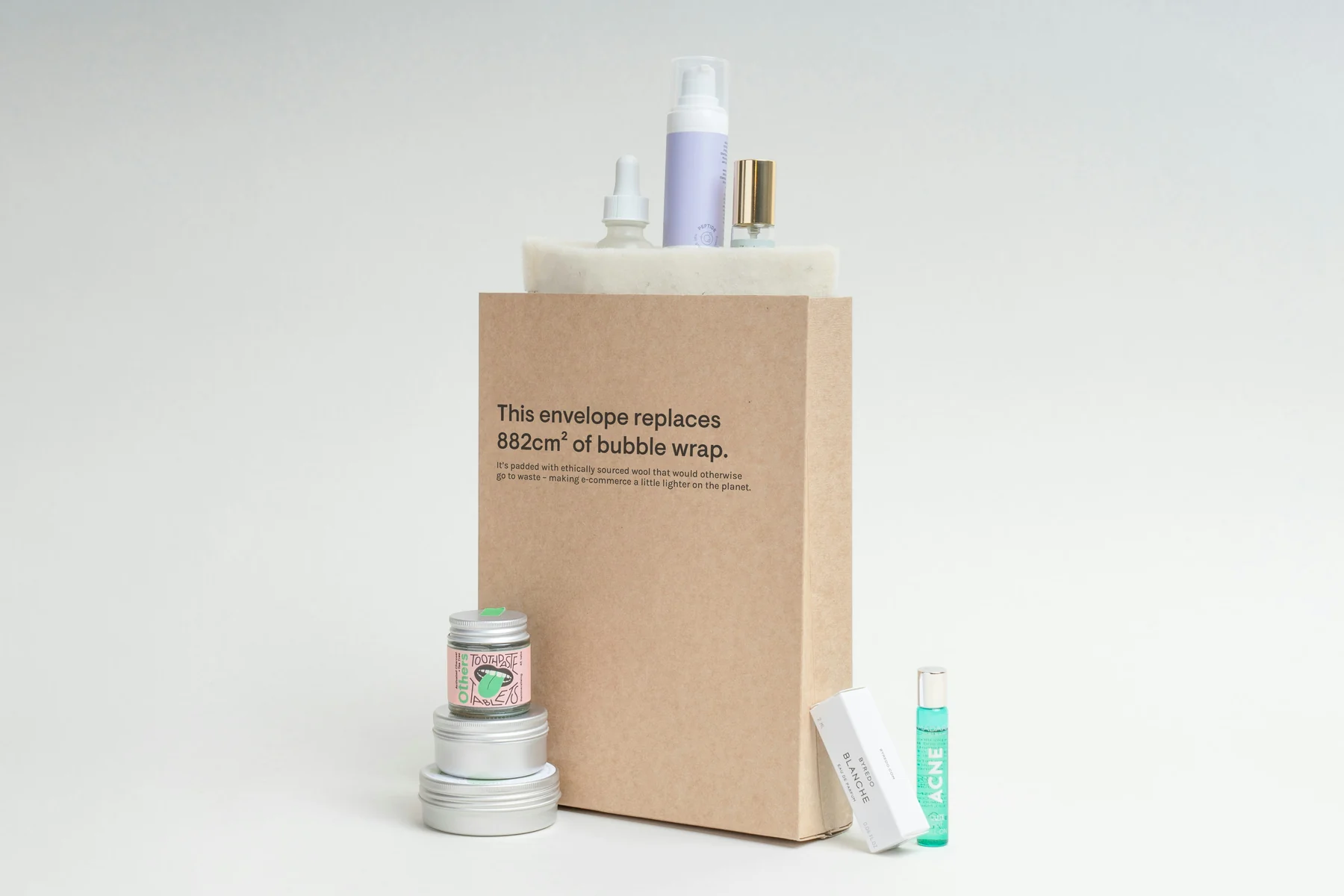
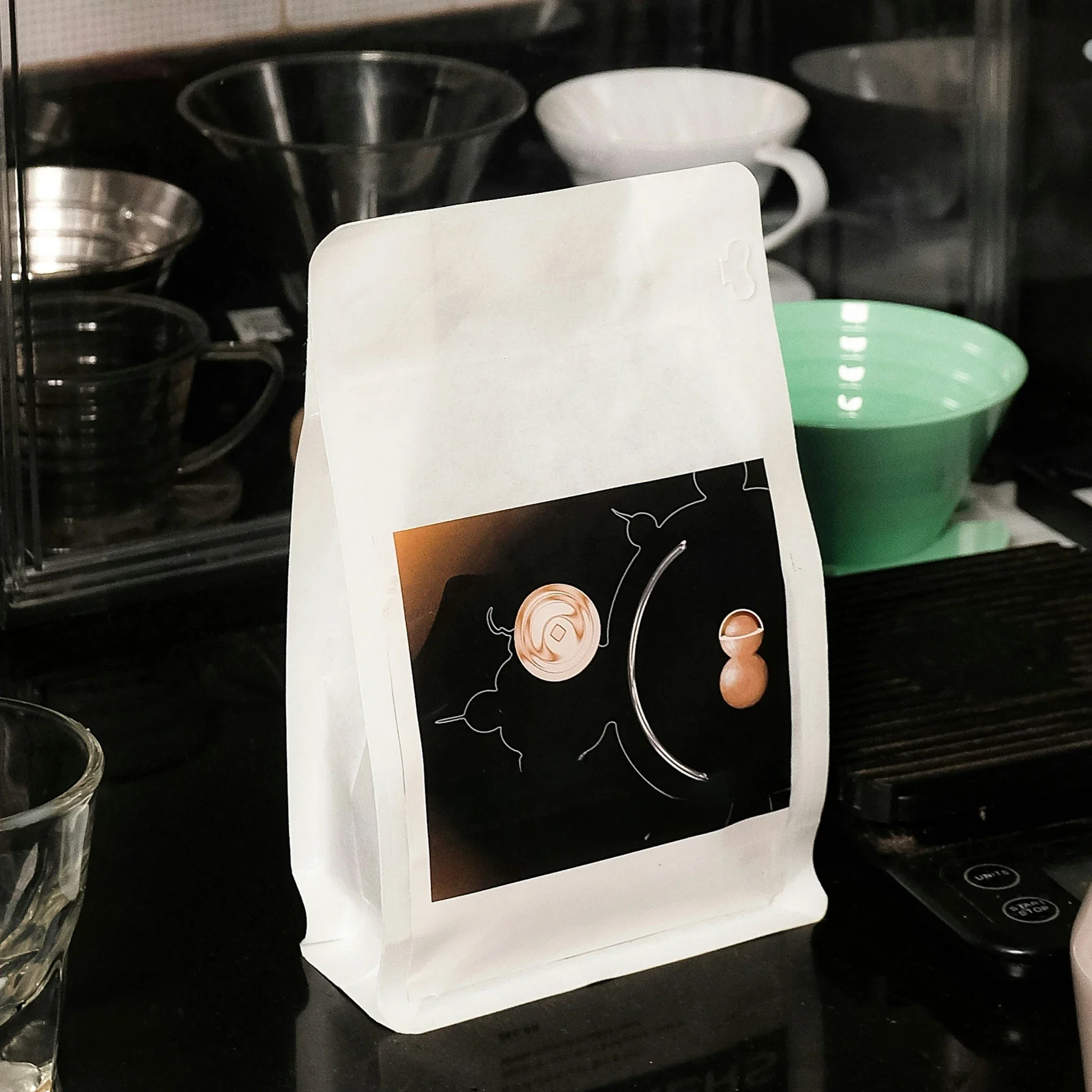
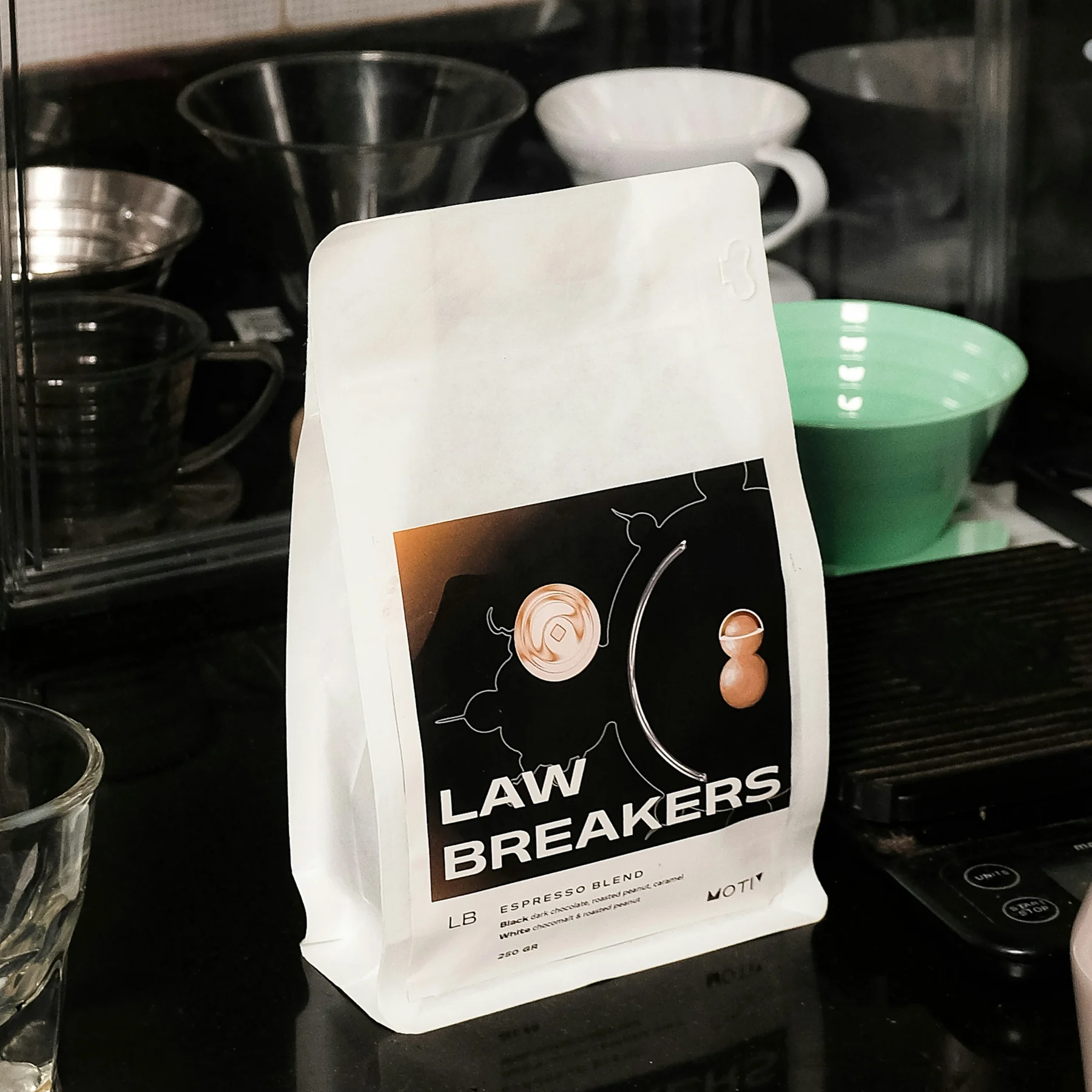
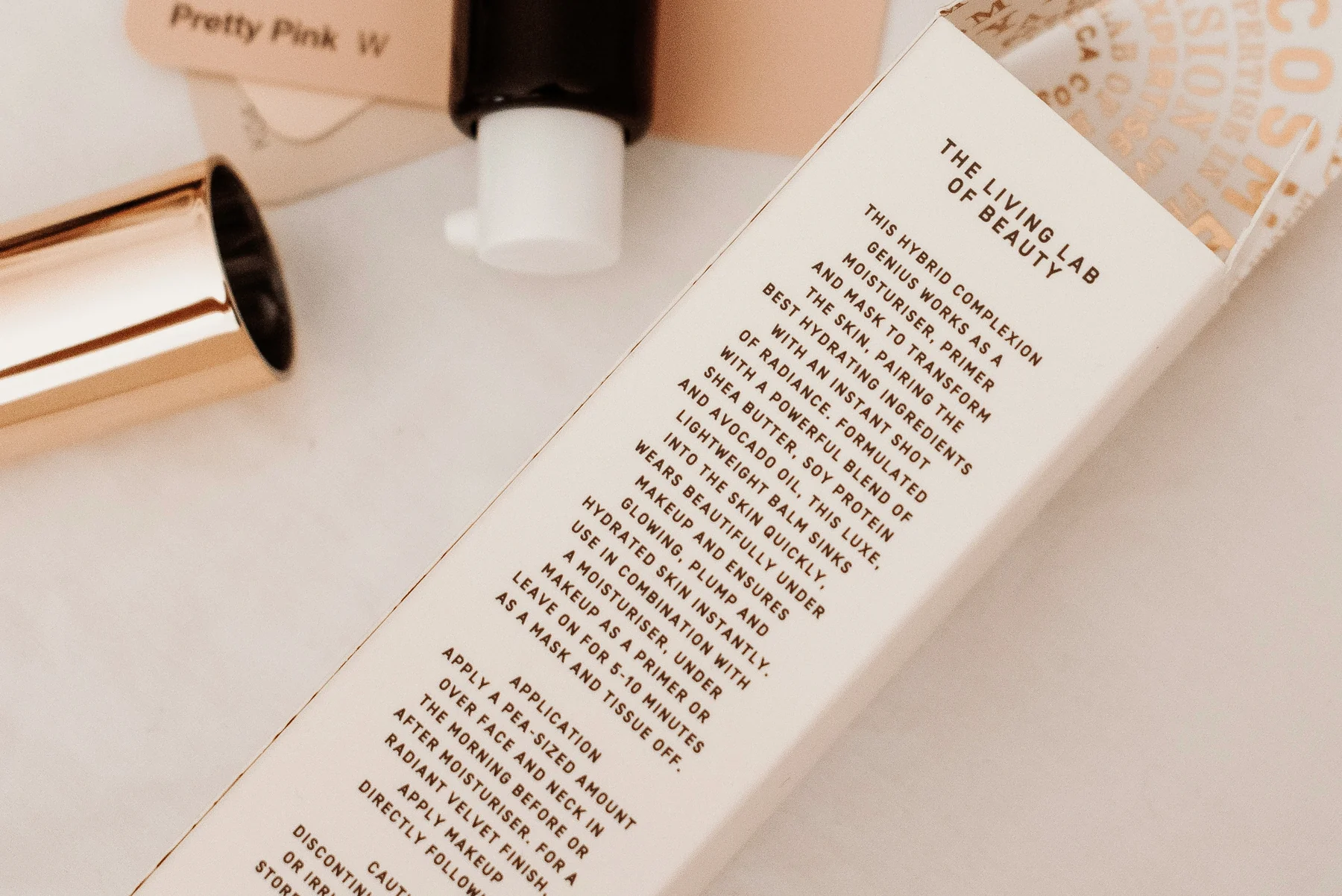
Jasper Remove Text API output with makeup product text removed
Original makeup product set with visible package and bottle text
OriginalJasper API

Drag to compare

Where Remove Text fits

Pick the workflow that looks most like your backlog, then use the same model through Jasper Image API, Jasper-managed image pipelines, or sales-led solution design.

Swipe to explore
01

Clear old copy before adding market-specific text

Remove baked-in label, pack, and campaign copy from reusable visuals before adding approved local messaging.

Useful for product launches, regional campaigns, and market-by-market creative refreshes.

02

Recover clean canvases from finished creative

Strip captions, sale messages, date stamps, and old lockups so an image can be reused instead of rebuilt.

Keeps designers focused on new creative rather than repetitive cleanup work.

03

Prepare product and retail imagery at scale

Clean product packaging, storefronts, shelves, and retail mockups when text is blocking reuse or review.

The no-mask flow is well-suited for batch processing and review queues.

04

Build text cleanup into asset workflows

Add automatic text removal to DAMs, ecommerce tools, localization systems, or creative automation products.

One uploaded image returns a cleaned binary image through the Jasper Image API.

Text removal proof for packaging, signs, and layouts

A smaller set of proof examples, chosen to show the cases a buyer or technical evaluator is most likely to care about.

Swipe to explore

Quickstart: remove baked-in text

Enough technical detail to qualify the endpoint quickly, with the full reference one click away.

API facts

EndpointPOST /v1/image/remove-text
image_fileSource image · 30MB / 16MP max. PNG, JPEG, or WebP
Accept (header)Output format · image/png, image/webp, or image/jpeg · Default: Endpoint default

For batch jobs, submit one image per request and route uncertain outputs to review before publishing.

# Source image -> text removed
curl -X POST https://api.jasper.ai/v1/image/remove-text \
  -H "X-API-Key: $JASPER_API_KEY" \
  -H "Accept: image/webp" \
  -F "[email protected]" \
  -o without-text.webp

Benchmark access for text-removal evaluation

The full benchmark helps teams understand where no-mask text removal works best: packaging panels, signs, posters, editorial pages, storefronts, and simple overlays.

Request access when you want to review hard cases such as curved labels, reflections, dense signage, or localization workflows with human review.

Preview the full benchmark

See visual cases, methodology, output notes, and the model behavior that matters for your category.

Access benchmark

FAQ

AI text removal detects baked-in labels, captions, signs, and overlays, then reconstructs the visual surface underneath. Jasper Remove Text automates this process so teams can reuse and localize image assets without manually painting over every text region.

Jasper Remove Text is purpose-built to detect embedded text automatically and reconstruct the surrounding texture without a manual mask. Use Jasper Cleanup instead when the target is a non-text object or you need exact removal boundaries.

No. Jasper detects text automatically, so the standard Remove Text workflow does not require a mask, prompt, or text coordinates.

Jasper Remove Text performs best when lettering is clear enough to detect and sits on a flat or lightly textured surface, such as product packaging, posters, signs, walls, editorial graphics, and simple overlays.

Yes. Jasper Remove Text can process screenshots, campaign mockups, product images, signs, and other visuals when the text is visible enough to detect. Very small, mirrored, distorted, or low-resolution lettering should be reviewed.

Yes. Jasper Remove Text is designed to detect embedded text without relying on one specific language, making it useful as the cleanup step in multilingual asset localization workflows.

Jasper can remove text-like marks and labels, but removal does not create new usage rights. Only process source images you are authorized to edit, and do not use text removal to bypass licensing restrictions.

Yes. When text is too small or compressed to detect reliably, run Jasper Upscale first and then use Jasper Remove Text on the higher-resolution image. This gives the text-removal model a clearer source to analyze.

Jasper is designed to reconstruct the underlying surface and preserve surrounding content and texture. Difficult cases such as tiny label copy, curved reflective packaging, dense signs, or mirrored text can still require review.

Automate text cleanup across your asset library

Bring your image set, production constraints, or benchmark questions. Jasper can help map the right API, app, agent, or pipeline path.