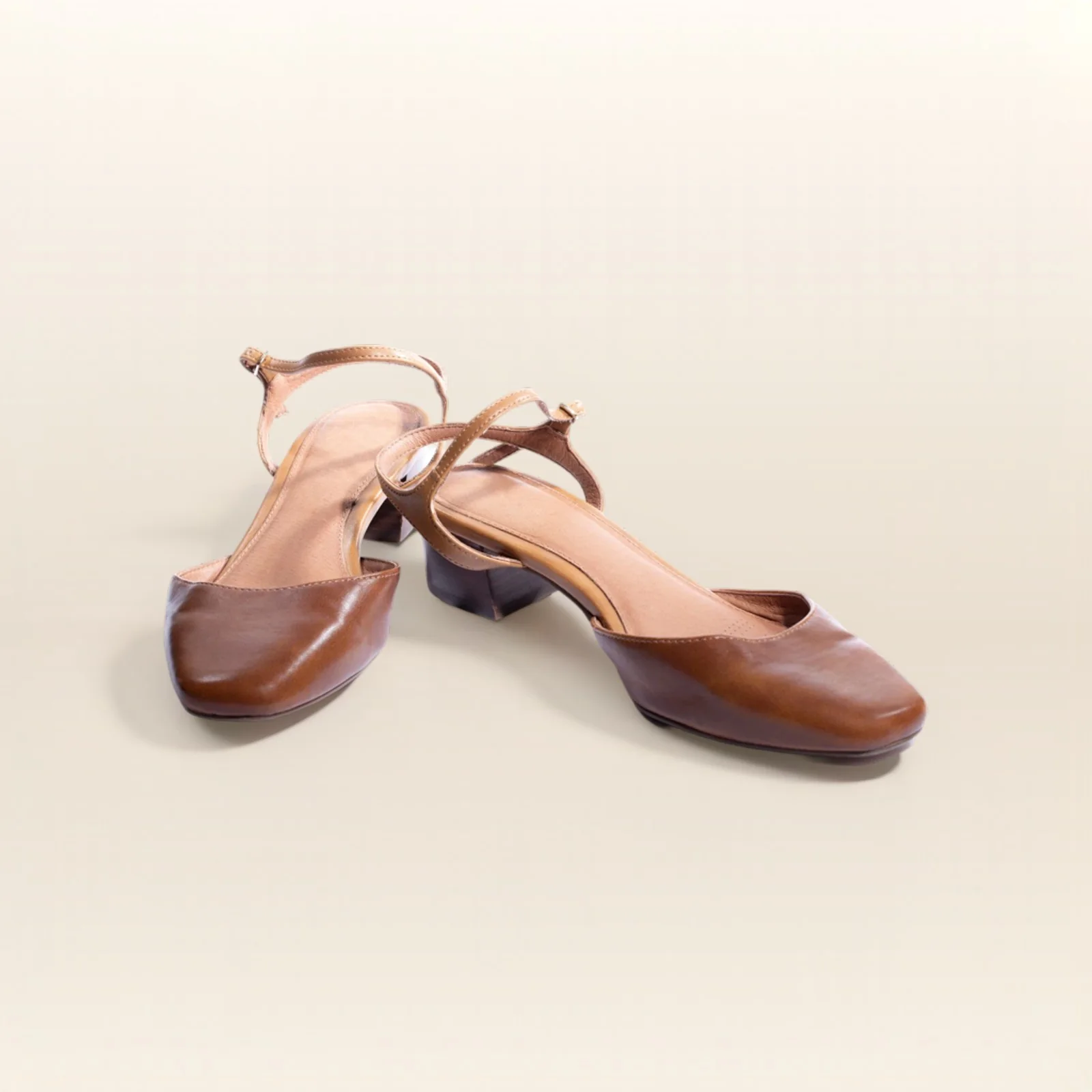
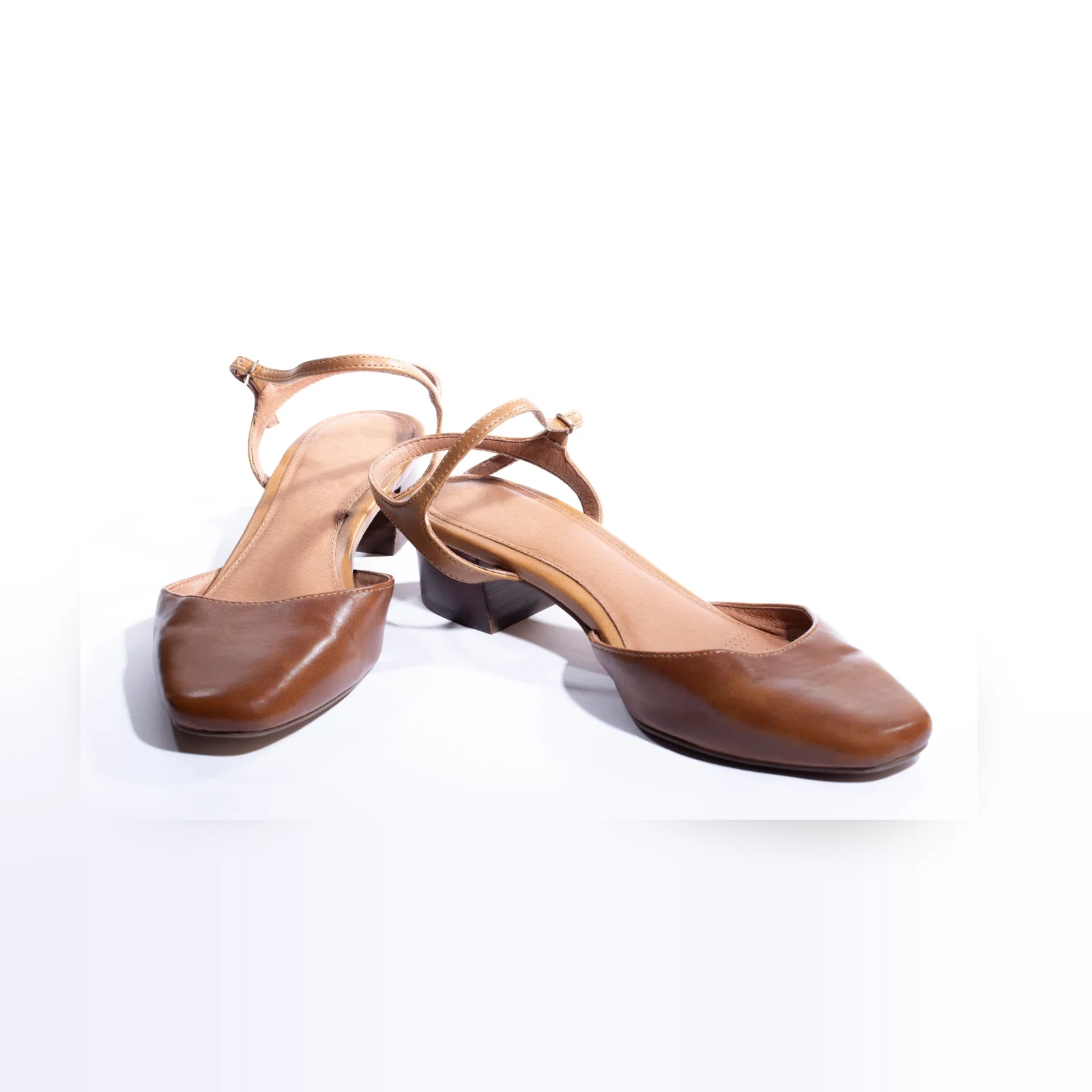
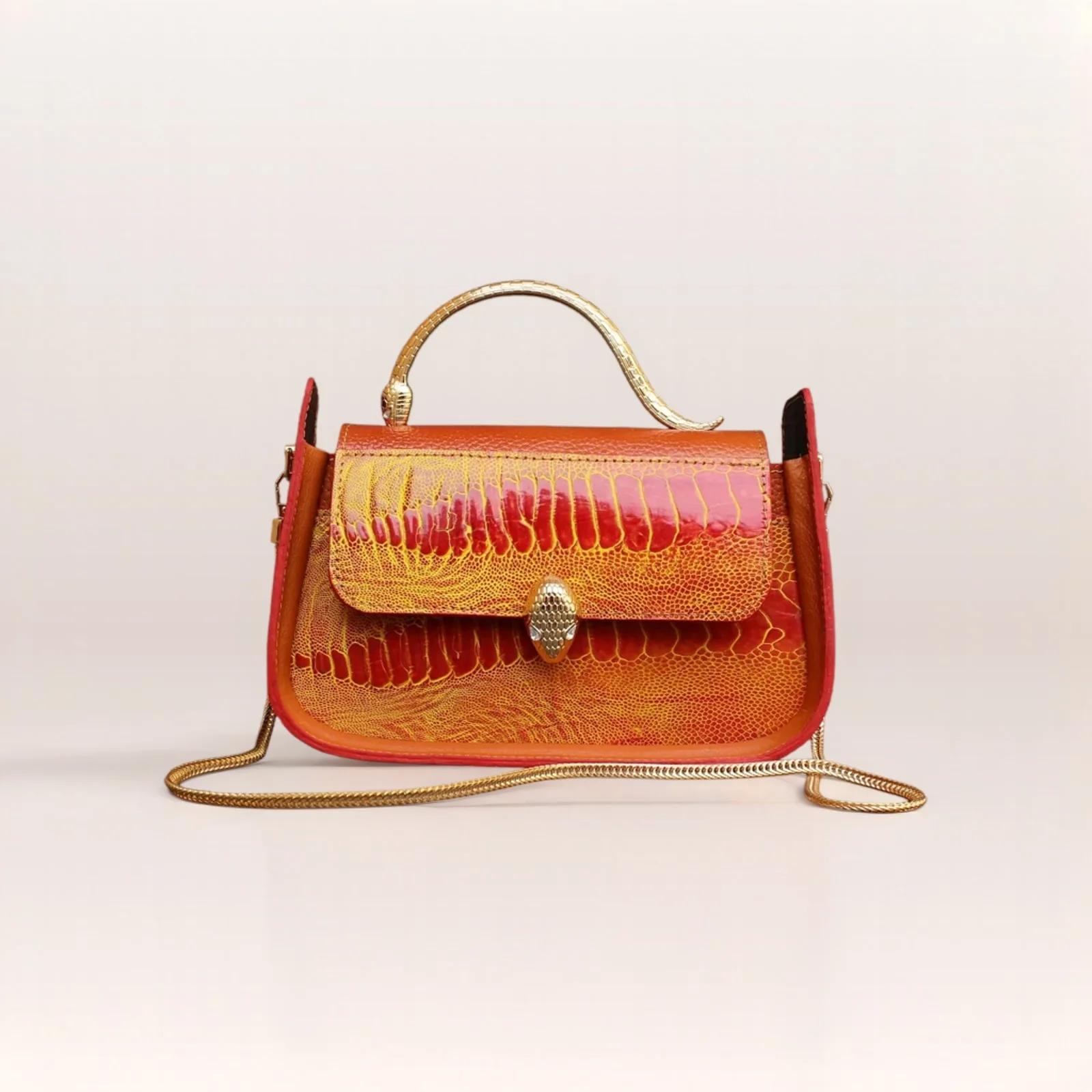
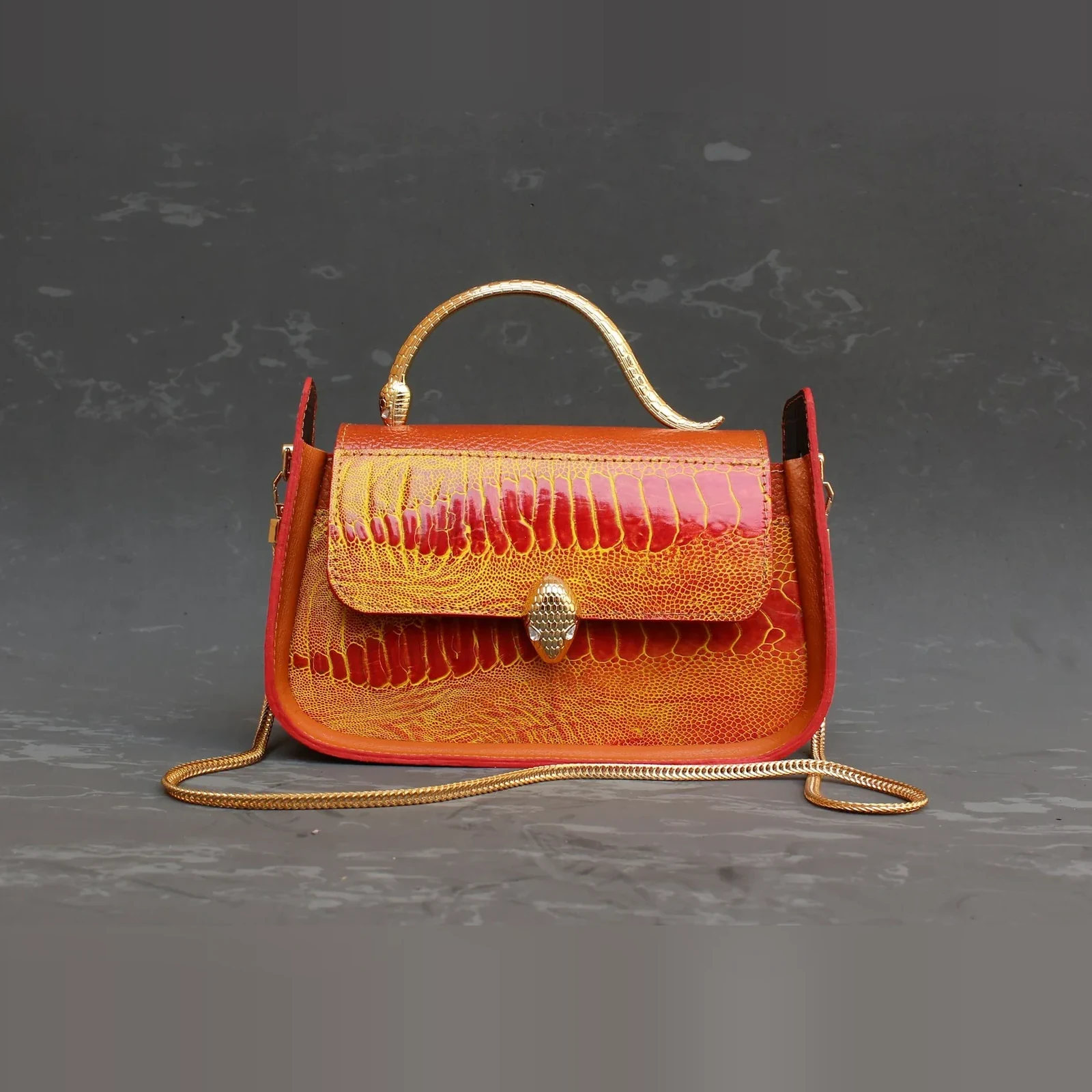
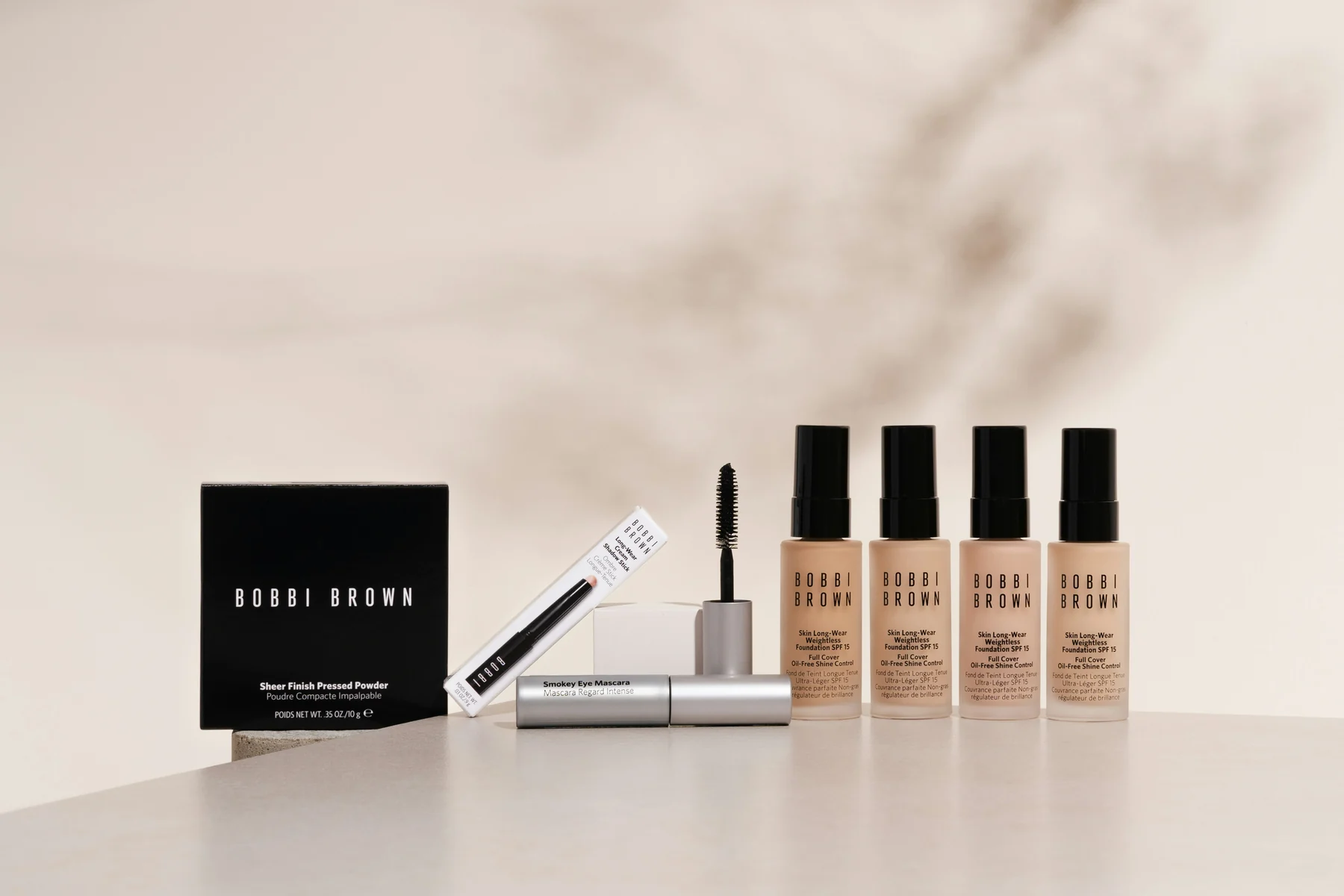
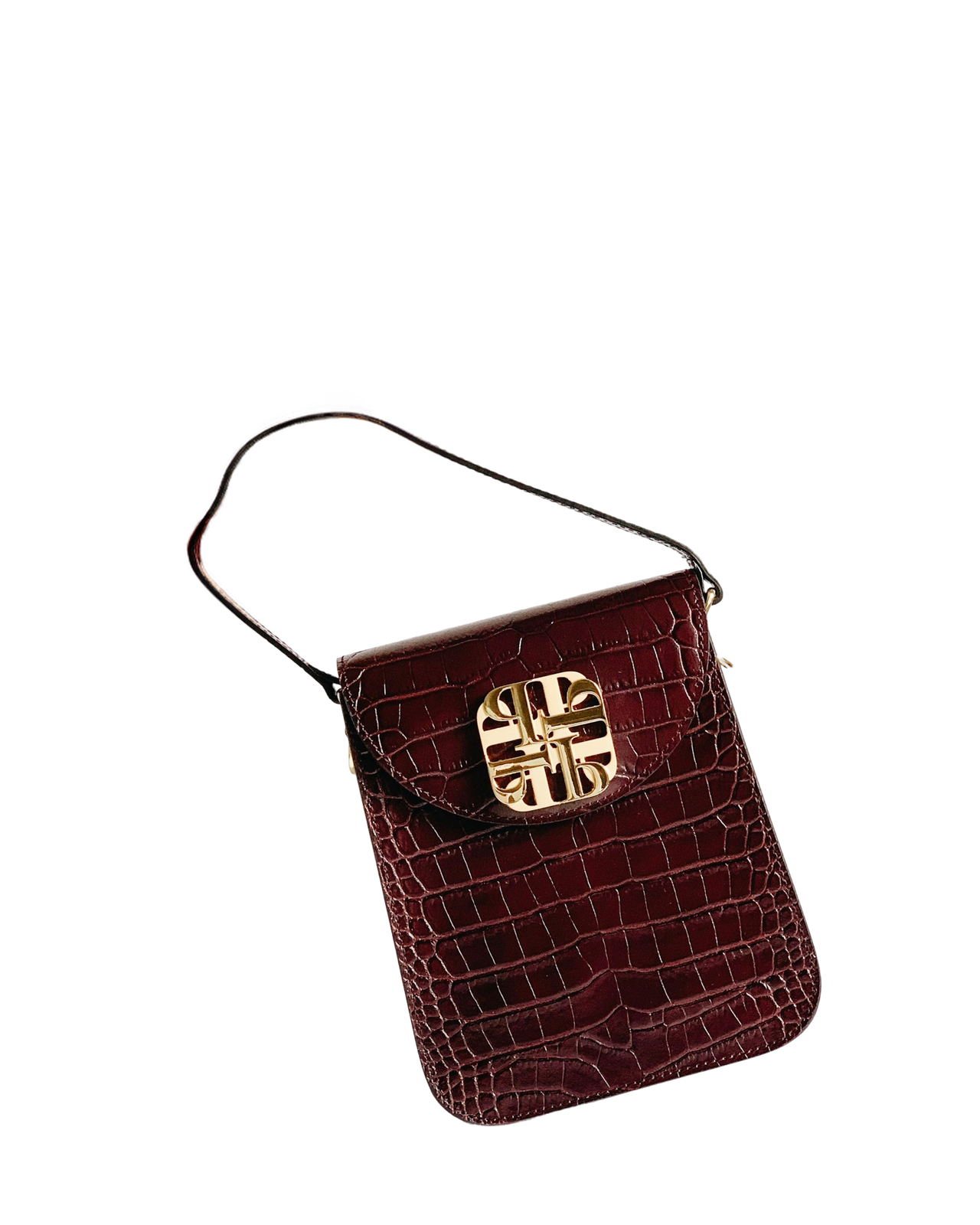
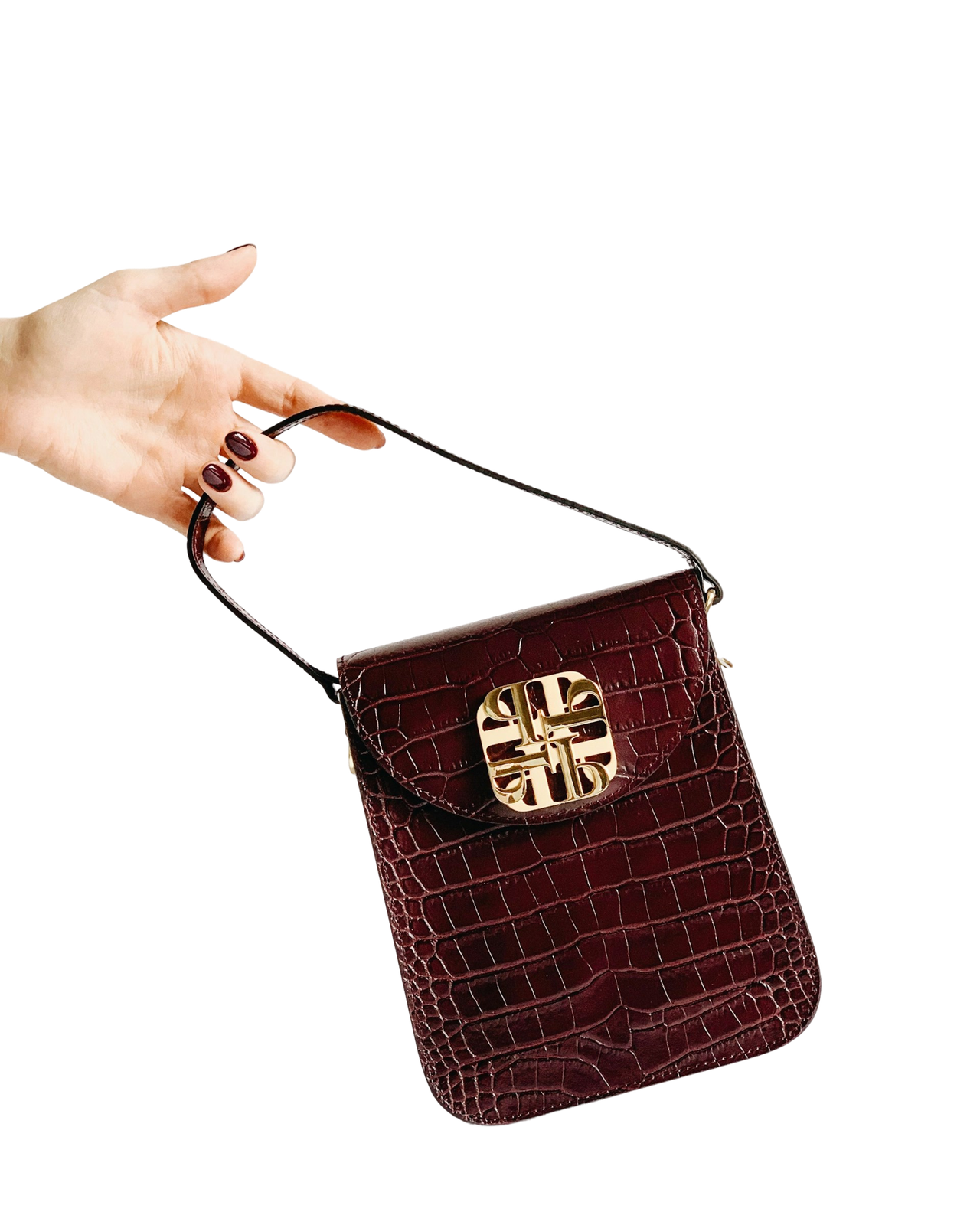
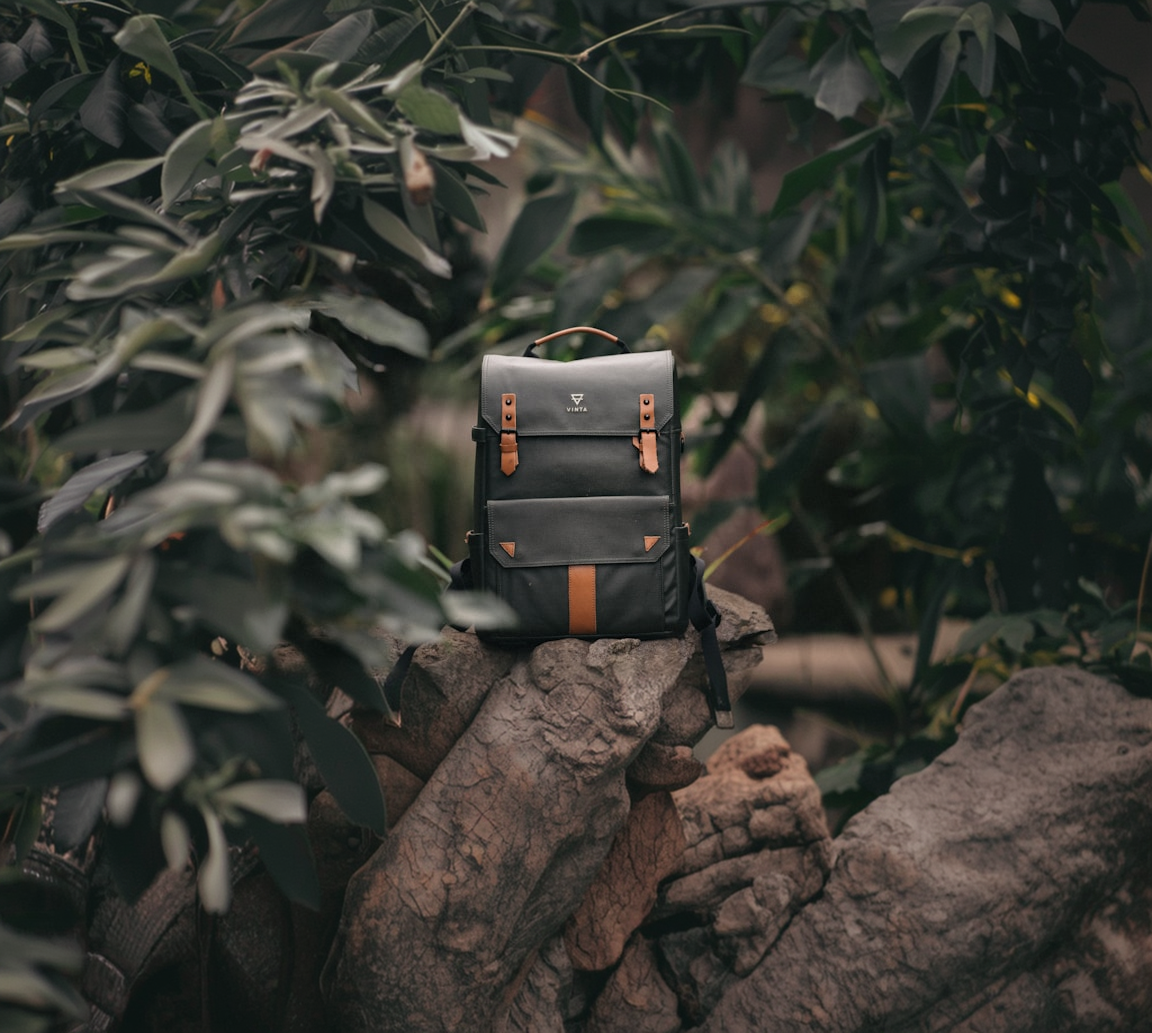
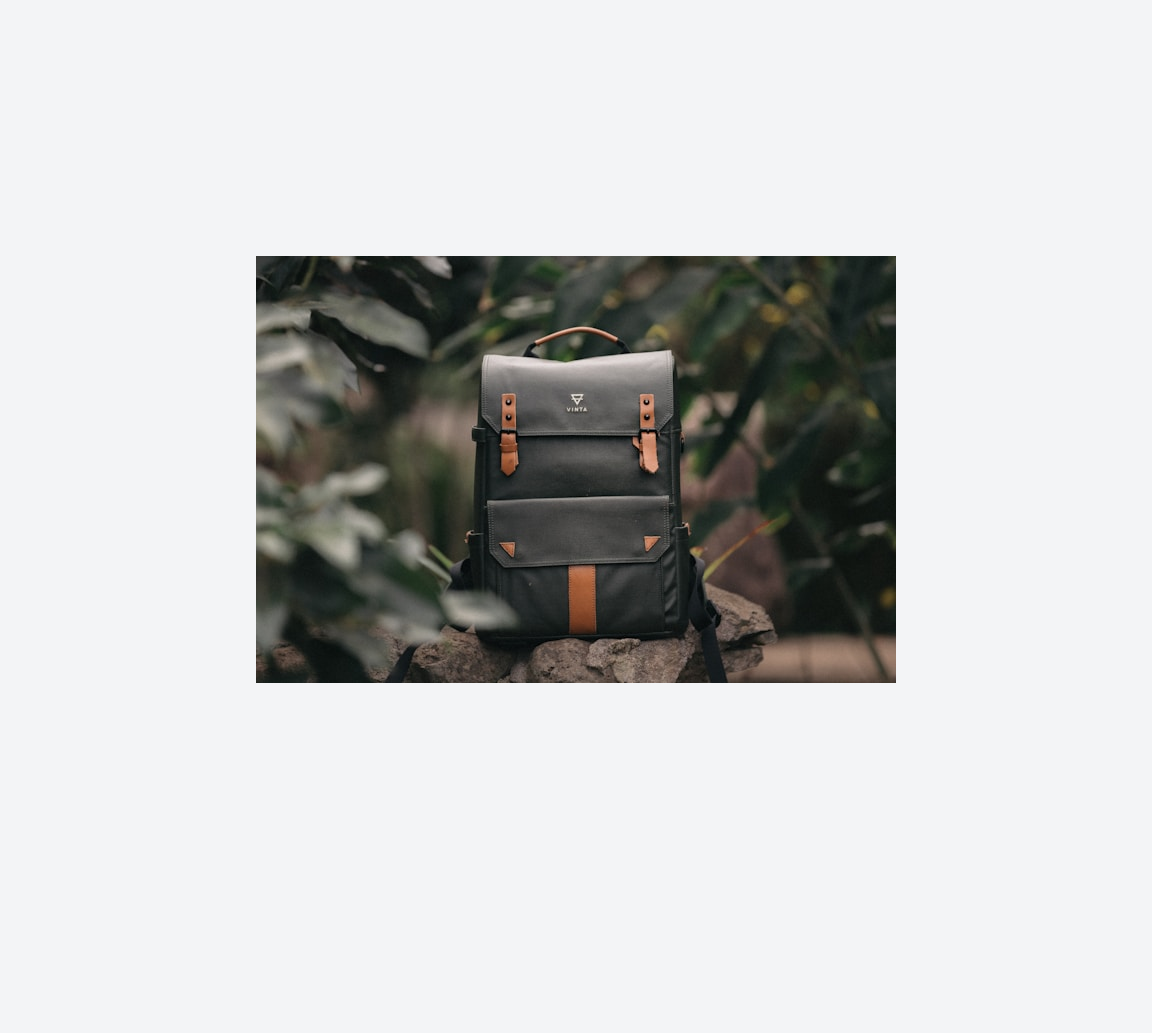
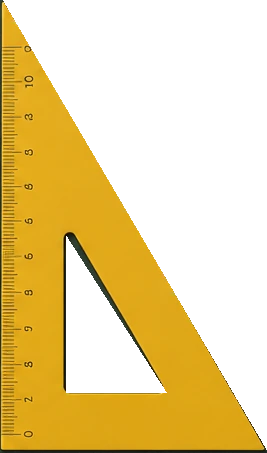
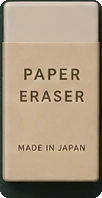
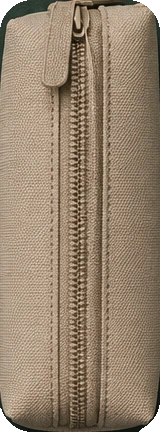
Studio-grade packshots, generated in your pipeline.
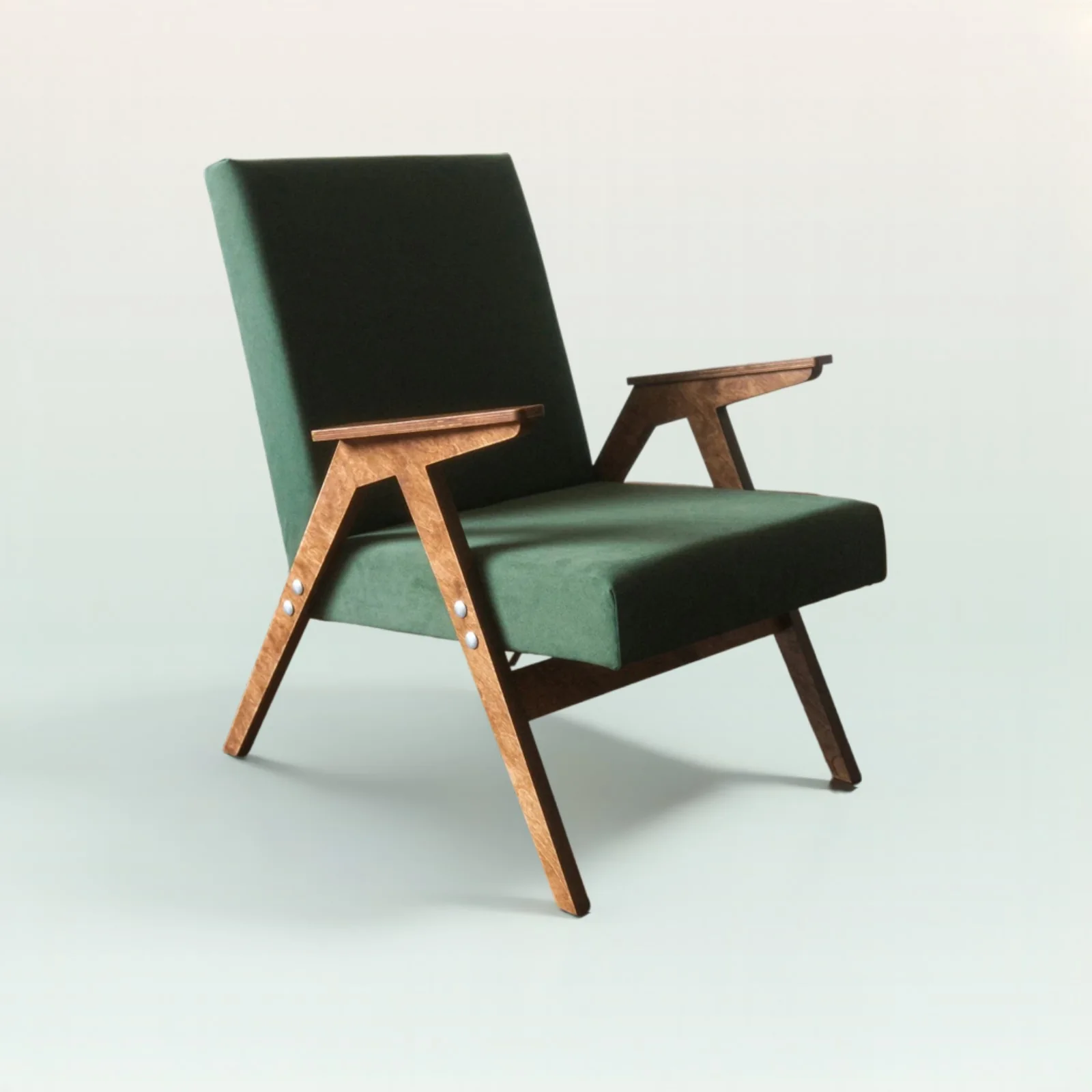
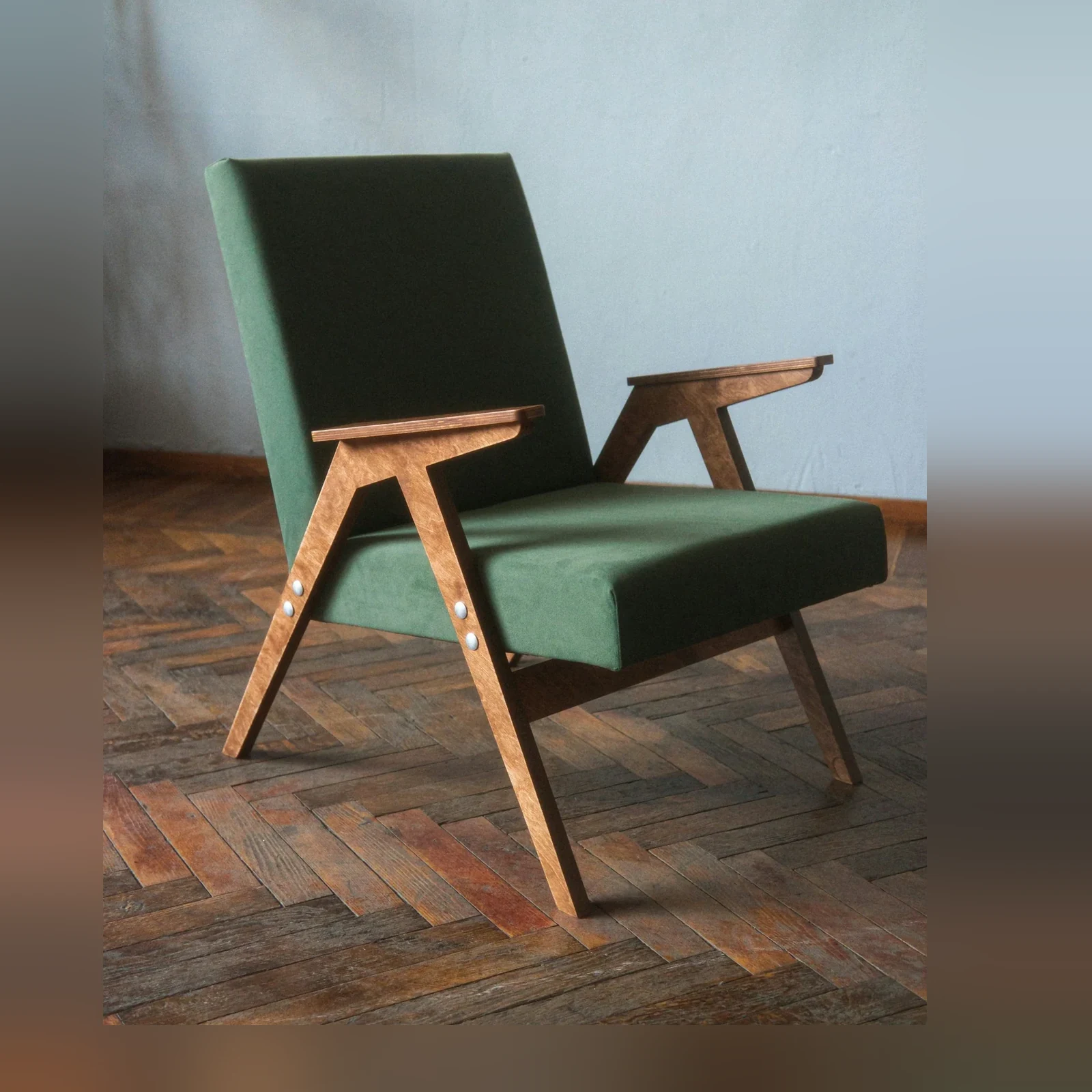
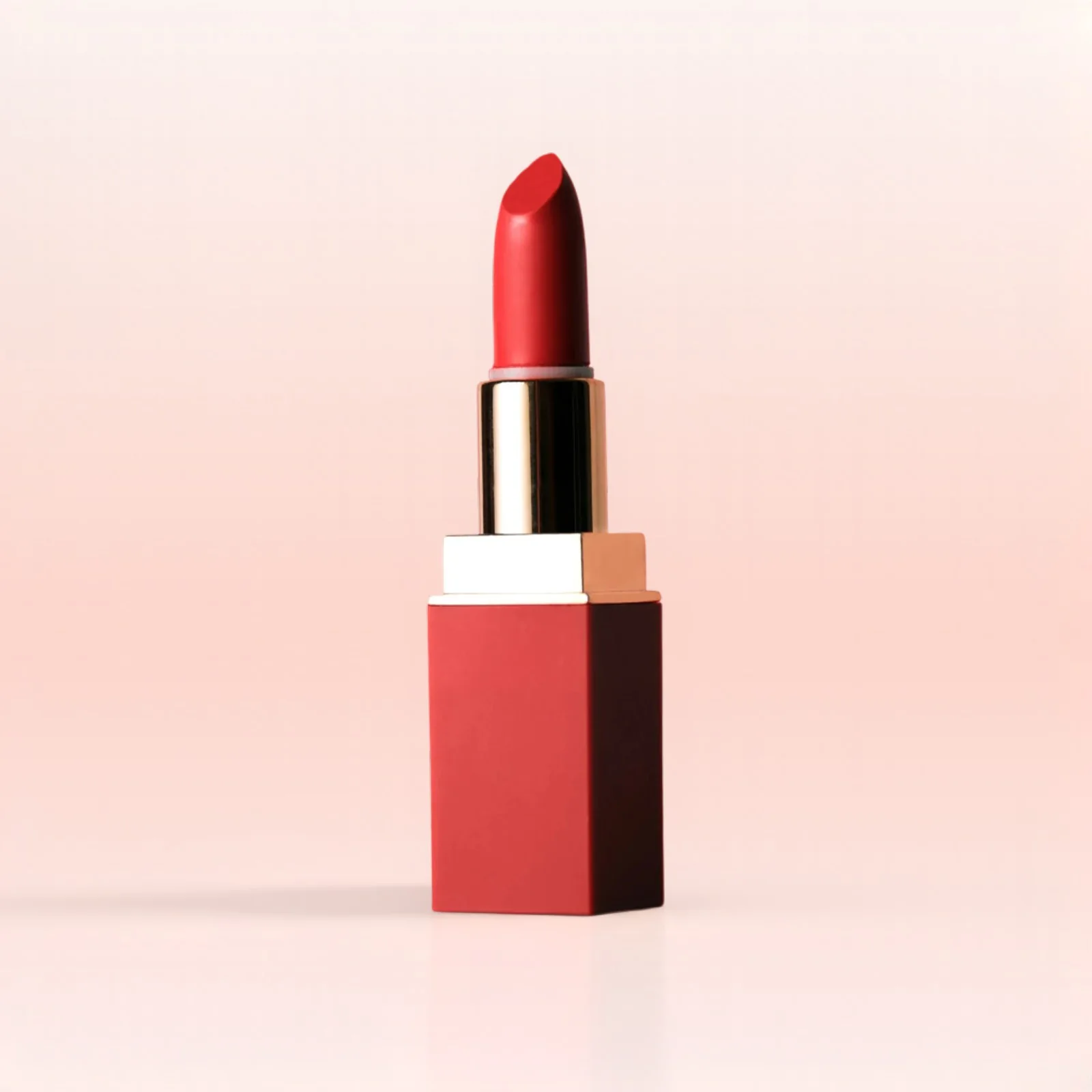
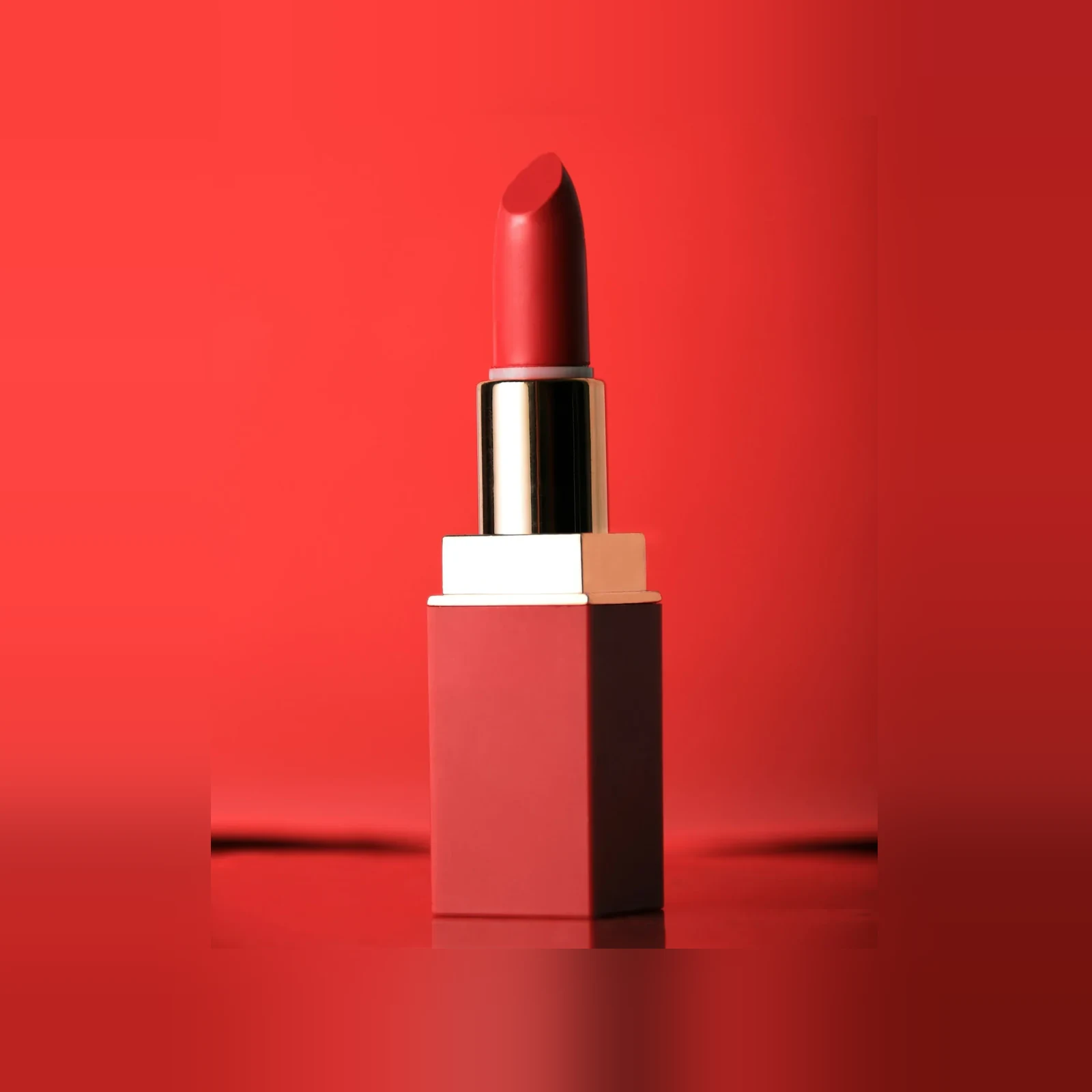
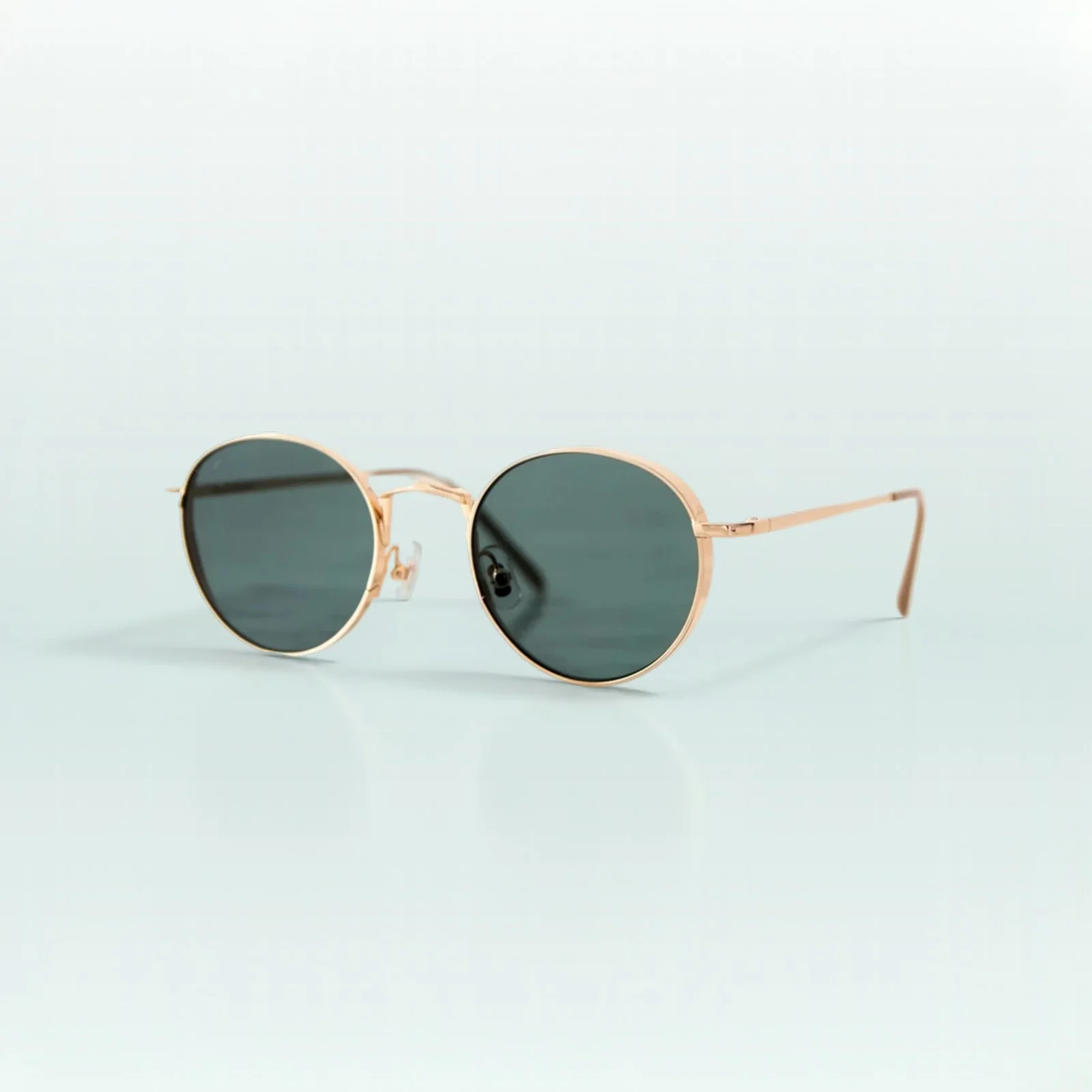
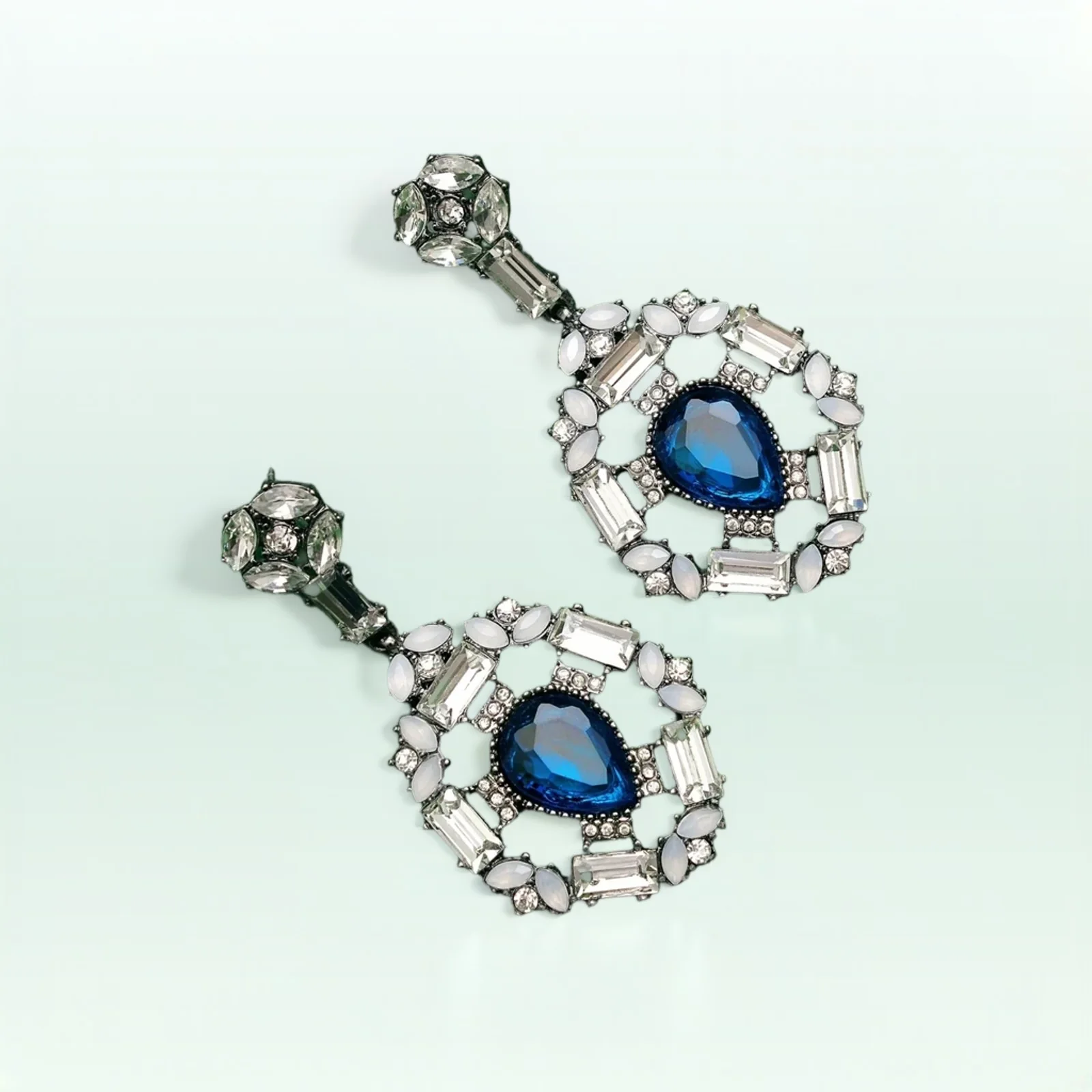
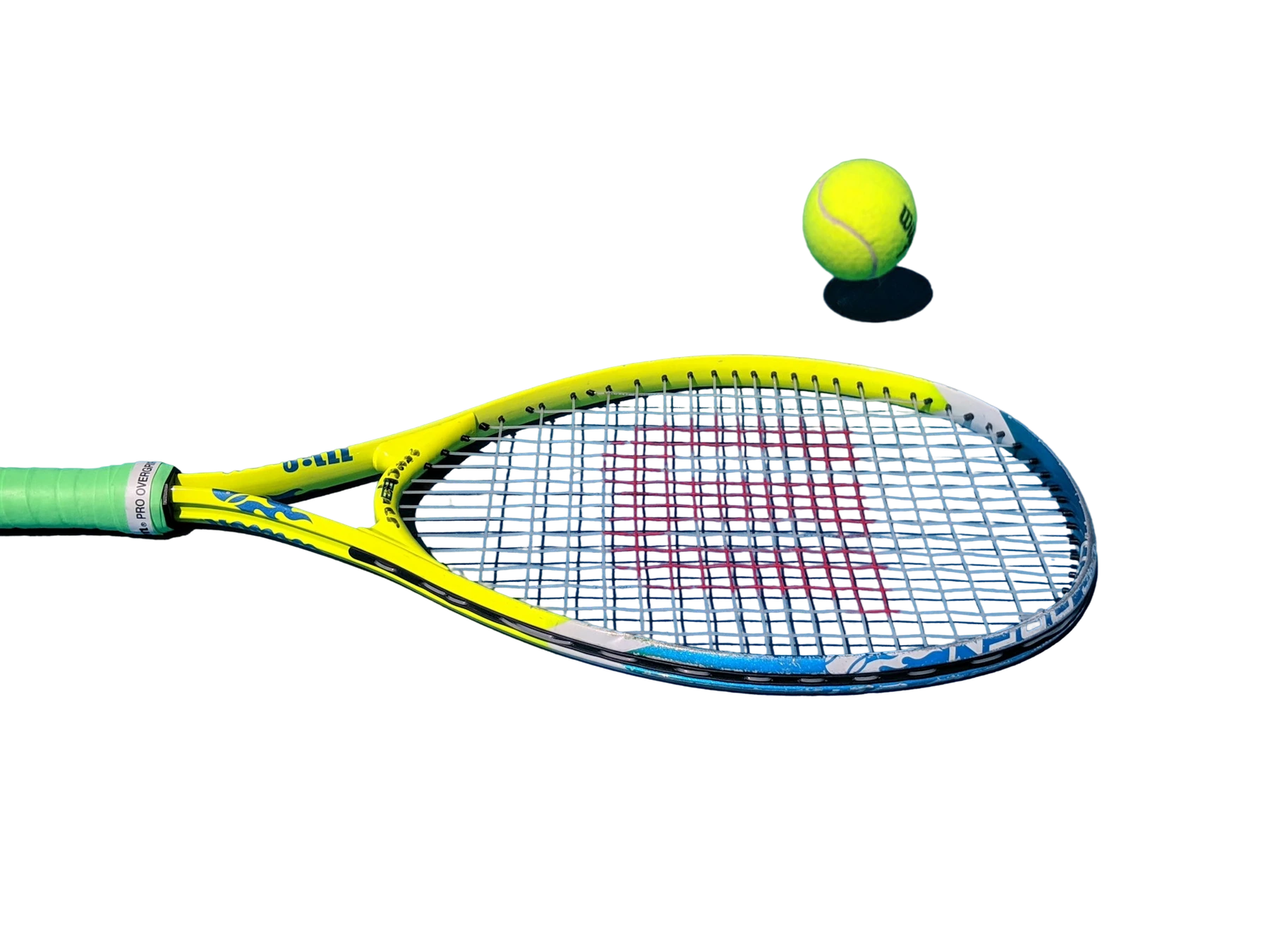
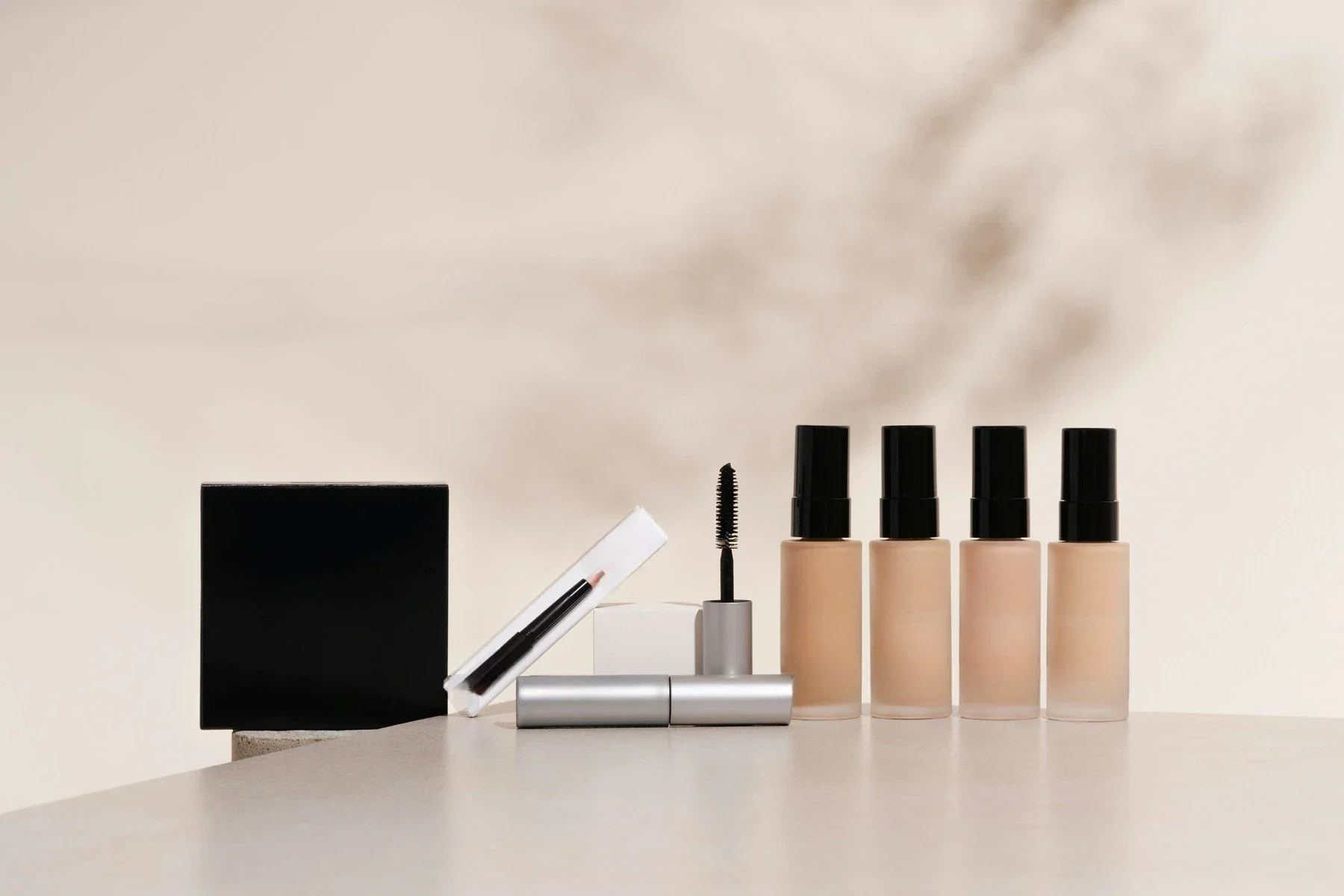
Composite product images onto controlled backgrounds with output size, placement, margins, shadows, and reflections that can be standardized across catalog batches.
Pick the workflow that looks most like your backlog, then use the same model through Jasper Image API, Jasper-managed image pipelines, or sales-led solution design.
01 / 04Swipe to explore
01
Standardize inconsistent product sources
Convert uneven supplier, studio, and lifestyle product images into consistent packshots for SKU grids, PDPs, marketplaces, and feeds.
A stronger path than asking designers to manually normalize every product family.
02
Use approved backgrounds and placement rules
Supply brand-approved backgrounds, output dimensions, margins, and vertical placement rules for repeatable product imagery.
Keeps catalog automation closer to brand standards and creative governance.
03
Tune shadows and reflections by product family
Control shadow type, shadow strength, reflection type, and reflection strength so outputs feel intentionally photographed.
Useful for beauty, accessories, footwear, home goods, furniture, jewelry, and other catalog categories.
04
Build packshot generation into your pipeline
Send a product image, background image, and compositing controls to generate a production-ready binary image response.
Designed for high-volume catalog workflows that need consistent creative output.
Packshot proof across catalog categories
A smaller set of proof examples, chosen to show the cases a buyer or technical evaluator is most likely to care about.
01 / 07Swipe to explore
OriginalJasper API
⇆
OriginalJasper API
⇆
OriginalJasper API
⇆
OriginalJasper API
⇆
OriginalJasper API
⇆
OriginalJasper API
⇆
OriginalJasper API
⇆
Quickstart: governed packshot generation
Enough technical detail to qualify the endpoint quickly, with the full reference one click away.
Product padding inside the frame · 0-1 · Default: 0.15
vertical_placement
Vertical product placement in frame · 0-1 · Default: 0.5
For this page, examples were generated at 1600 x 1600 with controlled background images, bottom-left shadows, and product-specific reflection settings.
The full packshot benchmark helps teams review product placement, shadow behavior, reflection controls, background consistency, and category fit across catalog-style inputs.
Request access when you want to evaluate packshot automation for your product families, marketplace requirements, or brand background system.
Visual model evaluation
PDF
Case 1
Case 2
Case 3
Case 4
Source variety
7 cases
Square outputs
1600px
Control coverage
shadows
Mask overlays
none
Use case
Input set
Review notes
Standardize inconsistent product sources
Use approved backgrounds and placement rules
Tune shadows and reflections by product family
Preview the full benchmark
See visual cases, methodology, output notes, and the model behavior that matters for your category.
AI packshot compositing places a product image onto a supplied background and applies controlled placement, margins, shadows, and reflections. Jasper turns this into a repeatable API workflow for catalog and marketplace imagery.
Instead of relying only on prompts, Jasper Packshot Compositing exposes explicit controls for output size, product placement, margins, shadows, and reflections. That makes results easier to standardize across product families and publishing channels.
Replace Background focuses on generating or changing the scene. Jasper Packshot Compositing uses a supplied background and adds repeatable catalog controls for dimensions, margins, placement, shadows, and reflections.
Yes. The Jasper Packshot Compositing API takes both a product image and a background image, giving teams direct control over the approved environment used in every output.
Yes. Teams can pair approved background files with fixed presets for dimensions, margins, product placement, shadows, and reflections to create consistent packshots across a catalog.
Jasper supports output dimensions from 64 to 4096 pixels, margins, vertical placement, horizontal flip, shadow type and intensity, and reflection type and intensity.
No. Send the product image, background image, and compositing controls. Jasper handles the composition without requiring a separate mask input.
Yes. Jasper Packshot Compositing is designed for repeatable ecommerce, marketplace, and catalog production where approved inputs and parameter presets need to produce consistent images at scale.
Add governed packshots to your image pipeline
Bring your image set, production constraints, or benchmark questions. Jasper can help map the right API, app, agent, or pipeline path.