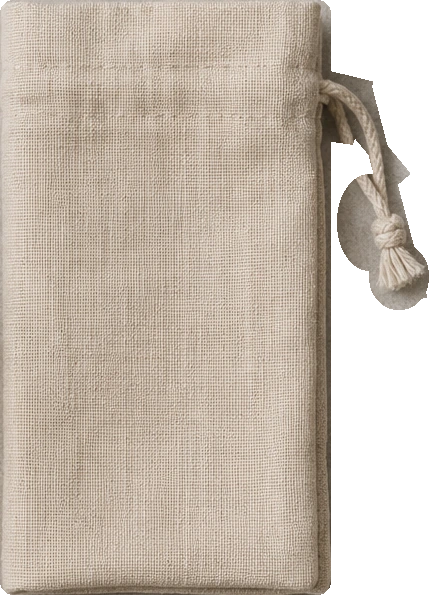
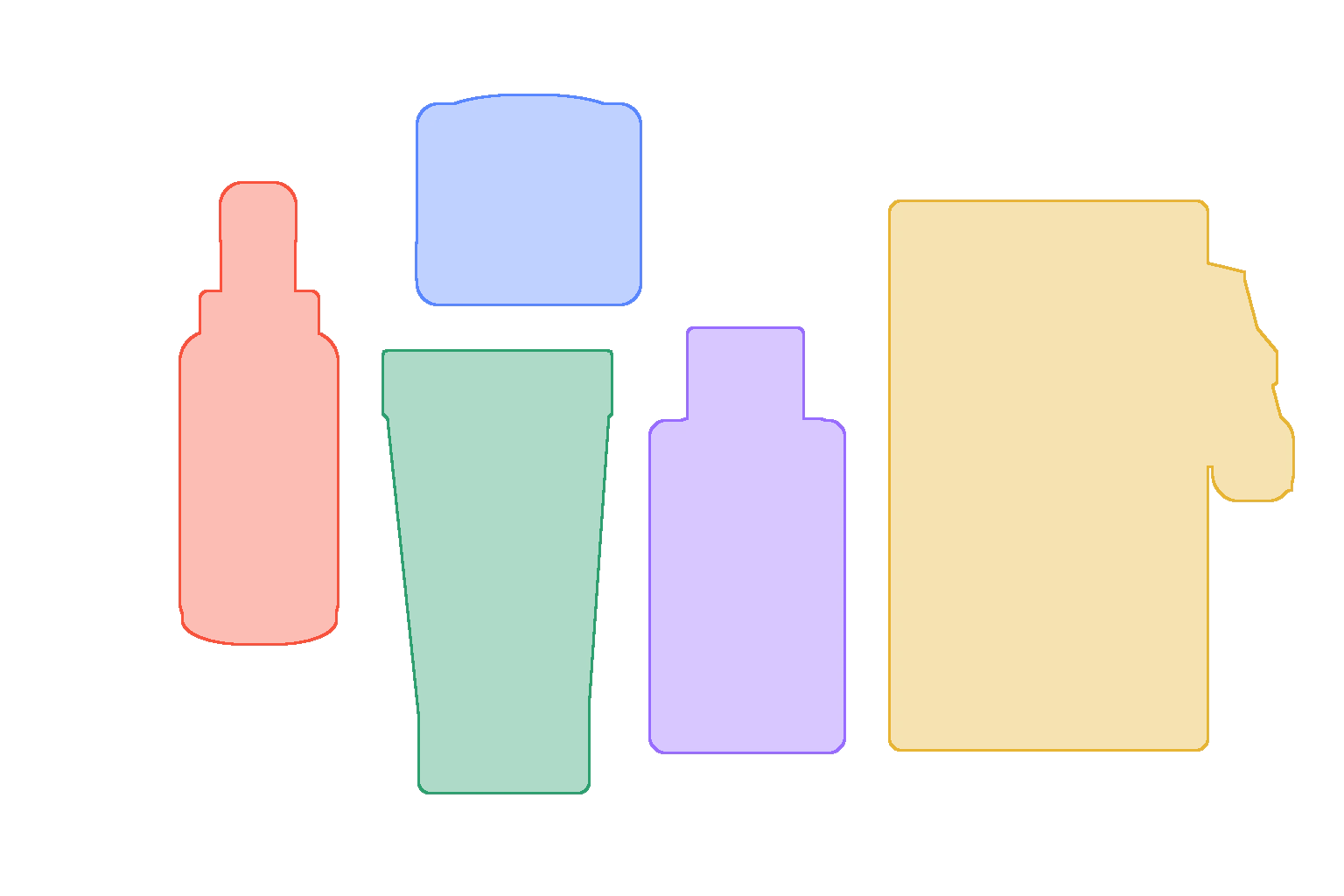
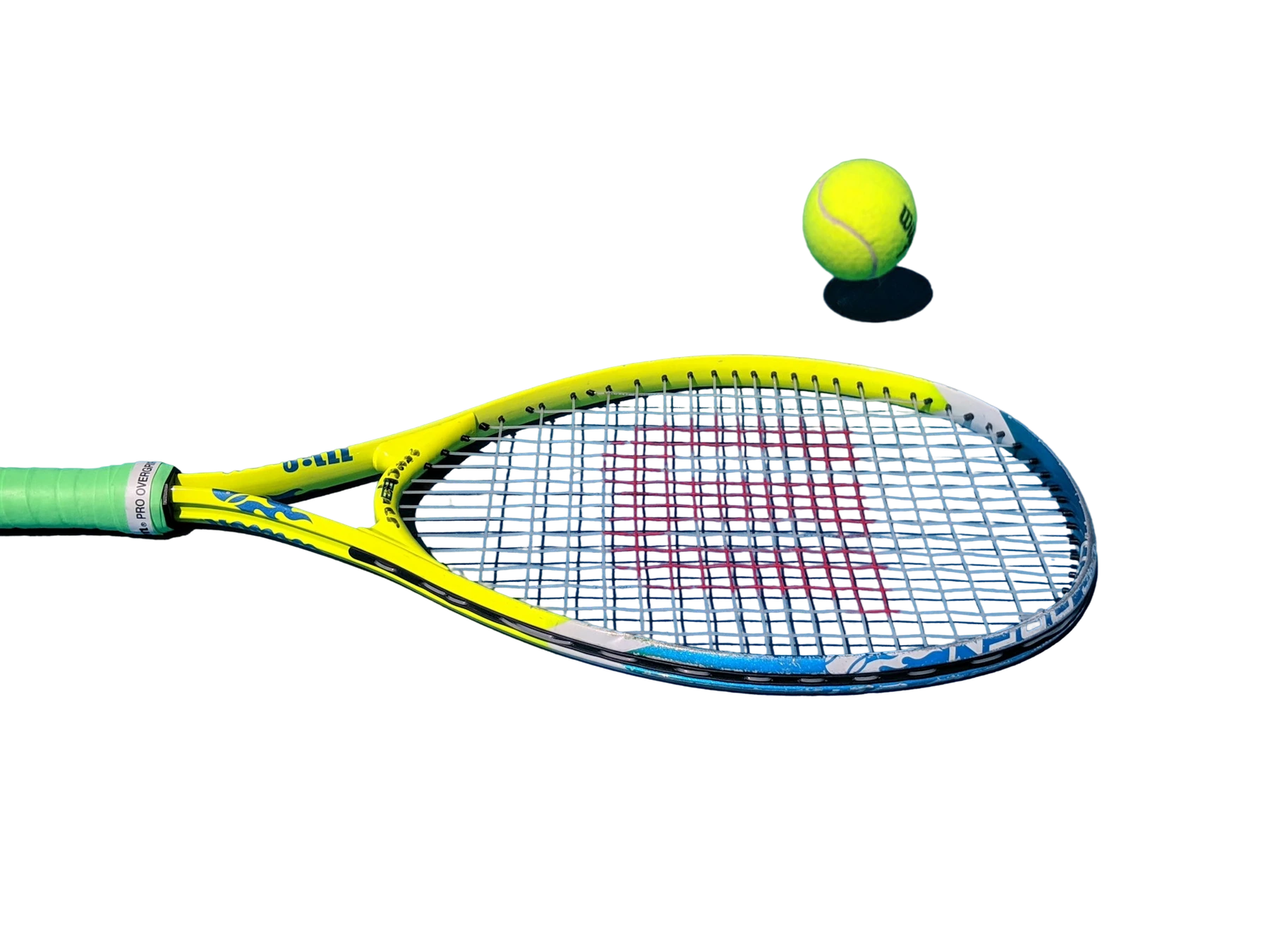
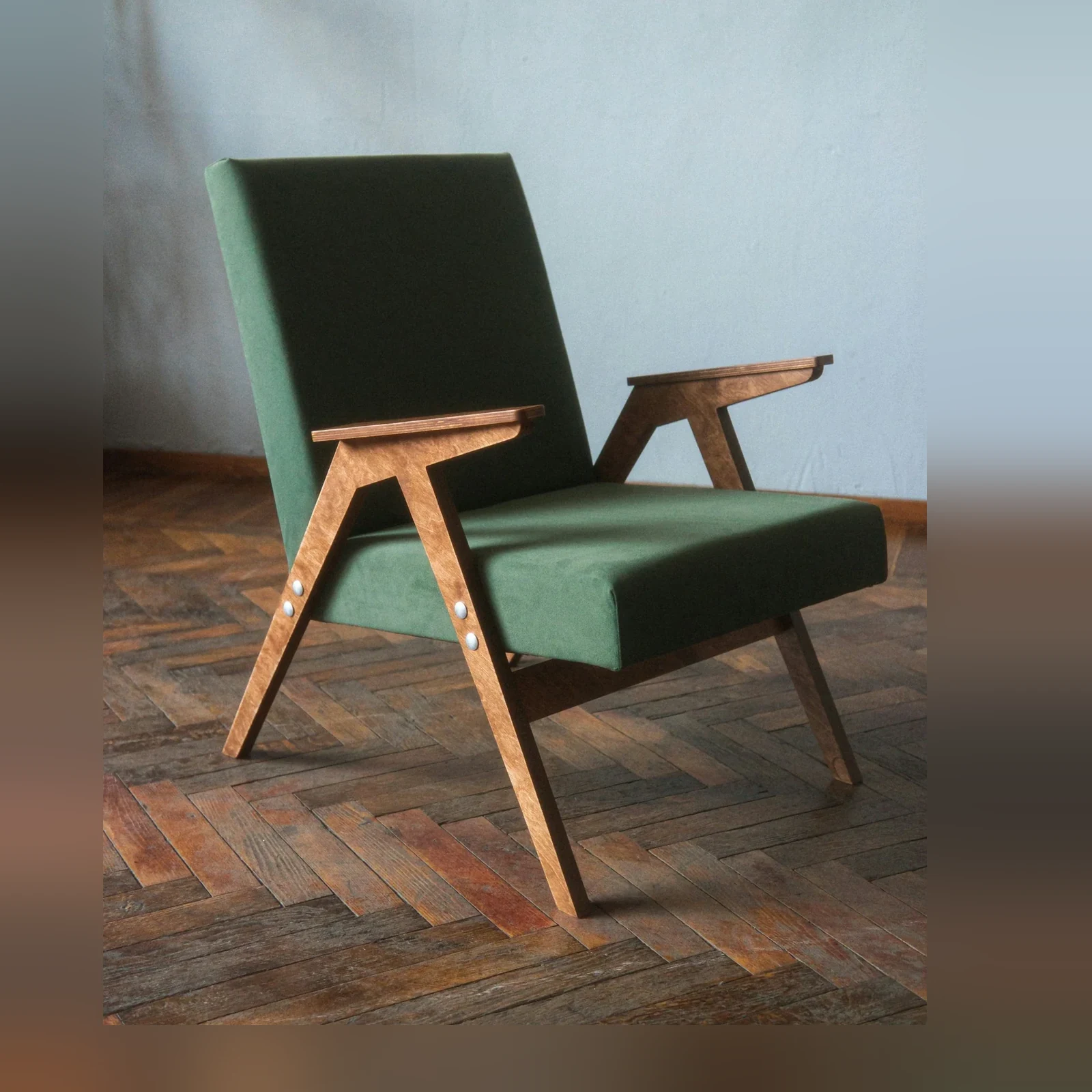
Pick the workflow that looks most like your backlog, then use the same model through Jasper Image API, Jasper-managed image pipelines, or sales-led solution design.
01 / 03Swipe to explore
01
Recover editable pieces from flat images
Break a finished image into movable layers so teams can resize, re-layout, or adapt assets without rebuilding the original design file.
Useful when the source file is missing but the image still has production value.
02
Extract products from multi-object scenes
Pull selected products, accessories, props, or scene elements into separate layers for reuse across catalog and campaign work.
Each mask becomes a layer URL that can feed downstream editing or compositing.
03
Power advanced editing workflows
Use Decompose as a foundation for recolor, recomposition, dynamic layouts, or asset-library generation inside your product.
The response returns JSON with background and layer URLs, not a single flat image.
Layering use cases Decompose is built for
A smaller set of proof examples, chosen to show the cases a buyer or technical evaluator is most likely to care about.
01 / 02Swipe to explore
Quickstart: image and masks to layer URLs
Enough technical detail to qualify the endpoint quickly, with the full reference one click away.
The full Decompose benchmark helps teams evaluate layer separation, background reconstruction, edge quality, and whether mask-driven decomposition fits their editing workflow.
Request access when you want to review examples against your own asset types or understand how layer URLs can power downstream product experiences.
Visual model evaluation
PDF
Layer-separation
++
BG reconstruction
++
Edge quality
+
Hair / fur
hard
Use case
Input set
Review notes
Recover editable pieces from flat images
Extract products from multi-object scenes
Power advanced editing workflows
Preview the full benchmark
See visual cases, methodology, output notes, and the model behavior that matters for your category.
AI image decomposition separates a flat image into editable visual layers. Jasper Decompose returns selected elements as individual image layers plus a reconstructed background for downstream editing and recomposition.
Background removal usually returns one subject cutout. Jasper Decompose can return multiple editable layers and rebuild the background behind them, making a flat creative asset useful for relayout, recoloring, resizing, animation, and recomposition.
Jasper Decompose returns JSON containing a downloadable reconstructed background URL and a separate downloadable URL for each decomposed layer.
You can submit between one and ten masks in a single Jasper Decompose API call. Each mask identifies an element that should be returned as a separate layer.
Yes. Each requested layer starts with a binary mask that matches the source dimensions. Jasper V2.1 combines the user mask with model segmentation, making rough brush masks more forgiving. If your product has no mask editor, Jasper can demonstrate a sales-led agentic workflow that creates and handles the masks.
Jasper Decompose V2.1 combines the user mask with instance segmentation before reconstructing the background. This improves separation around imperfect masks, nearby objects, and remnants that can be left behind when a layer is removed.
Jasper's key differentiator is cleaner background reconstruction behind each extracted layer, not just subject isolation. Teams can request the Decompose benchmark to evaluate layer quality, edge fidelity, and reconstructed backgrounds against their own editing requirements.
Jasper evaluated V2.1 with third-party human A/B review of extracted layers and reconstructed backgrounds, supported by automated segmentation metrics. The evaluation favored V2.1 over Jasper's previous production pipeline.
Remove Background returns one foreground cutout. Cleanup removes a masked object from a finished image. Jasper Decompose returns multiple editable layers plus the reconstructed background, which supports more advanced editing workflows.
Make flat images editable in your product
Bring your image set, production constraints, or benchmark questions. Jasper can help map the right API, app, agent, or pipeline path.