

Jasper Image

Erase unwanted objects and keep the image usable.

Remove the exact distraction you mask, reconstruct what was behind it, and keep transparent assets composable with native RGBA cleanup.

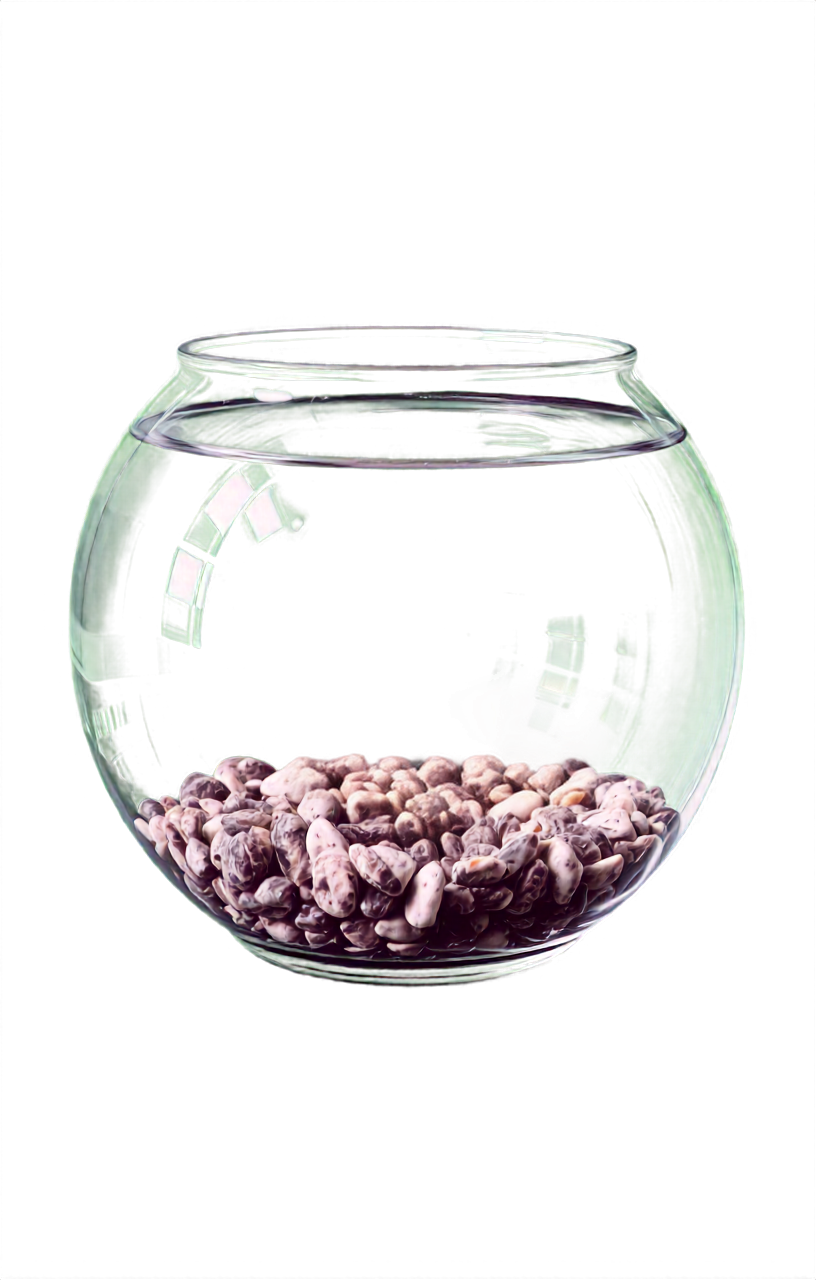
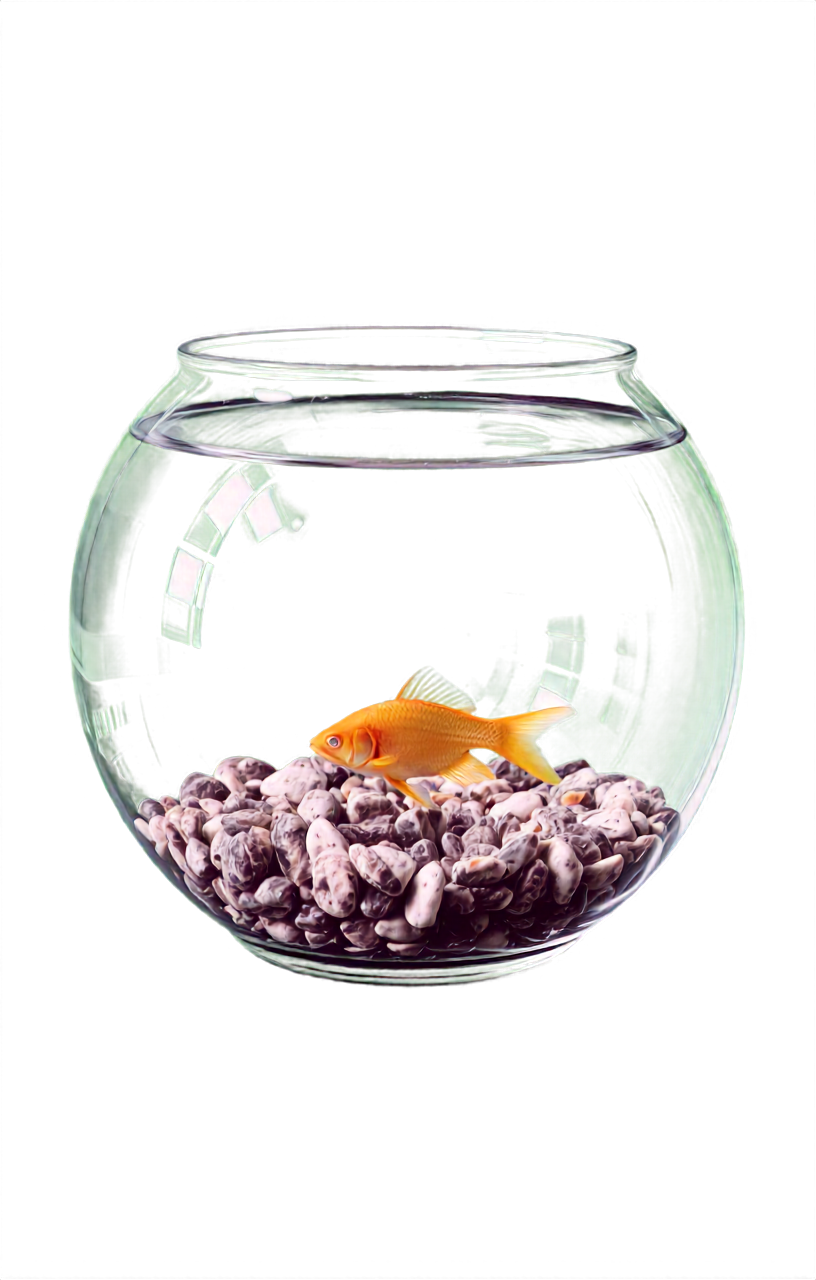
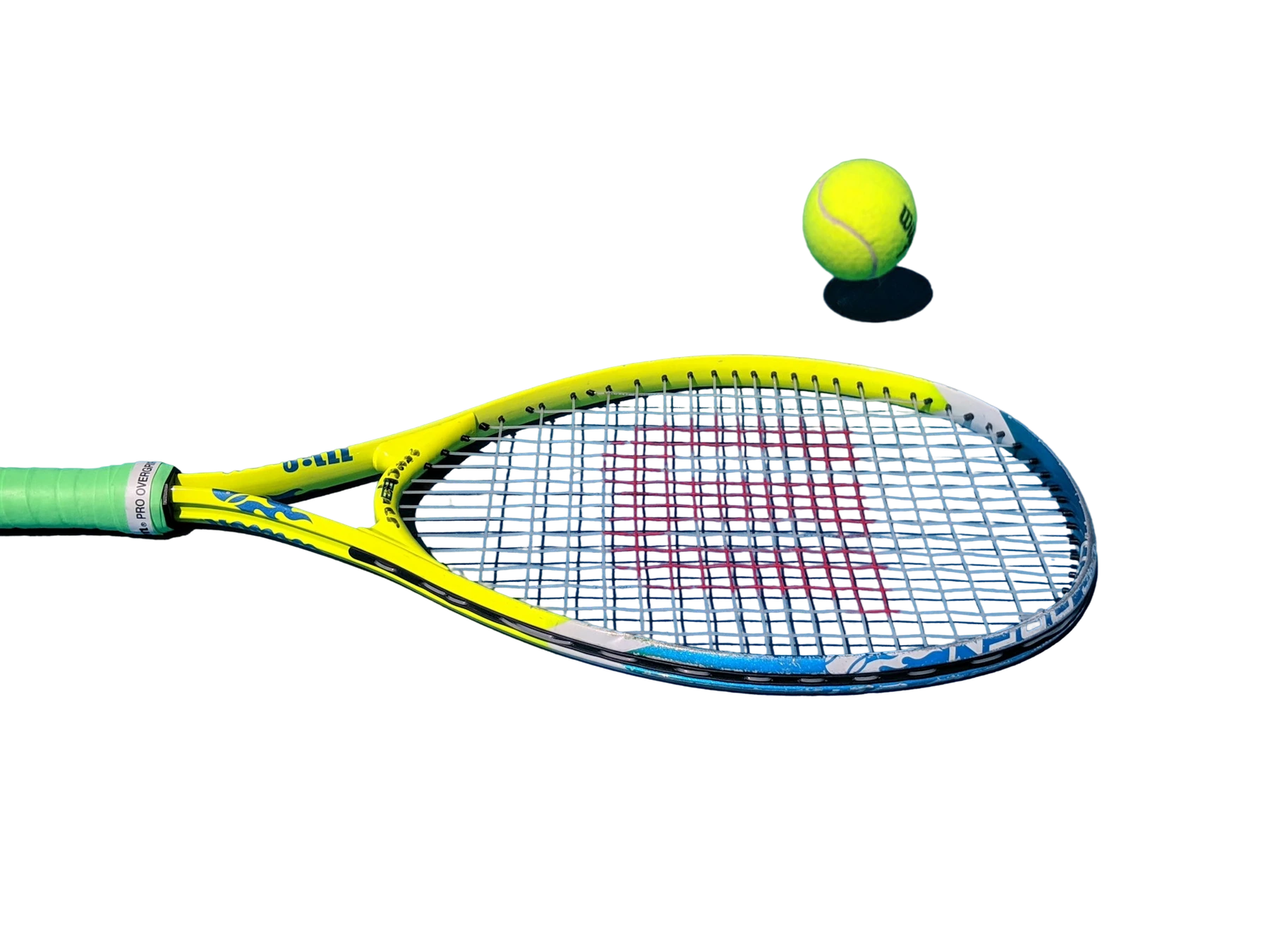
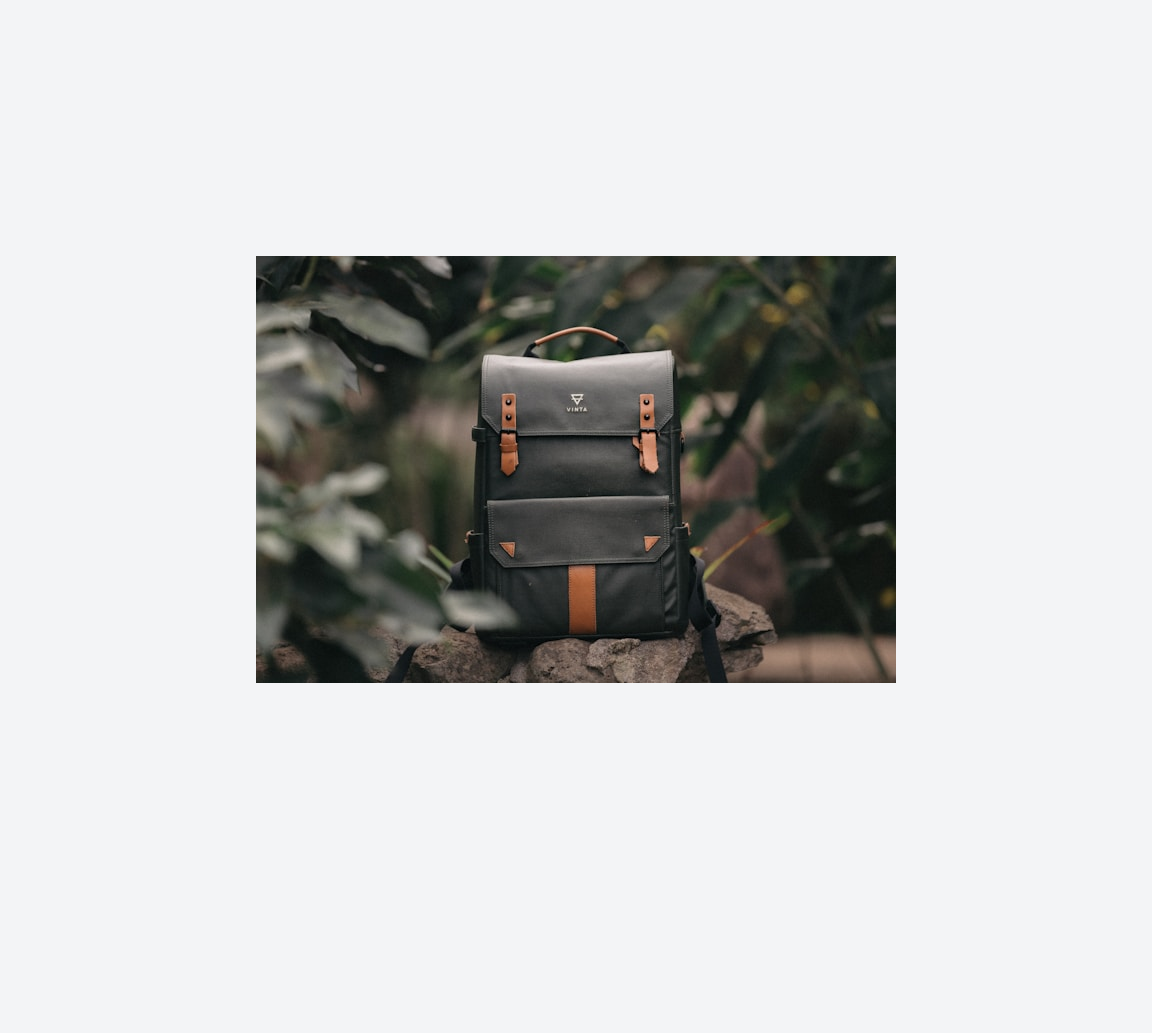
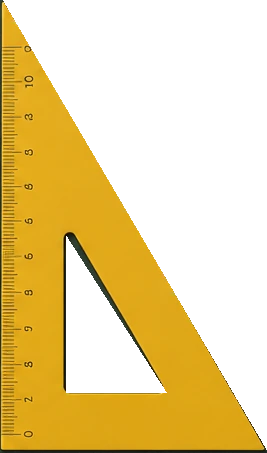
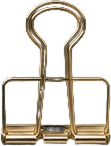
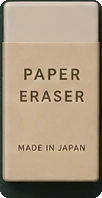
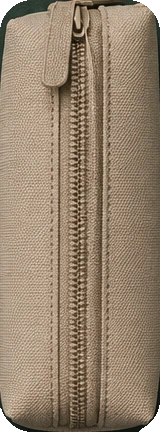
Jasper Cleanup result preserving transparent accessory alpha
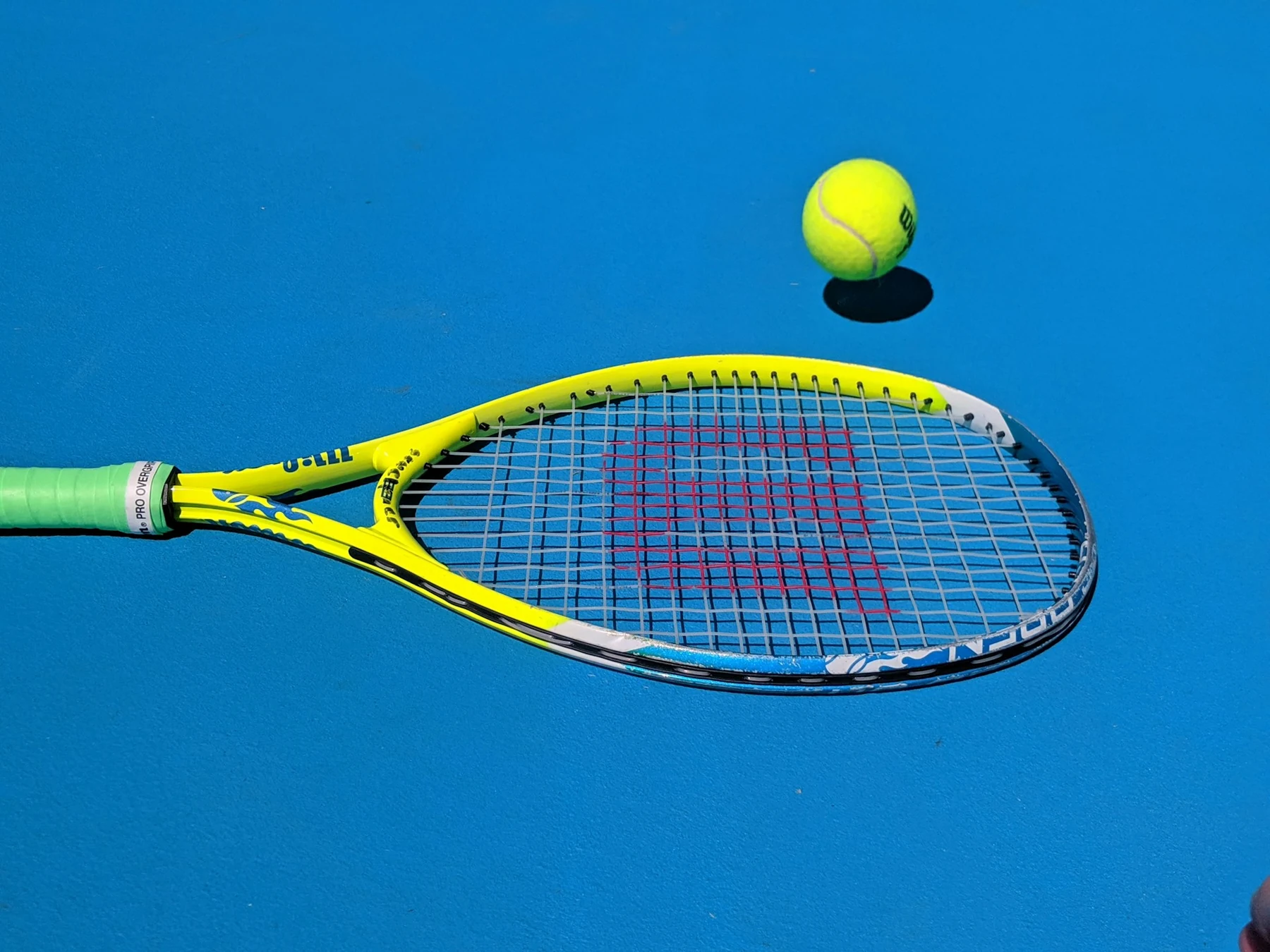
Original transparent accessory benchmark source with removal mask overlay
Original + maskJasper

Drag to compare

Where Cleanup fits

Pick the workflow that looks most like your backlog, then use the same model through Jasper Image API, Jasper-managed image pipelines, or sales-led solution design.

Swipe to explore
01

Fix shoot artifacts without rebuilding the asset

Remove tags, stickers, dust, stray props, surface marks, and unwanted reflections from product imagery before it goes live.

Mask-driven cleanup gives teams precise control over what changes and what stays untouched.

02

Declutter real-world images for reuse

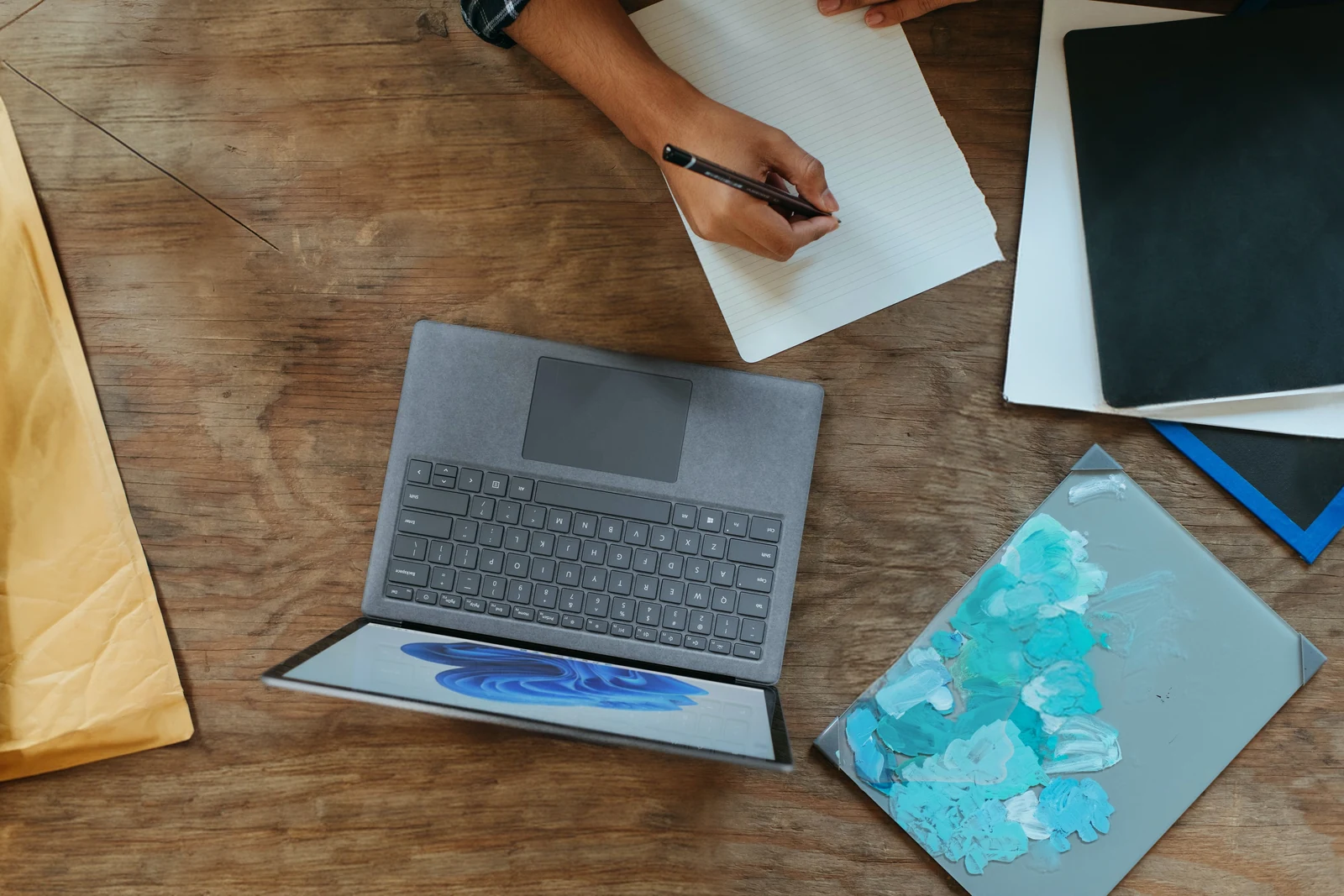
Clean lifestyle, workspace, real-estate, and campaign scenes by removing people, signs, cables, props, or visual distractions.

Useful when a strong image needs one distracting detail removed before publishing.

03

Route sensitive removals through controlled review

Clear eligible marks, overlays, and unwanted text-like regions while preserving texture, lighting, and approval workflows.

Rights and brand review still matter, but the editing step can be automated.

04

Clean PNG cutouts without baking in a background

Use PNG output to preserve alpha while removing objects from transparent product cutouts and design assets.

Native RGBA support keeps cleaned assets ready for downstream compositing.

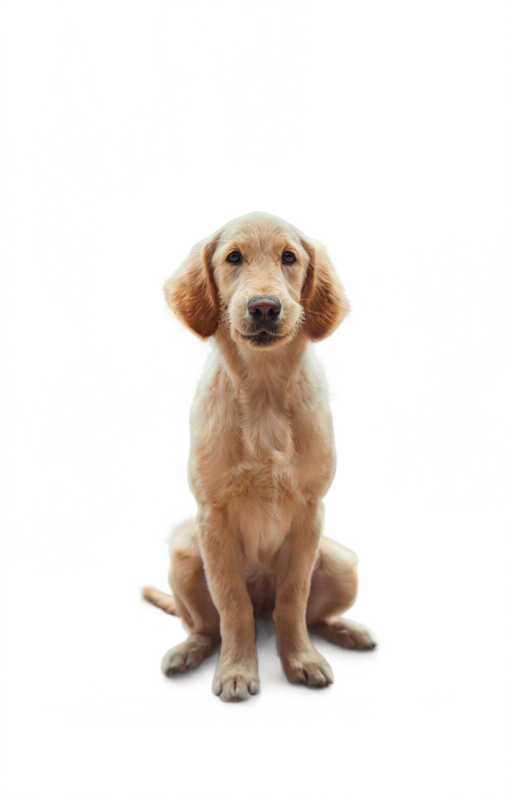
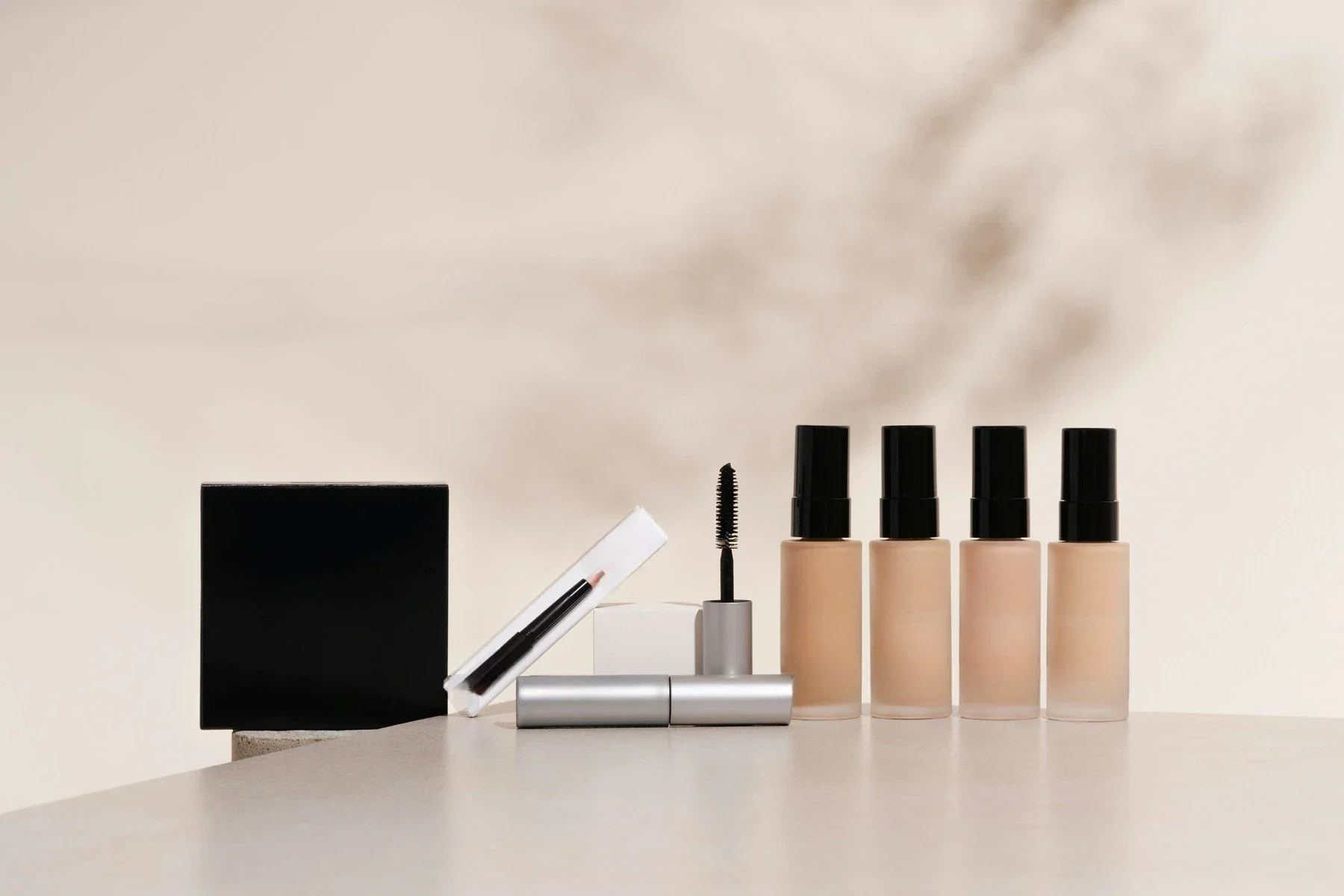
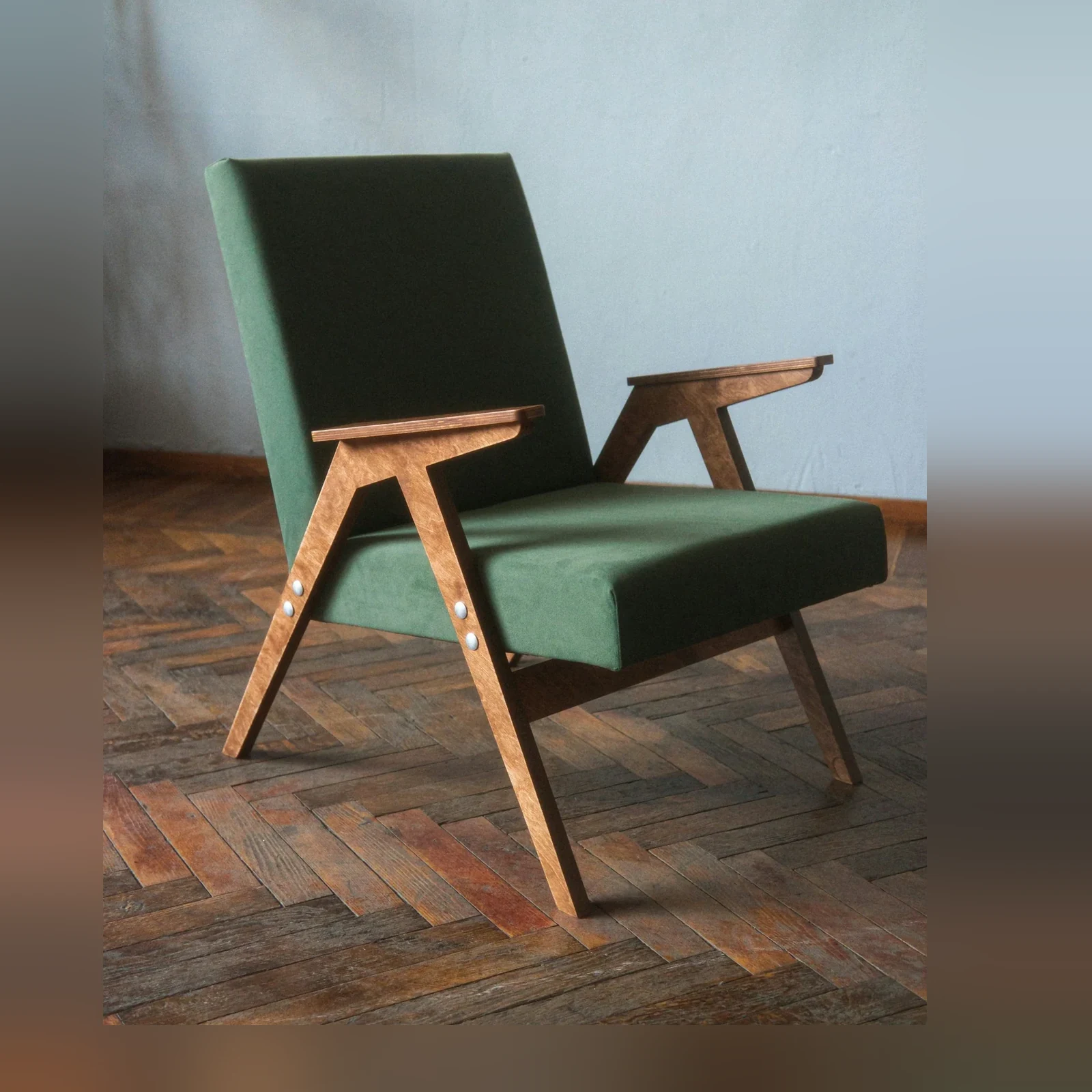
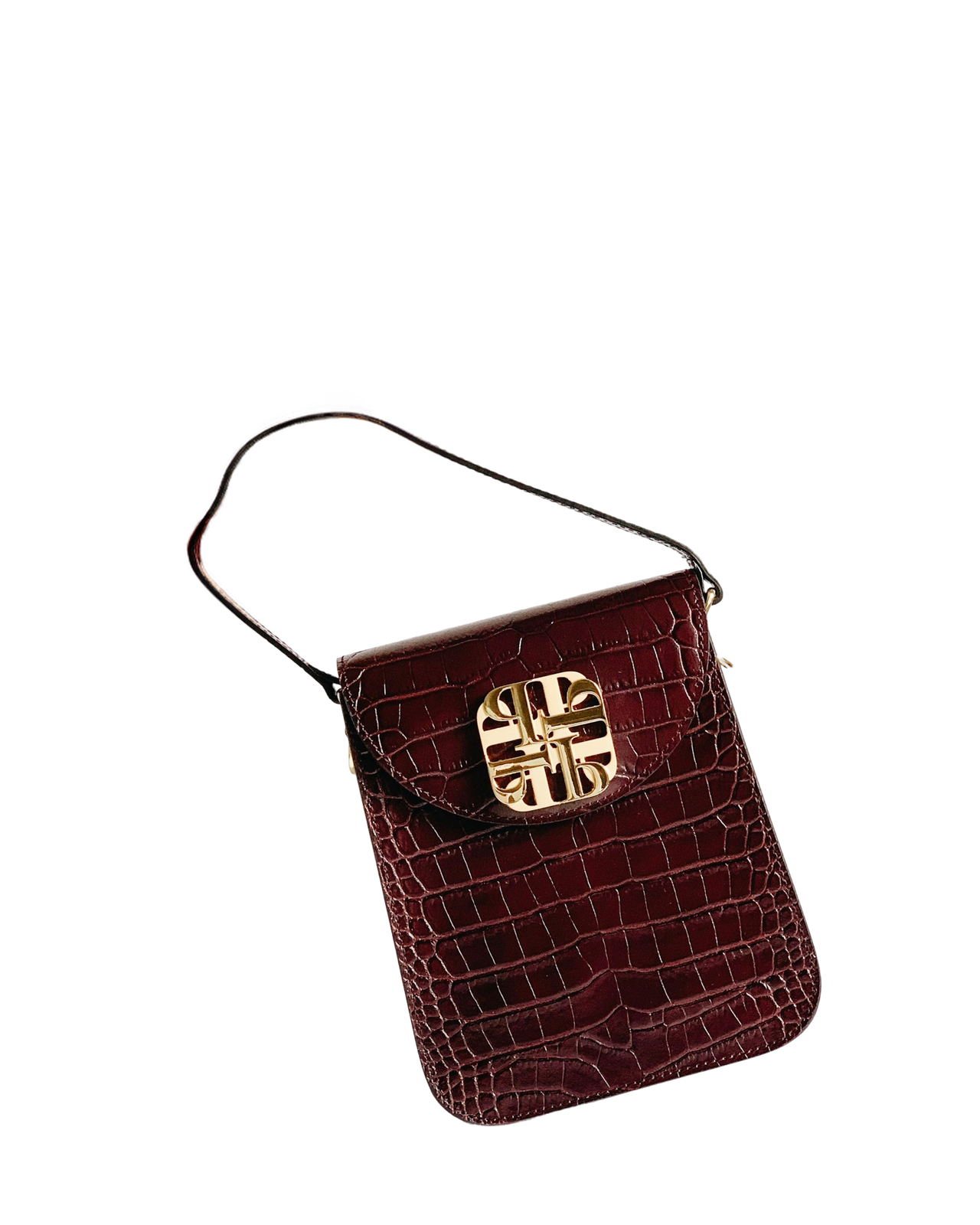
Cleanup proof across products, scenes, and transparent assets

A smaller set of proof examples, chosen to show the cases a buyer or technical evaluator is most likely to care about.

Swipe to explore

Quickstart: image and mask in, clean image out

Enough technical detail to qualify the endpoint quickly, with the full reference one click away.

API facts

EndpointPOST /v1/image/cleanup
image_fileSource image · Image to clean
mask_fileRegion to remove · Binary B&W, exact same dimensions as source
Accept (header)Output format · Use image/png to preserve alpha · Default: varies

Input prep matters: use a clean, pixel-matched binary mask with enough margin around the object so the model can remove the full target.

curl -X POST https://api.jasper.ai/v1/image/cleanup \
  -H "X-API-Key: $JASPER_API_KEY" \
  -H "Accept: image/png" \
  -F "[email protected]" \
  -F "[email protected]" \
  -o cleaned.png

Benchmark access for object-removal evaluation

The full Cleanup benchmark helps teams review mask-driven object removal, alpha preservation, reconstruction quality, and hard cases that need human review.

Request access when you want to compare transparent PNG behavior, ghosting risk, border artifacts, or category-specific Cleanup cases before production rollout.

Preview the full benchmark

See visual cases, methodology, output notes, and the model behavior that matters for your category.

Access benchmark

FAQ

AI image cleanup removes a selected object, person, defect, or distraction and reconstructs the area behind it. Jasper Cleanup gives teams precise, mask-driven object removal for production assets and automated image workflows.

Jasper Cleanup combines precise mask control with context-aware reconstruction and native RGBA support. That gives teams clearer removal boundaries and keeps transparent assets composable instead of flattening them onto an opaque background.

Yes. Jasper Cleanup uses a black-and-white mask that matches the source image dimensions, which gives users exact control over what is removed. If your product has no mask editor, Jasper can demonstrate a sales-led agentic workflow that creates and handles the mask for you.

Jasper Cleanup can remove product props, dust, defects, unwanted people, signs, shadows, reflections, and other visible distractions when the target is covered by a mask.

Yes. Jasper Cleanup supports native RGBA object removal and can preserve the alpha channel of transparent PNG assets. Use PNG output when the cleaned image needs to remain transparent and composable.

Mask the entire target with a small margin, including connected shadows or reflections. A clean, pixel-matched mask gives Jasper enough context to remove the full object and reconstruct the background with fewer visible remnants.

In Jasper's June 2026 benchmark of 14 images across six providers, Jasper Cleanup was strongest overall, with cleaner erases, preserved alpha, and no rejected inputs. The comparison is anonymized publicly, and teams can request benchmark access to review the relevant cases.

No image cleanup model is perfect. Jasper Cleanup performed strongest overall in the June 2026 benchmark, but difficult scenes can still leave a faint trace, so production workflows should review uncertain outputs before publishing.

See Cleanup on your own image set

Bring your image set, production constraints, or benchmark questions. Jasper can help map the right API, app, agent, or pipeline path.